
TL;DR
- Landed costs = total cost to get products to your warehouse (shipping + customs + handling)
- Requires: FIFO or AVCO costing method + automated inventory valuation
- Apply immediately after receiving goods, before any outbound movements
- Common pitfall: Lot-level valuation affects all warehouses globally
Introduction
If you're importing products and only tracking the invoice price, you're flying blind on your true margins. Landed costs capture the complete picture: shipping, customs duties, insurance, and handling fees that turn a $10 product into a $14 landed cost.
This guide walks you through configuring and applying landed costs in Odoo 17/18/19, with solutions to the most common implementation failures we've seen across hundreds of deployments.
What Are Landed Costs and Why They Matter
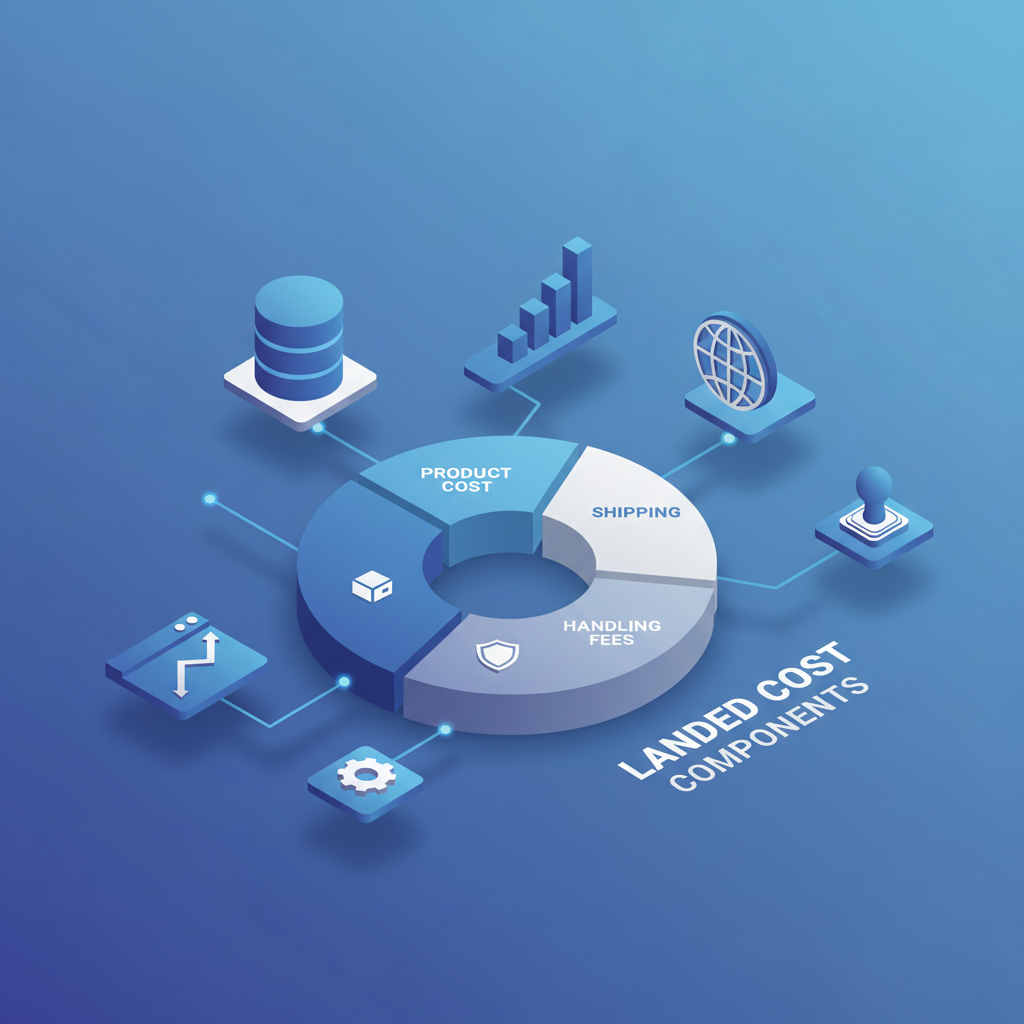
When you purchase products from overseas suppliers, the invoice price is just the beginning. Landed costs represent the total expense of getting a product from the supplier to your warehouse:
Automate customs duties, HS codes, and landed cost allocation with the Customs Duties add-on.
- Shipping and freight charges – Ocean, air, or ground transportation
- Customs duties and import taxes – Government fees based on HS codes
- Insurance premiums – Coverage during transit
- Handling and brokerage fees – Customs broker services
- Port and terminal charges – Unloading and storage fees
Without accurate landed cost calculations, your profit margins are fiction. A product with a 30% markup on invoice price might actually yield 15% margin—or a loss—once all costs are factored in.
Prerequisites: Setting Up Your Odoo Environment
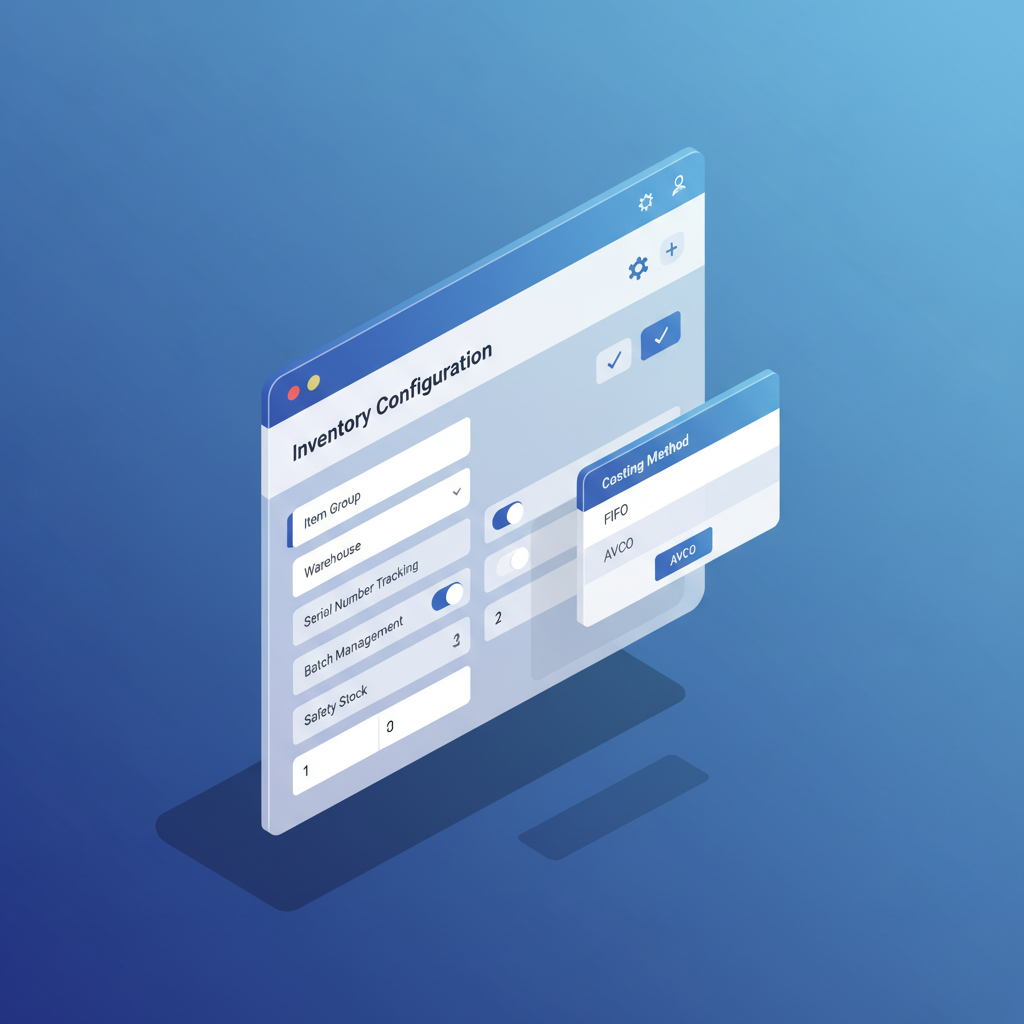
Before applying landed costs, three configurations must be in place:
1. Enable the Landed Costs Feature
Navigate to Inventory → Configuration → Settings and enable Landed Costs under the Valuation section.
2. Choose FIFO or AVCO Costing Method
Critical: Landed costs only work with FIFO or AVCO methods. Standard costing is not supported.
Configure at Inventory → Configuration → Product Categories.
3. Enable Automated Inventory Valuation
Set Inventory Valuation to Automated in the Product Category. This requires the Accounting app for automatic journal entries.
Step-by-Step: Applying Landed Costs
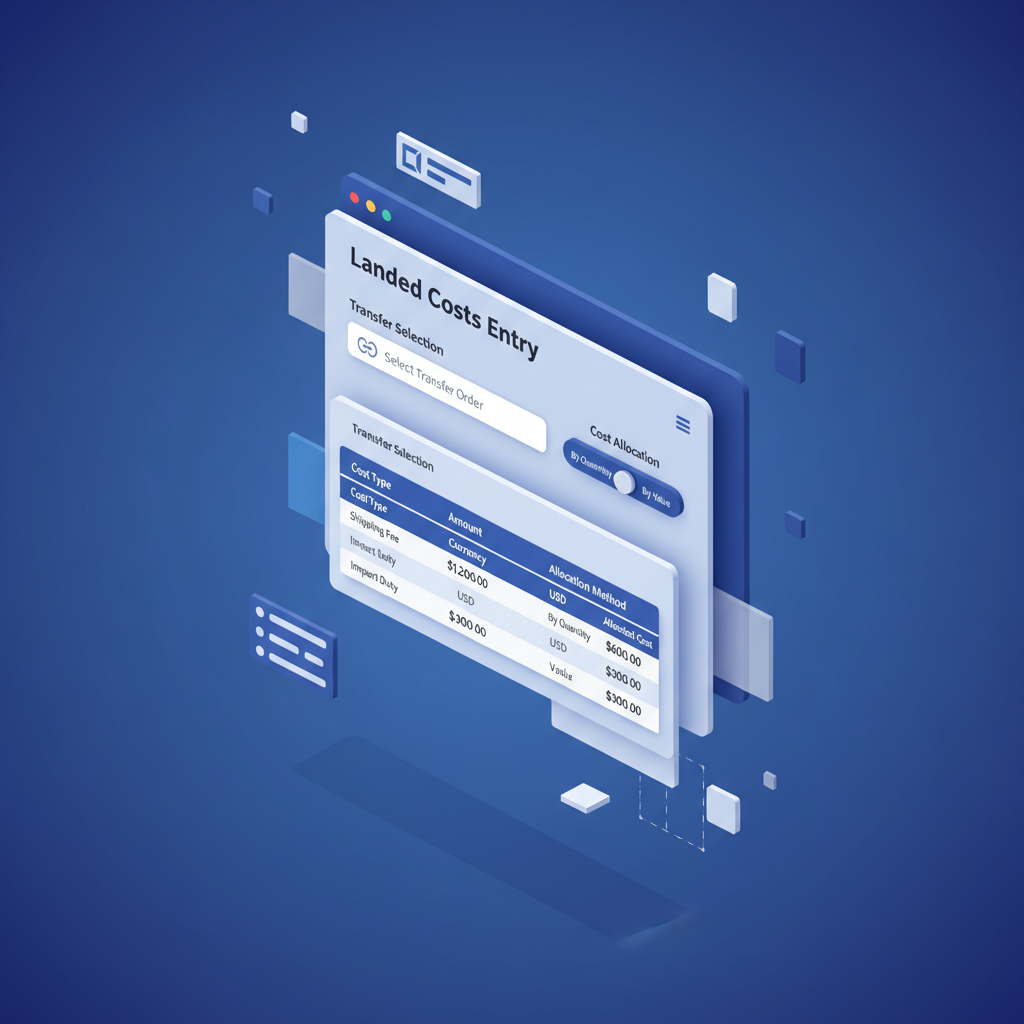
Step 1: Receive Your Products
Validate the receipt transfer first. Go to Inventory → Operations → Transfers and confirm your incoming shipment. The transfer must be "Done" before applying costs.
Step 2: Create a Landed Cost Record
Navigate to Inventory → Operations → Landed Costs and click Create.
Step 3: Select the Transfer
In the Transfers tab, add the receipt(s) you want to apply costs to. Multiple transfers can share costs from a combined shipment.
Step 4: Add Cost Components
In Additional Costs, add each expense with:
For a more detailed implementation walkthrough, see Odoo Landed Costs: Complete Implementation Guide.
- Product: Service product representing the cost (e.g., "Ocean Freight")
- Split Method:
- By Quantity – Equal per unit
- By Current Cost – Proportional to value
- By Weight – Based on product weight
- By Volume – Based on product volume
- Cost: The amount
Step 5: Compute and Validate
Click Compute to preview distribution, review Valuation Adjustments, then Validate.
Common Pitfalls and How to Avoid Them
Compare native Odoo landed costs with third-party add-ons in Customs Duties Add-ons for Odoo: Complete Comparison.
Pitfall 1: Costs Affecting Entire Lot Across Warehouses
With lot-level valuation enabled, costs applied in one warehouse affect the same lot globally[1].
Solution: Use separate lot numbers per warehouse receipt, or accept global lot-level costing.
Pitfall 2: Applying Costs to Already-Sold Products
If products have left inventory, adjustments create unexpected journal entries or fail.
Solution: Apply landed costs immediately after receipt, before outbound movements.
Pitfall 3: Missing Accounting Configuration
Cost products need proper accounts or journal entries fail.
Solution: Ensure each cost-type product has: Service type, expense account, and "Is a Landed Cost" enabled.
Pitfall 4: Wrong Split Method Selection
"By Weight" with no weight data = zero allocation.
Solution: Verify products have required attributes before using weight/volume splits.
Multi-Warehouse Considerations
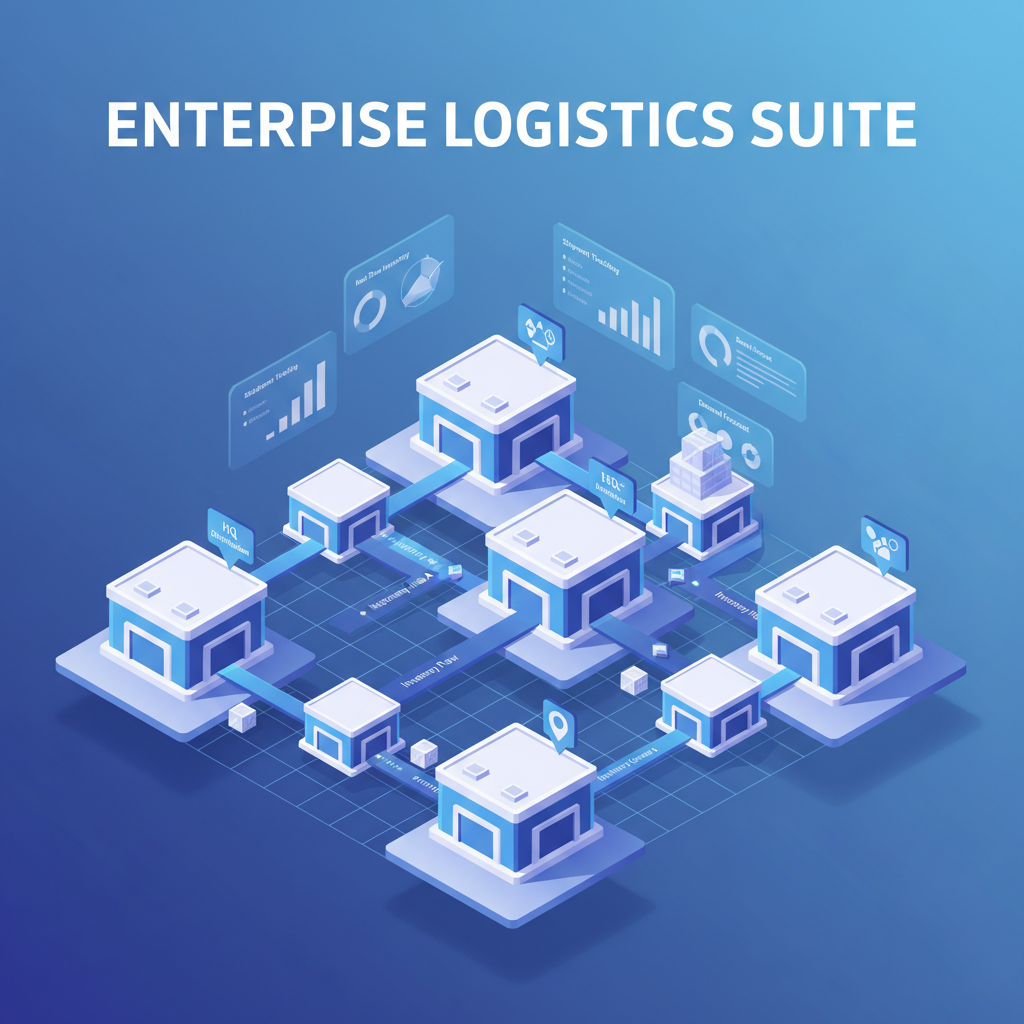
- Apply to specific transfers: Link costs to exact receipts per warehouse
- Inter-warehouse transfers: Decide on additional handling cost allocation
- Document methodology: Maintain audit-ready records of allocation logic
Troubleshooting Journal Entries
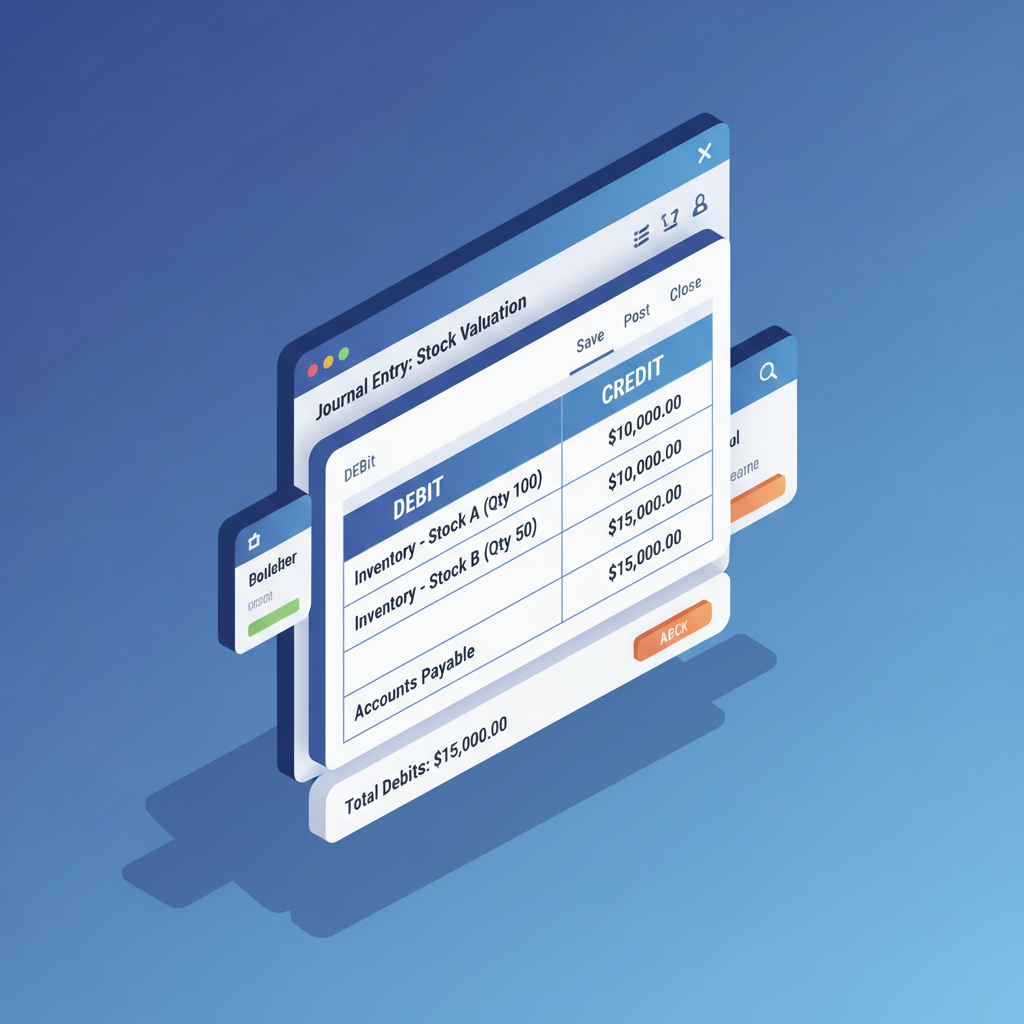
Expected Journal Entry Structure
Debit:  Stock Valuation Account     $500
Credit: Expense Account (Freight)   $500
This capitalizes the expense into inventory value.
If Entries Don't Match
- Check Stock Input and Stock Valuation accounts on product category
- Verify landed cost product's expense account
- Review manual entries that may interfere
- Check Valuation Adjustments tab for per-product breakdown
Conclusion
Properly configured landed costs transform your inventory valuation from guesswork to precision. The key takeaways:
Need HS code lookups and automated duty calculations? Explore the Customs Duties add-on.
- Always use FIFO or AVCO with automated valuation
- Apply costs immediately after receipt
- Choose split methods that match your cost drivers
- Document everything for audit compliance
Take the time to set this up correctly—accurate margins lead to better pricing decisions and healthier profits.
Need Help with Customs Duties?
If you are dealing with international imports, calculating customs duties alongside landed costs can get complex. Our Customs Duties Add-on for Odoo automates duty calculations based on HS codes, keeping your landed cost data accurate and audit-ready.
Summary
Landed costs capture total product acquisition costs beyond invoice price. In Odoo, enable the feature, use FIFO/AVCO costing, and apply costs to validated receipts. Avoid common pitfalls by applying costs early and configuring products correctly. For multi-warehouse operations, maintain separate documentation per location.
Frequently Asked Questions
Can I use landed costs with Standard costing in Odoo?
No. Landed costs require FIFO (First In, First Out) or AVCO (Average Cost) costing methods with automated inventory valuation enabled. Standard costing is not supported.
When should I apply landed costs to a receipt?
Apply landed costs as soon as possible after validating the receipt, before any products are sold, transferred, or consumed. This ensures accurate valuation adjustments.
Which split method should I use for landed costs?
Choose based on your cost driver: "By Quantity" for equal per-unit costs like inspections, "By Current Cost" for value-based costs like insurance, "By Weight" for freight charges, or "By Volume" for container space allocation.
Why do landed costs affect products in other warehouses?
If you use lot-level valuation, Odoo tracks costs at the lot level globally, not per warehouse. To isolate costs, use different lot numbers for each warehouse receipt.
What journal entries does landed cost validation create?
Validation creates entries that debit the Stock Valuation account and credit the Expense account (e.g., Freight). This capitalizes the expense into inventory, increasing asset value while reducing period expenses.