
TL;DR: What You Need to Know
- Bill of Materials defines your product recipe with components, quantities, and optional operations
- Work Centers and Routing control production flow across machines, labor, and time
- Manufacturing Orders track everything from raw material consumption to finished goods
Manufacturers lose an average of 20 percent of productive time to poor production planning and disconnected systems. Odoo MRP solves this by integrating your entire manufacturing workflow into one platform. From raw material procurement to finished goods delivery, every step is tracked, scheduled, and costed automatically.
This guide walks you through configuring Odoo MRP from scratch. You will learn how to set up Bills of Materials, configure work centers and routing, and manage production orders with real examples.
What Is Odoo MRP and Who Needs It
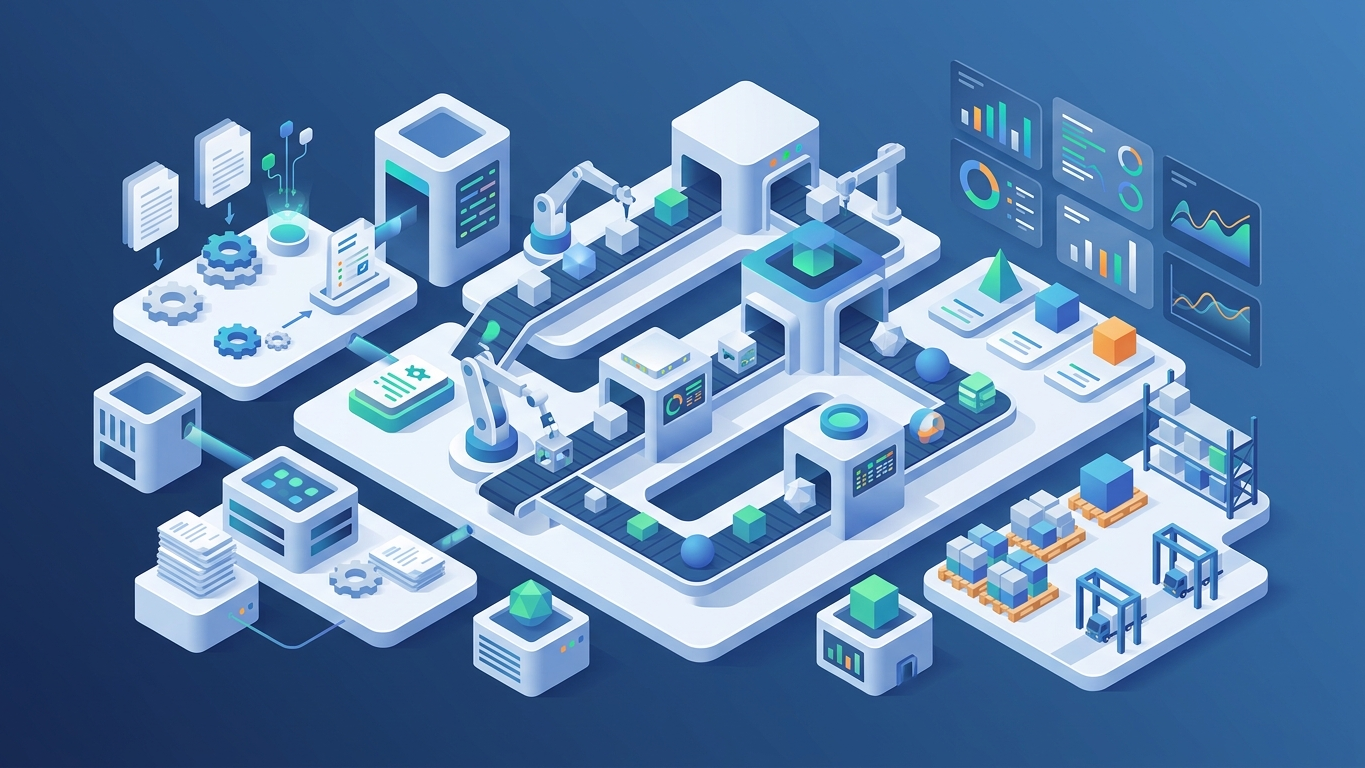
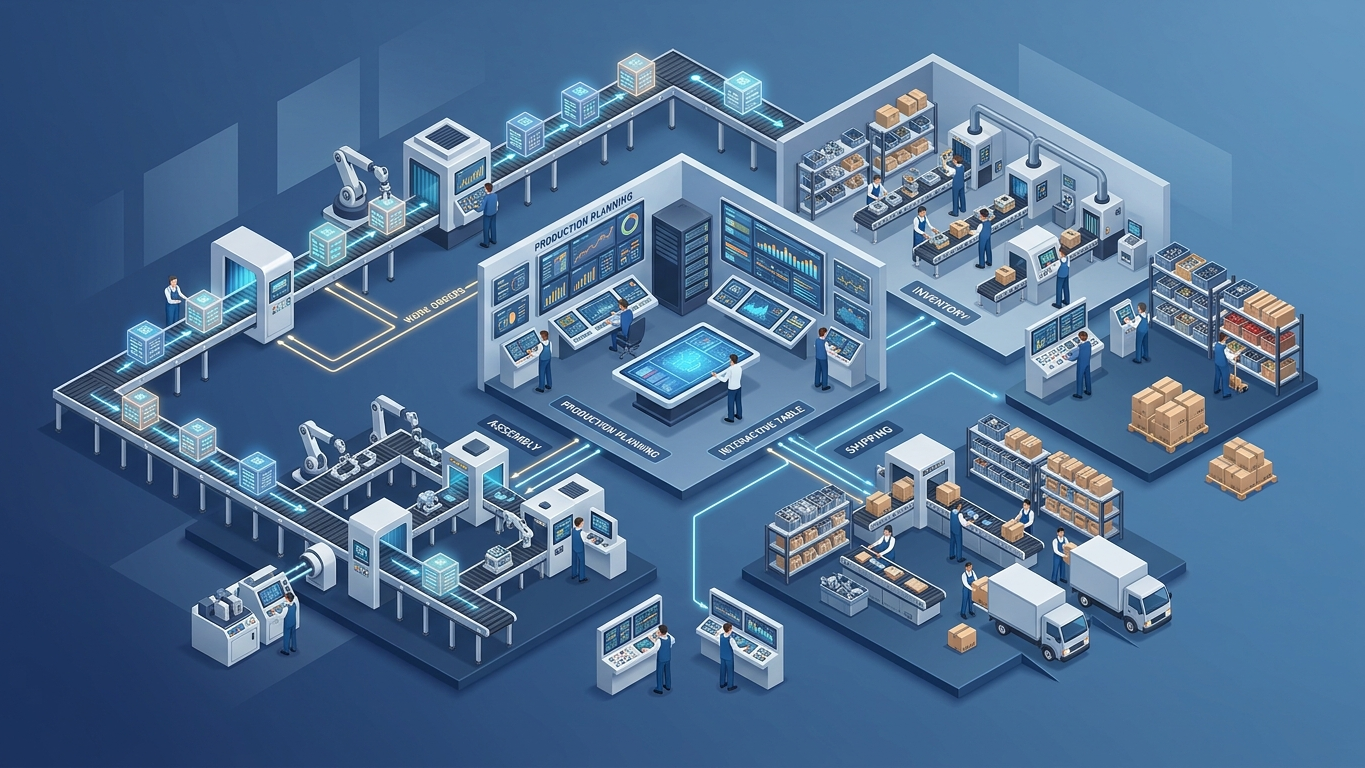
Odoo Manufacturing (MRP) is the production management module that handles everything from simple assembly to complex multi-step manufacturing. It connects directly with Inventory, Purchase, Sales, and Accounting so that a single manufacturing order triggers material reservations, purchase requests for missing components, cost calculations, and sales order fulfillment.
Odoo MRP works for several types of manufacturers:
- Assembly operations that combine purchased components into finished products
- Discrete manufacturers producing distinct items in batches or lots
- Process manufacturers handling recipes, formulations, and by-products
- Contract manufacturers managing subcontracted production steps
Key Benefits
- Real-time material visibility: Know exactly what components are needed and when
- Accurate product costing: Track material, labor, and overhead costs per unit
- Production scheduling: Plan work orders based on capacity and material availability
Configuring Bills of Materials
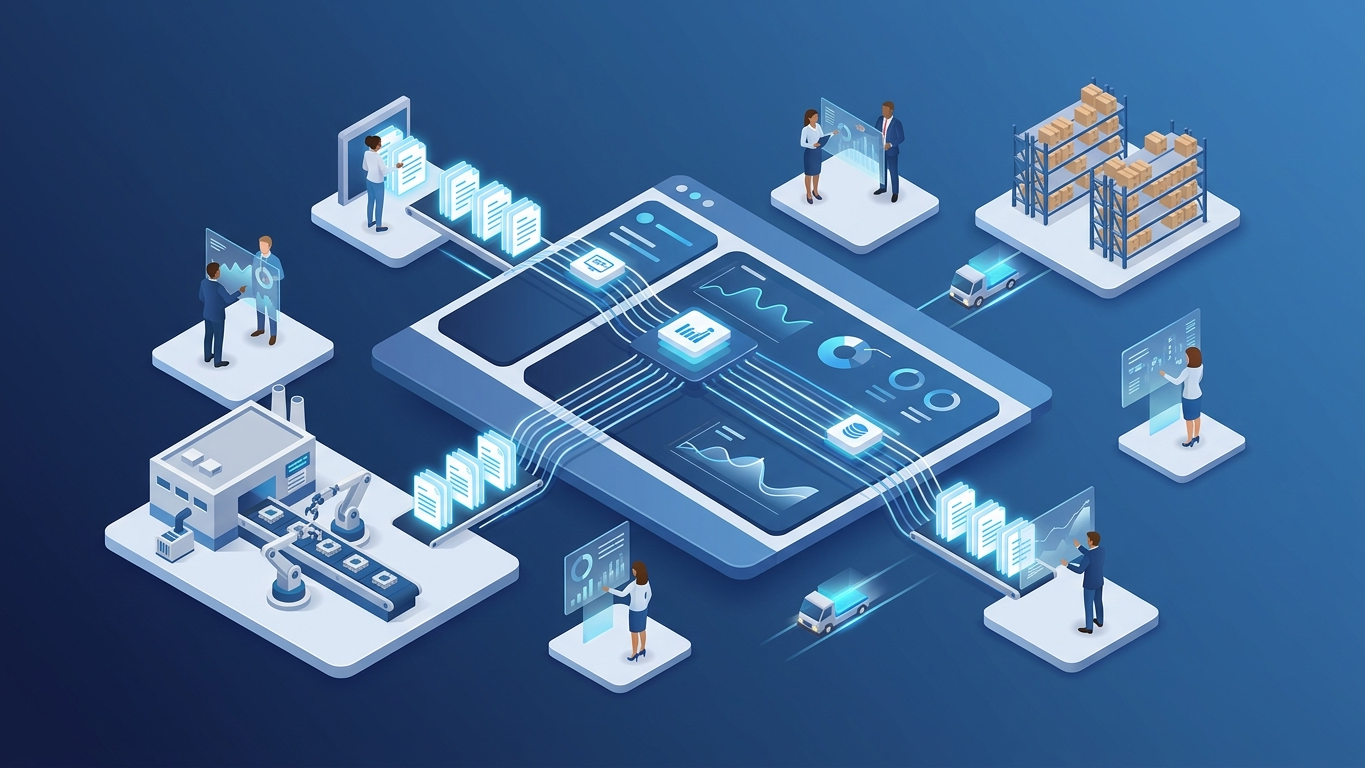
The Bill of Materials (BOM) is the foundation of every manufacturing operation. It defines what components go into a product, in what quantities, and through which operations.
BOM Types in Odoo
Odoo supports three BOM types, each serving a different manufacturing scenario:
- Manufacture this product: Standard BOM for producing items in-house. This is the most common type.
- Kit: A virtual BOM that groups products together without a manufacturing step. Used for product bundles and sales kits.
- Subcontracting: BOM for products manufactured by a third-party vendor. Odoo tracks components sent to the subcontractor and finished goods received.
Creating Your First BOM
Here is the step-by-step process for creating a manufacturing BOM in Odoo:
- Go to Manufacturing and open the Bill of Materials menu
- Click Create and select the finished product
- Set the BOM type to Manufacture this product
- Add components in the Components tab with quantities and operations
- Configure the Operations tab if using routing
- Set the By-Products tab if your process generates secondary products
BOM Variants for Product Configurations
When your products have variants such as size, color, or material, Odoo lets you define a single BOM with variant rules. Instead of creating separate BOMs for every combination, you specify which components apply to which variant attributes. A furniture manufacturer might have one BOM for a table with rules that select different wood types and leg styles based on the chosen variant.
BOM Structure and Cost Report
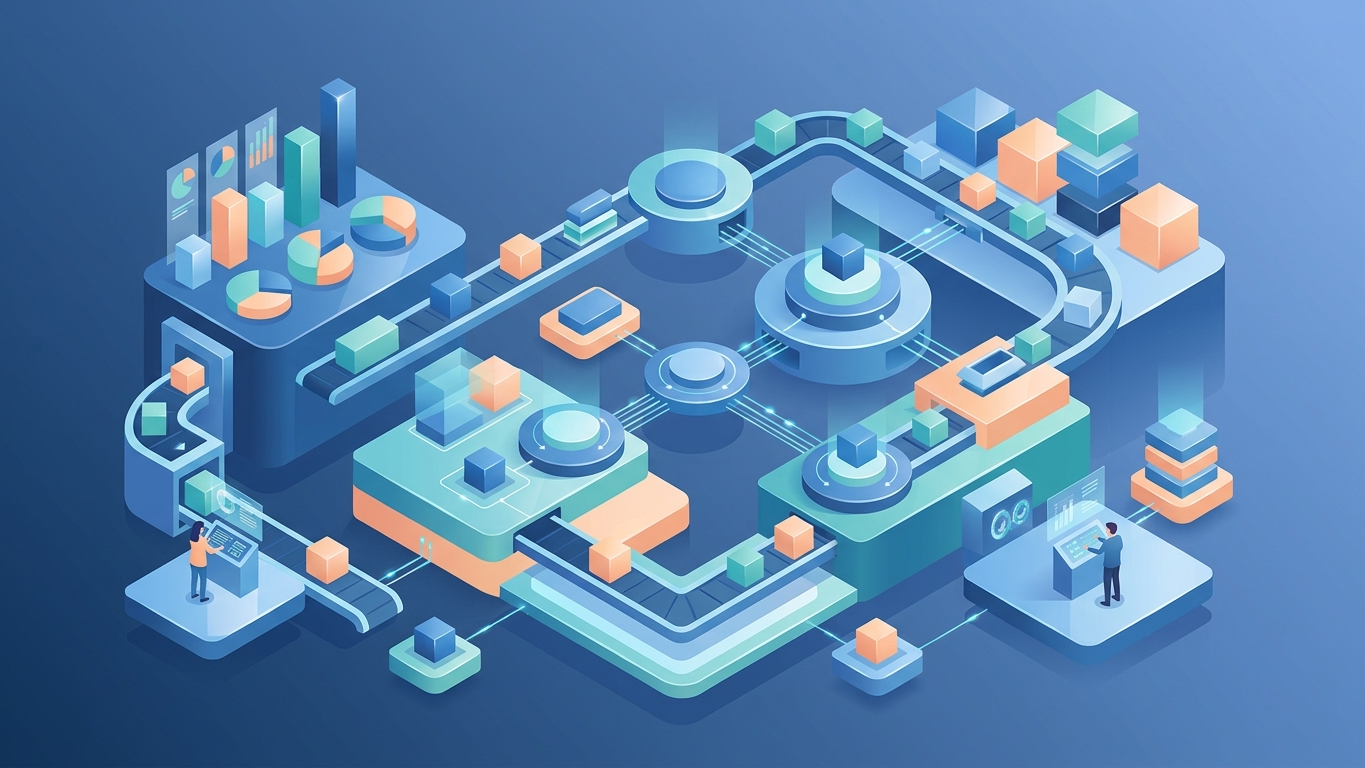
Once your BOMs are configured, Odoo provides a multi-level BOM structure report showing the complete hierarchy of components and sub-assemblies. The cost report calculates the total manufacturing cost based on current product prices, helping you identify expensive components and optimize your supply chain.
If you import raw materials, include freight, duties, and insurance in your product cost with Odoo Landed Costs.
Setting Up Work Centers and Routing
Work centers represent the physical locations where manufacturing happens. These include machines, assembly lines, workstations, and even individual operators. Routing defines the sequence of operations that a product goes through during manufacturing.
Configuring Work Centers
Each work center in Odoo has several important settings:
- Capacity: How many units can be processed simultaneously
- Time efficiency: Percentage that adjusts expected duration (80 percent efficiency means tasks take 25 percent longer)
- OEE targets: Overall Equipment Effectiveness goals for tracking performance
- Cost per hour: Labor and overhead cost allocated to this work center
Building Your Routing
A routing is a sequence of operations, each assigned to a specific work center. For a simple assembly process, your routing might look like this:
- Operation 1: Cutting: Work Center: Saw Station, Duration: 5 minutes per unit
- Operation 2: Assembly: Work Center: Assembly Line, Duration: 15 minutes per unit
- Operation 3: Quality Check: Work Center: QC Station, Duration: 3 minutes per unit
- Operation 4: Packaging: Work Center: Packing Area, Duration: 2 minutes per unit
Each operation can have its own worksheet, quality control points, and component consumption rules. Odoo also supports parallel operations and flexible sequencing for complex manufacturing processes.
Work Center Scheduling
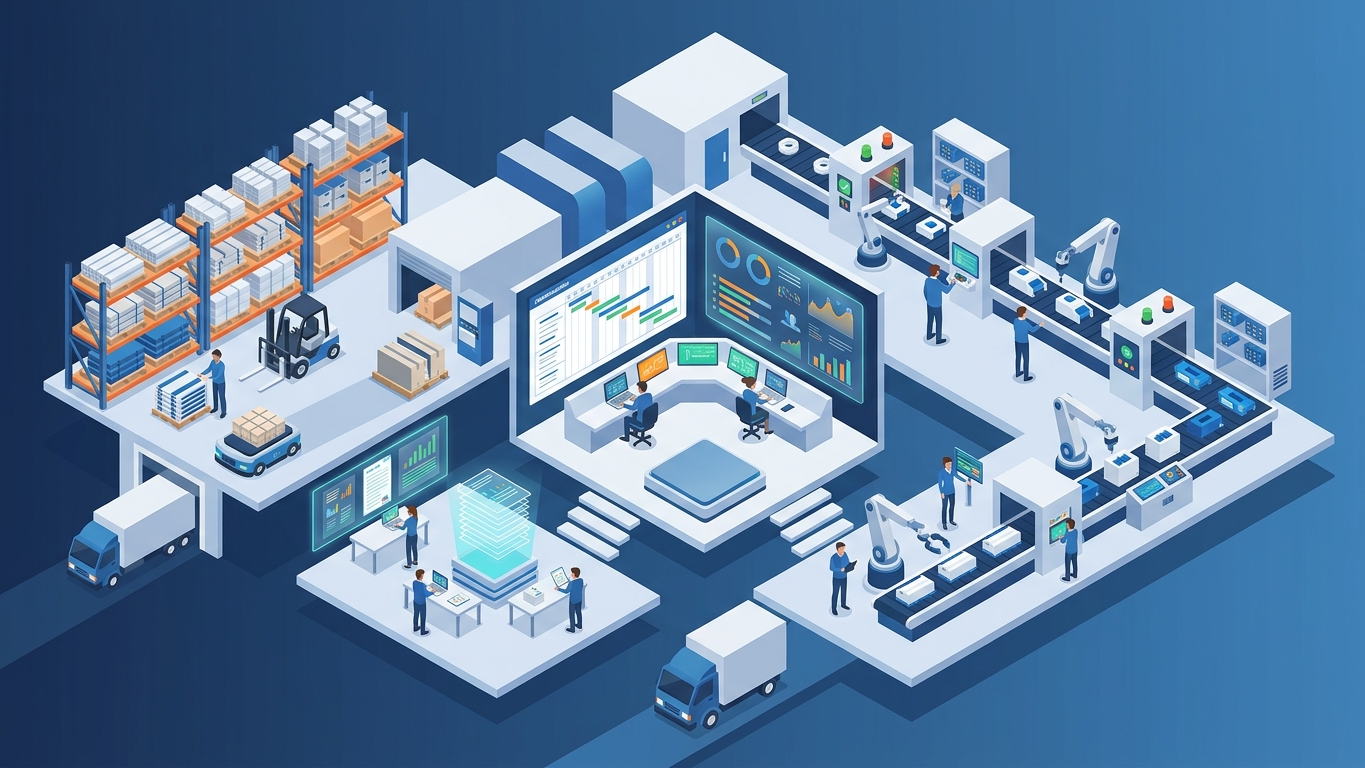
With work centers and routing configured, Odoo automatically schedules production orders based on:
- Work center availability: Avoids scheduling conflicts and double-booking
- Material availability: Only schedules when components are in stock
- Order priorities: Respects confirmed sales order deadlines
Managing Manufacturing Orders
A Manufacturing Order (MO) is the actual production instruction. It tells your team what to make, in what quantity, using which BOM, and by when.
Creating and Confirming Orders
Manufacturing orders can be created manually or generated automatically from sales orders. When an MO is created, Odoo:
- Explodes the BOM to list all required components
- Checks stock availability for each component
- Reserves available components automatically
- Flags missing components that need to be purchased or transferred
- Calculates expected production cost
Tracking Production Progress
During production, operators can track progress through the shop floor interface. They record time spent at each work center, report consumed quantities, and note any deviations from the standard BOM. This real-time data feeds into cost analysis and performance reporting.
Handling Component Consumption
Odoo supports several consumption strategies:
Managing imported components? See the Odoo for Import/Export Businesses guide.
- Defined in BOM: Components are consumed based on the BOM quantities exactly
- Manual consumption: Operators record actual quantities used, allowing for waste tracking
- Automatic reservation: Components are reserved when the MO is confirmed
Advanced MRP Features
By-Products and Co-Products
Many manufacturing processes produce more than one output. A bakery producing bread also generates leftover dough. A metal fabricator cutting sheets produces scrap. Odoo handles these through the by-products feature, automatically creating inventory entries for secondary outputs.
Unbuild Orders
When a manufacturing order produces defective goods or when you need to recover components from finished products, unbuild orders reverse the manufacturing process. Components are returned to stock, and the finished product quantity is reduced.
Maintenance Integration
Odoo Maintenance connects directly to work centers. You can schedule preventive maintenance, track equipment breakdowns, and automatically block production on work centers that are under maintenance. This prevents scheduling orders on equipment that is not operational.
Quality Control Points
Quality checks can be embedded at any operation in your routing. Define pass or fail criteria, measurement tolerances, and corrective action workflows. Failed quality checks can automatically block the production order from being marked as done.
Summary
Odoo MRP provides a complete manufacturing management system covering Bills of Materials, work center routing, and production order tracking. Start with a simple BOM, configure your work centers, and gradually add routing, quality control, and maintenance as your operations grow. The key is to model your actual manufacturing process accurately rather than forcing it into a generic template.
Optimize Your Manufacturing Workflow
Odoo MRP covers BOMs, work orders, routing, and production planning. Configure your manufacturing process to match your exact workflow.
Automate HS codes, customs duties, and landed cost allocation with the Customs Duties add-on.
Frequently Asked Questions
What is the difference between a BOM and a routing in Odoo?
A Bill of Materials defines what components make up a product and their quantities. A routing defines how the product is manufactured, specifying the sequence of operations and work centers. The BOM is your recipe, while the routing is your cooking instructions.
Can Odoo MRP handle multi-level BOMs?
Yes. Odoo supports unlimited BOM levels. If your finished product uses a sub-assembly that has its own BOM, Odoo will automatically explode the full hierarchy and calculate material requirements for all levels.
How does Odoo calculate manufacturing costs?
Odoo calculates manufacturing costs by summing the cost of consumed components from inventory, labor costs based on work center time and hourly rates, and any additional overhead costs you define. The cost is recorded on the finished product when the manufacturing order is completed.
Does Odoo MRP work with the Community edition?
Basic manufacturing features are available in Odoo Community. However, advanced features like work order scheduling, quality control points, maintenance integration, and the shop floor app require Odoo Enterprise. Contact us to determine which edition fits your manufacturing needs.
How do I handle scrap and waste in Odoo MRP?
You can record scrap directly from the manufacturing order by adjusting component consumption quantities. For systematic scrap tracking, set up scrap locations and use manual consumption mode to record the difference between planned and actual quantities used.
References
- Odoo Documentation: Manufacturing (MRP) Overview. https://www.odoo.com/documentation/17.0/applications/inventory_and_mrp/manufacturing.html
- Odoo Documentation: Bills of Materials Configuration. https://www.odoo.com/documentation/17.0/applications/inventory_and_mrp/manufacturing/bom.html
- Odoo Documentation: Work Centers and Routing. https://www.odoo.com/documentation/17.0/applications/inventory_and_mrp/manufacturing/work_orders.html
- Deloitte: Manufacturing Cost Reduction Strategies (2025). https://www2.deloitte.com/us/en/insights/industry/manufacturing/manufacturing-industry-outlook.html
- APICS: Production Planning and Control Best Practices. https://www.ascm.org/ascm-insights/supply-chain-management/