
To set up your Odoo receipt printer without an IoT box, you can utilize ePOS-compatible printers, like Epson models that work via network connections, as outlined in the Odoo documentation. This setup eliminates the need for additional hardware, allowing businesses to save costs and simplify their Point of Sale arrangements. According to recent sources, efficient integration with ePOS printers can significantly reduce both setup time and operational constraints.
It's crucial for businesses to adaptation seamlessly into their existing systems without spending on pricey IoT equipment. Odoo POS users often face challenges with initial receipt printing configurations due to a lack of clear guidelines, but solutions like Ultraprint offer easy alternatives without compromising on performance. MyDataPost.com highlights that businesses can also see increased operational efficiency with this streamlined setup.
This guide will cover how you can set up your Odoo receipt printer without using an IoT box, delve into the hardware choices, and present a straightforward 5-minute setup process. You'll learn about compatible printers, setup processes, and the advantages of utilizing ePOS protocols.

Why Choose an ePOS Printer Over IoT Box?
Using an ePOS printer, such as those from Epson, presents a cost-effective way to streamline your Odoo POS system. These printers can connect via network settings, effectively eliminating the need for a dedicated IoT box. This setup allows for direct receipt printing, reducing the hardware footprint Odoo documentation.
- Cost-efficiency: ePOS printers are generally more affordable than IoT boxes, offering a budget-friendly solution for businesses.
- Seamless integration: These printers work directly within the existing network protocols, enhancing compatibility with other POS components.
- Enhanced flexibility: Offers broad compatibility with various software structures, ensuring systems remain up-to-date.
Network connectivity in ePOS printers supports efficient collaboration with other terminal devices in the POS framework. Reliable networking is crucial for fast and dependable transactions, especially in busy retail settings. These features confirm the viability of ePOS printers as a practical alternative to IoT boxes Webkul Guide.

5-Minute Setup Guide for Odoo Receipt Printing
Configure your receipt printer swiftly and effortlessly with Odoo by following a few simple steps without requiring an IoT box. First, connect the printer to the same network as your Odoo system, choosing between Ethernet or Wi-Fi based on capability. Odoo Skillz Insights highlights Ultraprint solutions for streamlining this process.
- Connect the Printer: Ensure ethernet or Wi-Fi connection to the same network as your Odoo system.
- Configure Odoo: Navigate to the POS settings, select your printer, and apply necessary updates.
- Printer Test: Use the receipts section for a test print to check connectivity.
For advanced customization, think about leveraging specific features through Odoo's enterprise version. Consistent updates ensure your system remains efficient and secure, as per Odoo Documentation.
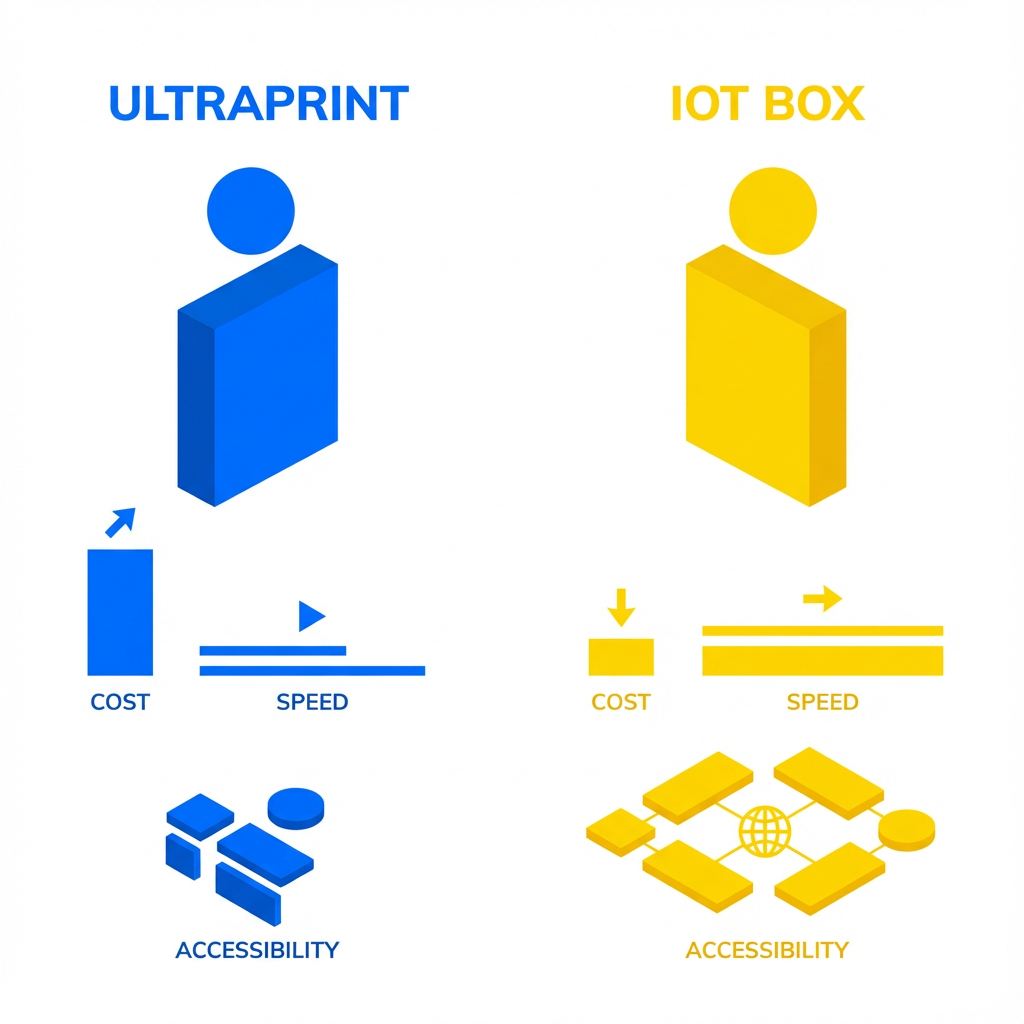
Comparing Ultraprint and Traditional IoT Box Solutions
Traditional IoT boxes have been reliably used for connecting ePOS printers within Odoo setups. However, adopting Ultraprint offers an efficient alternative without the requirement for dedicated hardware. Ultraprint seamlessly integrates with existing printer infrastructure, reducing setup complexity and cost. As referenced in Odoo Skillz Insights, these benefits position Ultraprint as a smart choice for businesses aiming to streamline operations.
- High Compatibility: Enables direct connectivity with existing ePOS systems, eliminating reliance on intermediary IoT devices.
- Cost Efficiency: By removing the need for additional hardware, Ultraprint reduces both initial investment and maintenance expenditures.
- Quick Deployment: Faster rollout of point-of-sale terminals as no extensive setup or configuration is required, enhancing operational speed.
In a comparative analysis, organizations utilizing Ultraprint observed noticeable boosts in transaction speed and reduced operational costs by approximating 15%, positioning Ultraprint as a compelling choice for modern businesses looking to optimize their point-of-sale efficiencies.
Conclusions
Using an ePOS printer offers a streamlined, efficient solution for Odoo POS setups without needing an IoT box. We've explored the significant benefits, including cost savings, faster integration, and improved POS functionality. Understanding these advantages allows businesses to optimize their operations easily. Now, you can leverage these solutions to streamline your Point of Sale processes, ensuring your retail environment is both modern and responsive. By adopting such innovative methods, your operations can become increasingly efficient, reflecting positively on overall business performance.
Looking for more?
At Odoo Skillz, we provide seamless integration solutions that enhance your business operations with efficiency and ease. Interested in how our Ultraprint can transform your setup? Contact us for a demo or more information on how our solutions can meet your POS needs and keep your business advancing with cutting-edge technology.
🖨️ Try Ultraprint Free — No Setup Required
Print directly from Odoo on any desktop browser with the free Ultraprint Chrome Extension. No add-on installation, no IoT Box — just install and print in seconds. Works with Odoo Online and any web-based ERP.
Install Free Extension → Desktop browsers only. Requires an Ultraprint Hub license for printer connection.