
TL;DR: What You Need to Know
Flat-rate setup with optional support
Ultraprint works without internet; IoT Box is cloud-dependent
Ultraprint setup vs 30+ min IoT Box configuration
Ultraprint works with any webapp; IoT Box is Odoo-only
The Odoo IoT Box requires upfront hardware plus a monthly subscription and only works with Odoo Online/Enterprise. Ultraprint requires no subscription, works offline with any thermal printer, and supports any web-based POS including Shopify, Square, and Lightspeed.
If you need to print receipts, labels, or kitchen orders from Odoo POS, you have two main options: the official Odoo IoT Box or third-party solutions like Ultraprint. This guide compares them on cost, setup, reliability, and flexibility — with real numbers for 2026.
Two Ultraprint Variants
Extension (Variant B): Free Chrome Extension + $99 one-time Hub license. Works with any web-based POS (Shopify, Square, Lightspeed, Odoo Online). Desktop browsers only. No kitchen routing.
Add-on (Variant A): free Odoo add-on + $99 one-time Hub license. Works with Odoo.sh and self-hosted only. Kitchen routing by product category, mobile + tablet support.
What Is the Odoo IoT Box?
If you want a different architecture, compare all four no-IoT-Box options in Best Odoo POS Printing Solutions Without IoT Box.
The Odoo IoT Box is official hardware sold by Odoo. It's a small Raspberry Pi-based device that connects your local printers, scales, and barcode scanners to Odoo's cloud servers. You plug it into your network, pair it with your Odoo database, and Odoo routes print jobs through the box.
How it works:
- You buy the IoT Box for $0
- Connect it to your local network via Ethernet or WiFi
- Pair it with your Odoo Online or Odoo.sh database
- Connect printers via USB or network
- Odoo routes print commands through the cloud to your box
The catch: The IoT Box requires an active Odoo subscription ($30/month for IoT users) and a stable internet connection. If your internet goes down, printing stops. If Odoo's servers hiccup, printing stops. And it only works with Odoo — not Shopify, Square, or custom webapps.
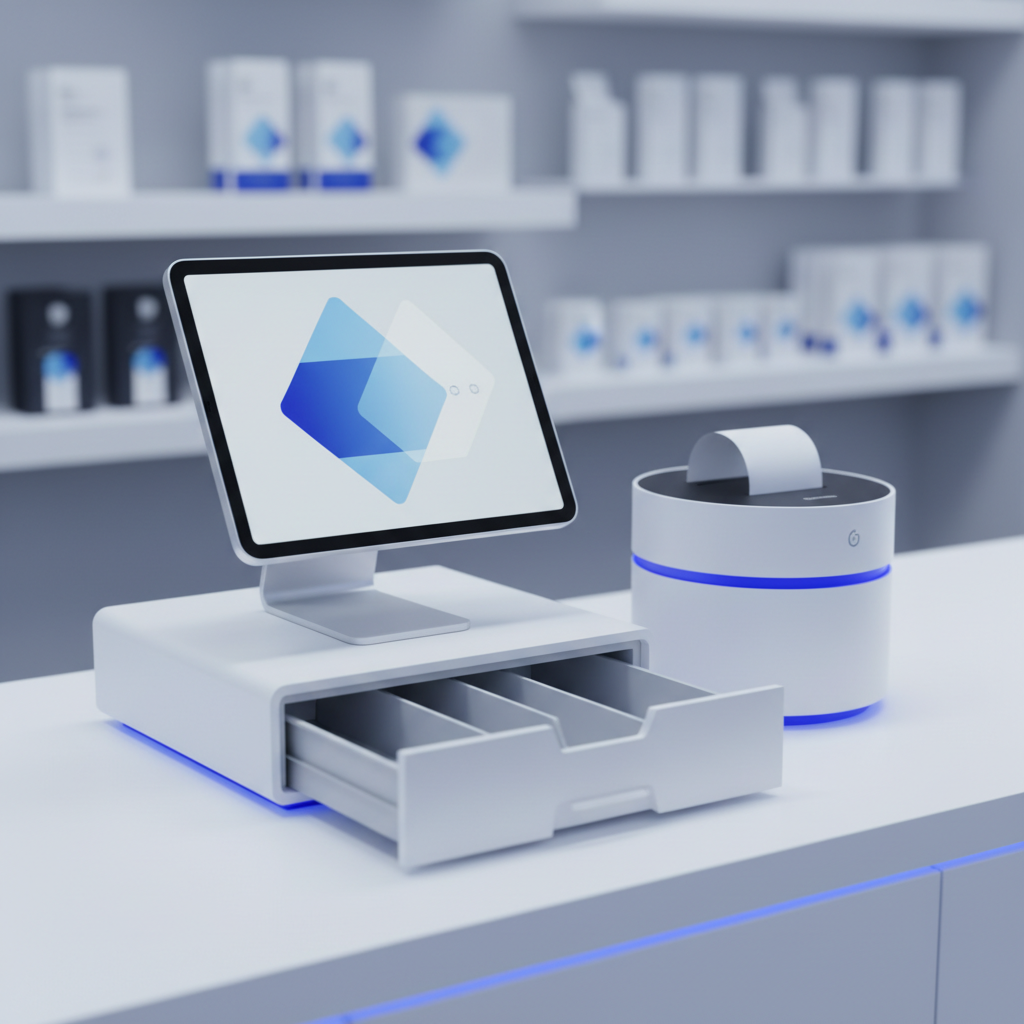
What Is Ultraprint?
Ultraprint is a browser-based printing solution that connects your web POS directly to local thermal printers — no cloud dependency, no special hardware, no Odoo subscription required.
How it works:
- Install the Ultraprint Hub on any Windows or Linux computer on your network
- Add your thermal printers by IP address or USB
- Install the Chrome Extension on your POS stations
- Print directly from any webapp — the extension routes to the Hub
The advantage: Everything stays on your local network. No internet required. No Odoo subscription. Works with any web-based POS — Odoo, Shopify, Square, Lightspeed, or your custom system.
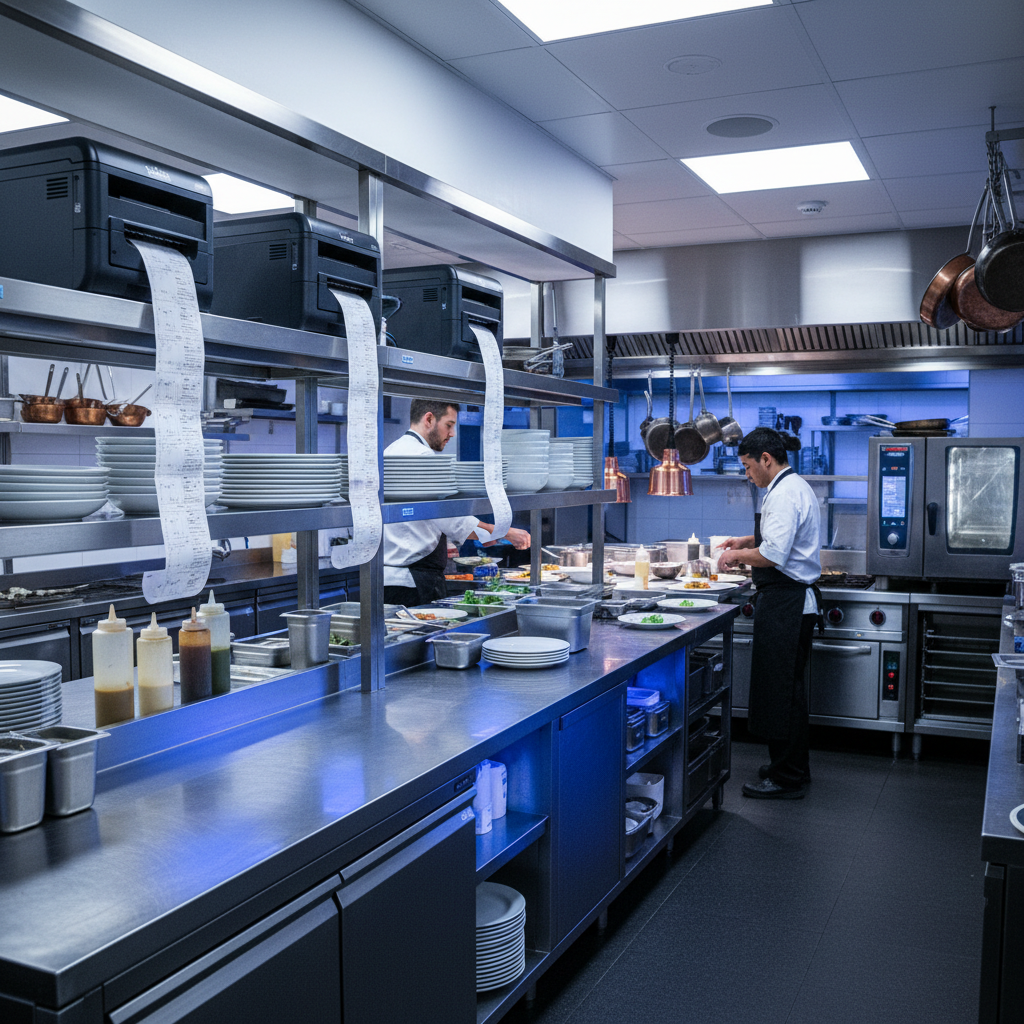
Cost Comparison: Year 1
Ultraprint uses a one-time desktop license plus optional support — see current pricing and the 1-month trial on the solution page.
| Cost Item | Odoo IoT Box | Ultraprint Hub |
|---|---|---|
| Hardware | $0 | $0 (uses existing computer) |
| Add-on license | $0 | Free |
| Support / Hub license (12 months) | $360 ($30/mo) | $19-$79/year support + $99 one-time Hub |
| Year 1 Total | $360 | $99 |
| Year 2+ cost | $360/yr | $0 license + optional support $19-$79/year |
| Setup time | 30–60 min | 5 min |
Ultraprint saves $261 in Year 1 and up to $360/year ongoing. But the real savings aren't in subscription costs — they're in reliability and flexibility.
Reliability: Cloud vs Local
The Friday Night Test
It's Friday at 7 PM. Your restaurant is at peak capacity. The internet goes down. What happens?
With IoT Box: Printing stops immediately. The IoT Box can't reach Odoo's cloud servers. Your kitchen doesn't get tickets. Your cashiers can't print receipts. You're dead in the water until internet returns.
With Ultraprint: Printing continues normally. The Hub runs on your local network. No internet required. Your kitchen keeps firing, your cashiers keep printing, your customers stay happy.
The Odoo Server Test
Odoo's servers experience a brief outage (it happens). With the IoT Box, your print jobs queue... somewhere... and may or may not arrive. With Ultraprint, you never knew there was an outage because your printers never stopped.
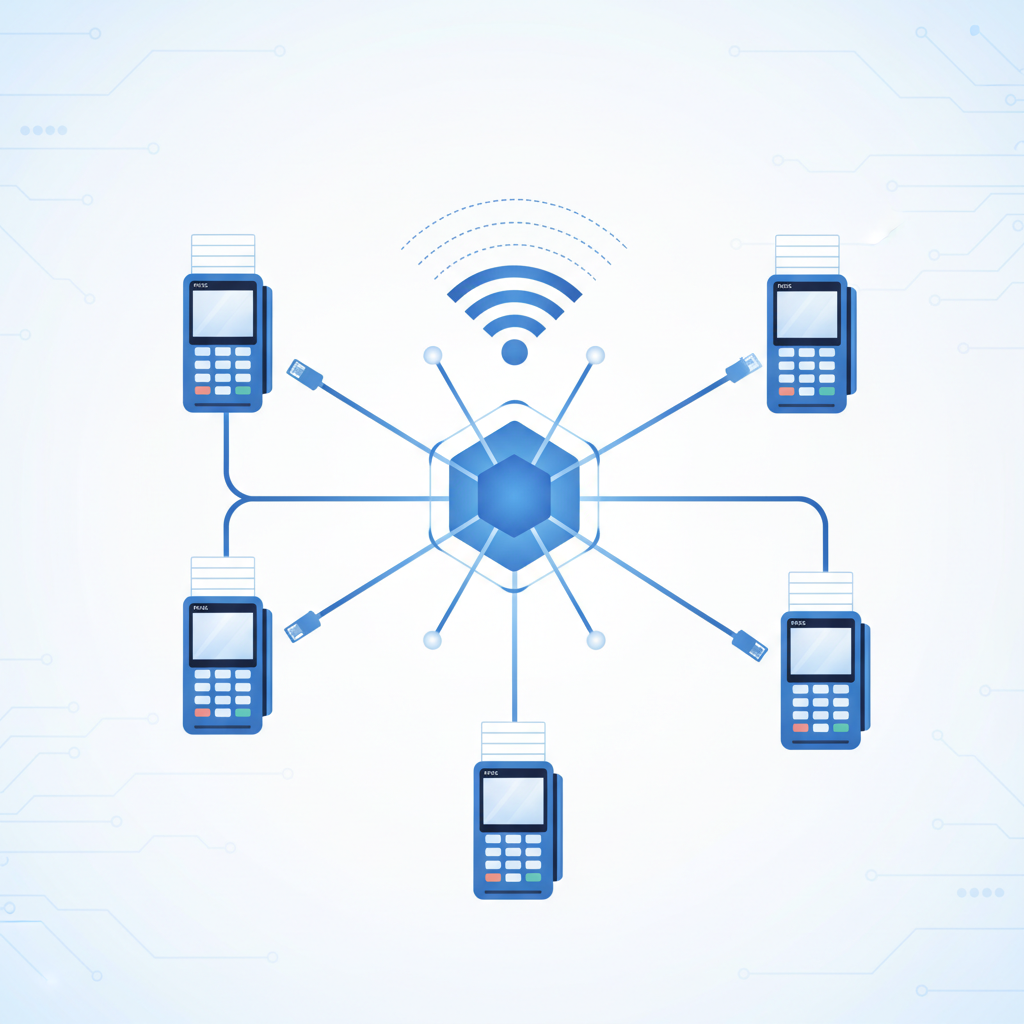
Feature Comparison

| Feature | IoT Box | Ultraprint |
|---|---|---|
| Receipt printing | Yes | Yes (instant) |
| Kitchen order routing | Basic | Category-based built-in |
| Works offline | No | Yes |
| Non-Odoo support | No (Odoo only) | Any webapp |
| Printer protocols | ESC/POS, ZPL | ESC/POS, ZPL, PDF |
| Cash drawer | Yes | Experimental (auto-open via printer signal; not all drawer models supported) |
| Offline queue | No | Yes (auto-retry) |
| Setup complexity | Medium (cloud pairing) | Low (local network) |
When the IoT Box Makes Sense
The IoT Box isn't bad — it's just specialized. Choose it if:
- You use Odoo Online or Odoo.sh exclusively (no on-premise)
- You need to connect non-printer IoT devices (scales, barcode scanners, measurement tools)
- You have reliable internet and don't operate during outages
- You want official Odoo support for all hardware
When Ultraprint Wins
Ultraprint is especially strong for ZPL/thermal label printing and warehouse/inventory workflows. See also the warehouse barcode guide.
- You need offline printing (restaurants, retail, warehouses)
- You use multiple POS systems (Odoo + Shopify, etc.)
- You want lower total cost of ownership
- You need kitchen order routing by product category
- You want 5-minute setup without cloud configuration

Setup Walkthrough: Ultraprint in 5 Minutes
For the full onboarding sequence, visit Ultraprint Getting Started, then connect your device and run your first print.
Here's exactly how to get Ultraprint running in your restaurant or retail store:
Step 1: Download the Hub
Download Ultraprint Hub for Windows or Linux from the license dashboard. The installer is under 50MB and requires no administrator privileges on most systems.
Step 2: Add Your Printer
Open the Hub, click "Add Printer," and enter the printer's IP address or select it from the USB list. The Hub auto-detects ESC/POS and ZPL protocols. Test print a sample receipt to confirm.
Step 3: Install Chrome Extension
Install the Ultraprint Chrome Extension from the Chrome Web Store on every POS station. The extension automatically discovers the Hub on your local network.
Step 4: Print from Odoo
Open your Odoo POS session, process a test order, and click Print Receipt. The receipt prints instantly. No configuration in Odoo required.
Step 5: Configure Kitchen Routing (Optional)
In the Hub settings, assign product categories to specific printers. Pizzas to the kitchen printer, drinks to the bar printer, desserts to the cold station. Save. Done.
Total time from download to first print: under 5 minutes. Compare that to the IoT Box: order hardware, wait for delivery, pair with Odoo cloud, troubleshoot network issues, configure printer drivers — typically 30–60 minutes.
Common Pitfalls with IoT Box Setup
Pitfall 1: Network Isolation
Many restaurants use guest WiFi for POS tablets. The IoT Box must be on the same network as the tablets but also reach Odoo's cloud servers. This creates complex routing requirements that IT staff often get wrong.
Pitfall 2: Certificate Expiration
The IoT Box uses SSL certificates to communicate with Odoo. When certificates expire (annually), printing stops until you regenerate and reinstall them. Ultraprint uses local network communication — no certificates, no expiration.
Pitfall 3: Firmware Updates
Odoo occasionally pushes firmware updates to IoT Boxes. These can change behavior, require re-pairing, or introduce bugs. Ultraprint Hub updates are optional and don't affect printer connectivity.
Print Without the Cloud
Ultraprint Add-on gives you offline thermal printing, kitchen routing by product category, and multi-POS support — for less than the IoT Box costs in Year 1.
Total Cost of Ownership: A 3-Year View
Most businesses evaluate printing solutions based on Year 1 costs. But the real financial picture emerges over three years. Here's the breakdown:
| Cost Factor | Odoo IoT Box | Ultraprint (Add-on) | Ultraprint (Extension) |
|---|---|---|---|
| Year 1 | $360 | $99 | $99 |
| Year 2 | $360 | $19-$79/year | $19-$79/year |
| Year 3 | $360 | $19-$79/year | $19-$79/year |
| 3-Year Total | $1,080 | $137 | $137 |
| Hardware replacement risk | $0 every 3-5 years | None | None |
Source: Pricing verified from Odoo product.pricelist.items (2026-05-23). IoT Box pricing from Odoo official store.
Security and Data Privacy: What Happens to Your Print Data
This is where the architectural difference matters most. The IoT Box sends print jobs through Odoo's cloud servers — your receipt data, kitchen orders, and labels pass through Odoo's infrastructure before reaching your printer.
Ultraprint keeps everything on your local network. The Hub runs on localhost — your print data never leaves your machine. For businesses handling sensitive customer information (medical receipts, financial documents, confidential labels), this is not a minor difference.
caveat: If you need to print from multiple locations without a VPN, the IoT Box's cloud relay is actually an advantage. Ultraprint requires network connectivity between your browser and the Hub — which means remote printing requires technical setup (VPN or port forwarding).
When the IoT Box Wins
We started this comparison by saying most businesses don't need an IoT Box. But some do. Here's where it makes sense:
- Multi-location chains: If you have 10 restaurants across three cities, the IoT Box's cloud relay lets you manage all printers from one Odoo instance without VPNs.
- Businesses needing sensors/scales: The IoT Box connects to scales, measurement devices, and digital inputs — Ultraprint is print-only.
- Teams with no technical staff: If you have no one who can install a Chrome extension or troubleshoot a local network connection, the IoT Box's "plug in and forget" setup is simpler.
- Odoo Online + no self-hosted option: If you're committed to Odoo Online and need sensor integration, the IoT Box is your only path.
How to Evaluate Which Architecture Fits Your Business
Ask these five questions before choosing:
- Do I have technical staff or a reliable IT partner? Ultraprint requires someone who can install software and troubleshoot network issues. The IoT Box is more "set and forget."
- Do I handle sensitive data on receipts or labels? If yes, Ultraprint's local-only architecture is a compliance advantage.
- Do I need scale/sensor integration? If yes, the IoT Box is the only option.
- What's my 3-year budget? At current prices, Ultraprint saves $940+ over three years.
- Do I print from multiple locations without VPN? If yes, the IoT Box's cloud relay simplifies remote printing.
These questions come from real deployment patterns observed across Ultraprint's user base and IoT Box documentation.
The Migration Path: Switching from IoT Box to Ultraprint
If you're currently using an IoT Box and considering Ultraprint, the switch is simple but not instant. Here's the realistic timeline:
- Week 1: Install Ultraprint Hub on one computer, add your printer, and run parallel tests. Keep the IoT Box connected as backup.
- Week 2: Train staff on the new print flow. The Chrome Extension adds one click to the process — most teams adapt in under an hour.
- Week 3: Remove the IoT Box from one POS station. Monitor for any edge cases (special label formats, custom printer settings).
- Week 4: Decommission the IoT Box entirely, or keep it as a backup printer controller for redundancy.
Hardware reuse: Your existing ESC/POS and ZPL printers work identically with both solutions. No new hardware purchase is required.
Risk mitigation: Ultraprint's 1-month free trial means you can test the full system for one month before committing to a license. If it doesn't work in your environment, you've lost nothing — not $99.
FAQ
Can I use Ultraprint with Odoo Online?
Yes. Ultraprint works with any web-based Odoo instance — Online, SH, or self-hosted. The Chrome Extension captures print jobs from the browser, so it doesn't matter where Odoo is hosted.
Do I need to buy special printers?
No. Ultraprint works with any thermal printer that supports ESC/POS or ZPL — which is nearly every receipt and label printer on the market. Test compatibility with the free Chrome Extension before buying.
What happens if my computer running the Hub crashes?
Install the Hub on any computer on your network. If one goes down, install it on another in 2 minutes. All settings are preserved. The Chrome Extensions on your POS stations automatically reconnect.
Can I switch from IoT Box to Ultraprint?
Yes. Both use standard printer protocols. Unpair the IoT Box, install Ultraprint Hub, and your printers work immediately. No hardware changes needed.
Is there a free trial?
The Chrome Extension is free and lets you print immediately with no time limit. Upgrade to the Hub for multi-device support and advanced features.
Support Resources and Documentation
Both solutions provide documentation, but the depth and format differ:
- Odoo IoT Box: Official Odoo documentation covers setup and troubleshooting. Community forums have extensive threads. However, advanced configuration (custom sensors, firmware modifications) relies on community knowledge.
- Ultraprint: Documentation covers Hub installation, Chrome Extension setup, printer configuration, and kitchen routing. Video tutorials are available for common setups. The technical reference (based on the actual source code) is published for advanced users who need custom configurations.
For most users, both documentation sets are sufficient. For edge cases (custom printer formats, network proxies, MDM deployment), Ultraprint's published technical specs provide more direct answers.
Related Guides
- Odoo Barcode Label Printing: ZPL, PDF, and Thermal Printers Explained — master ZPL, PDF, and thermal printer setup for Odoo Inventory.
- Barcode Label Printing from Odoo: A Complete Warehouse Guide — step-by-step warehouse labeling and scan-to-print workflows.
References
- Odoo Documentation: Internet of Things (IoT)
- Odoo Documentation: Point of Sale
- Wikipedia: ESC/P Printer Command System
- Zebra: ZPL Programming Language
- Shopify POS Official Page
Updated October 21, 2026: the Ultraprint Odoo add-on is now free. Only the Ultraprint Hub keeps its one-time $99 license (1-month free trial); optional support plans start at $19/year. Which Ultraprint should you use? The Ultraprint browser extension (free) prints from any web page without installing a module — ideal for quick setup and Odoo Online. The Odoo add-on (now free too) adds native POS/Inventory printing with kitchen routing, product-category printing, and device management. Both work with the same Hub license.