
TL;DR: What You Need to Know
- Skip the IoT Box: Ultraprint uses your existing Windows or Linux PC and printers — no extra hardware purchase required
- Mobile printing works: Tablets and phones print via Ultraprint Hub on your local network
- Same features: Direct printing, preparation tickets, and customer receipts work identically to IoT Box
Tired of paying for Odoo IoT Box hardware just to print receipts? You're not alone. Thousands of Odoo users face the same frustrating choice: invest in expensive proprietary hardware or compromise on their printing workflow.
Here's the reality: The Odoo IoT Box requires hardware plus a monthly subscription fee—and that's per location. For businesses with multiple POS stations, these costs multiply quickly.
But what if you could achieve the same printing capabilities—direct printing, preparation tickets, and customer receipts—using your existing Windows or Linux-compatible printers? That's exactly what Ultraprint delivers.
In this comprehensive guide, you'll discover:
- ✅ How to eliminate the IoT Box hardware cost while keeping full printing functionality
- ✅ Step-by-step setup for mobile and tablet printing with Ultraprint Hub
- ✅ Real cost comparison to help you make the right decision for your business
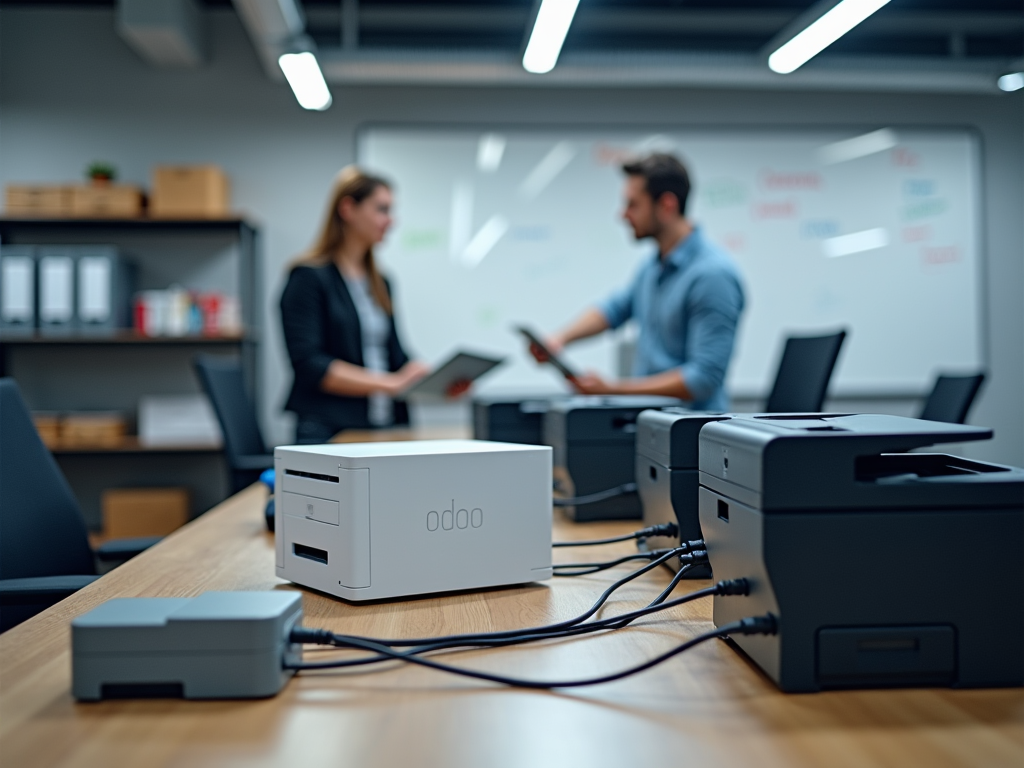
1. Understanding Odoo IoT Box Limitations
The Odoo IoT Box is a powerful hardware solution designed to connect peripheral devices—printers, scales, payment terminals—to your Odoo instance. However, it comes with significant constraints that many businesses discover only after purchase.
The Hardware Investment Problem
The IoT Box requires a dedicated hardware purchase, plus ongoing subscription fees. For a restaurant with three POS stations, that cost multiplies quickly.
The Subscription Layer
Beyond the initial hardware cost, Odoo charges a monthly subscription fee per IoT Box. Ultraprint replaces that with a one-time $99 Hub fee (per desktop) and a free add-on—no recurring subscription. This can significantly benefit smaller businesses or those operating on tight margins.
Deployment Complexity
Each IoT Box requires:
- Physical installation and network configuration
- Firmware updates and maintenance
- Troubleshooting when connectivity issues arise
- Spare units for business continuity
✓ Key Takeaways: IoT Box Limitations
- High upfront cost: IoT Box hardware purchase required
- Recurring fees: Monthly subscription adds to TCO
- Infrastructure overhead: Requires dedicated hardware management
2. Exploring Direct Printing Alternatives
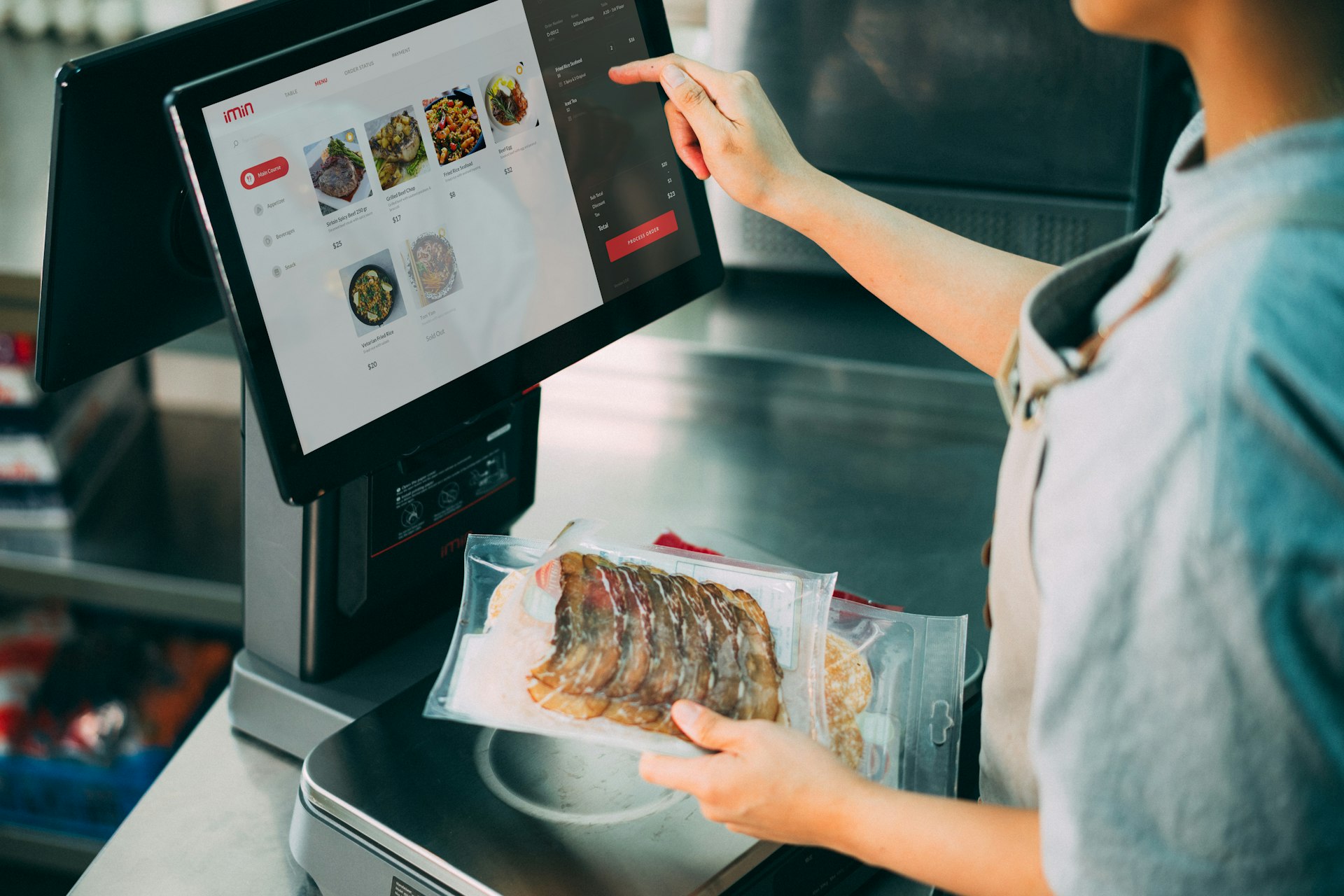
Direct printing—the ability to send print jobs straight to a printer without browser dialogs—is the core functionality most businesses need. The question is: does it require expensive dedicated hardware?
See the full landscape of no-IoT-Box options in Best Odoo POS Printing Solutions Without IoT Box.
How Direct Printing Works
Traditional browser-based printing shows a print dialog, requiring user interaction for every print job. For a busy restaurant generating hundreds of receipts daily, this workflow is impractical.
Direct printing solutions intercept the print command and route it directly to the designated printer, eliminating the dialog entirely. Both IoT Box and Ultraprint accomplish this goal—but through different architectures.
The Software-Based Approach
Ultraprint takes a software-first approach: a lightweight application runs on a Windows or Linux PC, communicating with your Odoo instance to receive print jobs and route them to any Windows or Linux-compatible printer.
This means any thermal printer, laser printer, or label printer that works with Windows or Linux can become an Odoo direct printing device—no proprietary hardware required.
✓ Key Takeaways: Direct Printing Alternatives
- No hardware lock-in: Use any Windows or Linux-compatible printer
- Dialog-free printing: Seamless workflow for high-volume operations
- Flexible architecture: Software solutions adapt to your existing setup
3. Implementing Ultraprint for Mobile Printing
One of the most common questions we receive: "Can I print from my tablet or phone using Ultraprint?" The answer is yes—with the right setup.
The Mobile Printing Architecture
Mobile devices (tablets, phones) cannot run Windows applications directly. However, Ultraprint solves this through the Ultraprint Hub architecture:
- Desktop PC as Hub: A Windows or Linux PC runs Ultraprint and connects to your printers
- Network Communication: Your mobile devices send print requests over your local network
- Hub Processing: The Ultraprint Hub receives requests and routes them to the appropriate printer
Practical Requirements
For mobile/tablet printing with Ultraprint, you'll need:
- ✅ A Windows or Linux desktop or mini-PC running Ultraprint Hub
- ✅ Your printers connected to (or accessible from) this PC
- ✅ Mobile devices on the same local network
- ✅ Ultraprint module installed on your Odoo instance
Many businesses use an inexpensive mini-PC as their dedicated Ultraprint Hub, keeping it running alongside their printers.
✓ Key Takeaways: Mobile Printing Setup
- Hub architecture: Desktop PC bridges mobile devices to printers
- Network-based: Works over your existing local network
- Scalable: One hub can serve multiple mobile devices
4. Comparing Total Cost of Ownership
When evaluating printing solutions, the sticker price tells only part of the story. Let's break down the true total cost of ownership for both options.
See our full pricing on the Ultraprint solution page or start a free 1-month trial.
| Cost Factor | Odoo IoT Box | Ultraprint |
|---|---|---|
| Hardware Cost | no hardware cost | $0 (uses existing PC) |
| Software/Module Cost | Hardware + monthly subscription | $99 one-time Hub + free add-on |
| Pricing Model | Per IoT Box | One-time Hub license per desktop |
| Printer Compatibility | Specific supported models | Any Windows or Linux-compatible printer |
| Direct Printing | ✅ Yes | ✅ Yes |
| Preparation Tickets | ✅ Yes | ✅ Yes |
| Customer Receipts | ✅ Yes | ✅ Yes |
| Mobile/Tablet Support | ✅ Direct | ✅ Via Hub |
3-Year Cost Projection Example
For a business with 2 POS locations:
- IoT Box: hardware cost + 36 months subscription = $1,080+ ongoing fees
- Ultraprint: $99 one-time Hub (per desktop) + free add-on = $99 total, no recurring fees
✓ Key Takeaways: Cost Comparison
- Hardware savings: Eliminate IoT Box hardware cost with Ultraprint
- Feature parity: Both solutions support core printing needs
- One-time license: Ultraprint charges per desktop, not per box
5. Setting Up Your Print Infrastructure
Ready to implement Ultraprint? Here's a step-by-step guide to get your printing infrastructure running.
Follow the full onboarding path: getting started, connect your device, and print your first label.
Step 1: Prepare Your Windows or Linux PC
Choose a Windows or Linux PC that will serve as your Ultraprint Hub. This can be:
- An existing POS workstation
- A dedicated mini-PC (Intel NUC, HP Mini, etc.)
- Any Windows 10/11 computer on your network
Step 2: Connect Your Printers
Connect your thermal receipt printers to the Windows or Linux PC. Ultraprint works with any printer that Windows recognizes—via USB, network, or Bluetooth.
Step 3: Install the Ultraprint Module
Install the Ultraprint module on your Odoo instance. This adds the necessary server-side components for print job routing.
Step 4: Configure Ultraprint Client
Download and install the Ultraprint client on your Windows or Linux PC. Connect it to your Odoo instance using your license key.
Step 5: Test Your Setup
Send a test print from Odoo POS to verify connectivity. The receipt should print without any browser dialog.
✓ Key Takeaways: Setup Process
- Simple installation: Standard Windows application deployment
- Printer flexibility: USB, network, or Bluetooth connections
- Quick testing: Verify functionality before going live
6. Configuring Multi-Device Support
Most businesses need printing from multiple devices—POS terminals, tablets for table service, warehouse handhelds. Here's how to configure Ultraprint for multi-device environments.
Centralized Hub Model
The most efficient approach uses a single Ultraprint Hub serving all devices:
- One Windows or Linux PC runs Ultraprint with all printers connected
- All POS devices (desktop, tablet, mobile) send print jobs to this hub
- The hub routes each job to the appropriate printer
Distributed Model
For larger deployments or multi-floor operations:
- Multiple Windows or Linux PCs each run Ultraprint
- Each handles printers in its area (floor, department)
- Reduces network latency and provides redundancy
Device Configuration in Odoo
Within Odoo, configure each POS session with its designated printer mappings. This ensures:
- Receipt printer receives customer receipts
- Kitchen printer receives preparation tickets
- Bar printer receives drink orders
✓ Key Takeaways: Multi-Device Setup
- Scalable: One hub or many—your choice
- Smart routing: Each device can target specific printers
- Department isolation: Kitchen, bar, and POS can have dedicated configurations
7. Optimizing Print Speed and Reliability
Print performance matters—especially during rush hours when every second counts. Here's how to optimize your Ultraprint deployment.
For barcode and warehouse label printing, see the complete ZPL, PDF, and thermal label guide.
Network Optimization
- Wired connections: Use Ethernet for the Ultraprint Hub when possible
- Quality router: Business-grade networking equipment reduces latency
- Dedicated VLAN: Consider isolating POS traffic for reliability
Printer Configuration
- Correct drivers: Use manufacturer-recommended Windows or Linux drivers
- Spool settings: Configure for direct printing, not spooling
- Paper width: Match receipt template to printer width (80mm, 58mm)
Failover Planning
Build resilience into your print infrastructure:
- Keep a backup receipt printer configured
- Test browser-based printing as fallback
- Document troubleshooting steps for staff
🎥 Watch Ultraprint in Action
See how Ultraprint handles direct printing in a real Odoo POS environment
✓ Key Takeaways: Performance Optimization
- Network matters: Wired connections beat WiFi for reliability
- Right drivers: Correct printer configuration prevents issues
- Plan for failure: Backup options keep business running
8. When to Choose Each Solution
Both IoT Box and Ultraprint have their place. Here's how to decide which fits your business.
Choose Odoo IoT Box When:
- ✅ You need to connect payment terminals, scales, or other IoT devices
- ✅ You prefer a fully integrated Odoo-supported hardware solution
- ✅ You don't have Windows or Linux PCs available at print locations
- ✅ You require features like customer-facing displays
Choose Ultraprint When:
- ✅ Printing is your primary need (receipts, tickets, labels)
- ✅ You already have Windows or Linux PCs at each location
- ✅ You want to avoid the IoT Box hardware investment
- ✅ You use printers that aren't on the IoT Box compatibility list
- ✅ You prefer software-based solutions over hardware dependencies
Hybrid Approach
Some businesses use both: IoT Box for payment terminals and customer displays, Ultraprint for kitchen and receipt printing. This maximizes flexibility while controlling costs.
✓ Key Takeaways: Making the Right Choice
- IoT Box: Best for multi-device IoT needs beyond printing
- Ultraprint: Best for print-focused deployments with cost savings
- Hybrid: Combine both for maximum flexibility
❓ Frequently Asked Questions
Can I print from tablets and smartphones with Ultraprint?
Yes, but you'll need a Windows or Linux desktop PC or mini-PC running Ultraprint Hub on your network. Mobile devices send print jobs over the network to the hub, which then routes them to your printers. This architecture enables printing from any device on your local network.
What printers work with Ultraprint?
Any printer that works with Windows or Linux is compatible with Ultraprint. This includes thermal receipt printers (Epson TM-series, Star TSP, BIXOLON), laser printers, label printers, and more. If Windows can print to it, Ultraprint can use it.
How much does Ultraprint cost compared to IoT Box?
Ultraprint costs $99 one-time for the Hub (per desktop); the Odoo add-on is free. There is no monthly subscription. The IoT Box requires hardware plus a monthly subscription per box. For businesses with existing Windows or Linux PCs, Ultraprint typically results in significant savings.
Does Ultraprint support kitchen/preparation ticket printing?
Yes, Ultraprint fully supports preparation ticket printing for kitchens, bars, and other preparation areas. You can configure multiple printers with specific routing rules—drinks to bar, food to kitchen, receipts to POS—just like with IoT Box.
Can I use Ultraprint and IoT Box together?
Absolutely. Many businesses use a hybrid approach: IoT Box for payment terminals, customer displays, and scales; Ultraprint for all printing needs. This gives you the best of both worlds—full IoT capabilities where needed, and cost savings on printing infrastructure.
What happens if the Ultraprint Hub PC goes offline?
If the Ultraprint Hub goes offline, print jobs won't process until it's restored. For redundancy, you can configure multiple hubs in a distributed model, or keep browser-based printing as a fallback option. Most businesses use a dedicated mini-PC that remains always-on to minimize this risk.
📋 Summary: Ultraprint vs IoT Box
Both Ultraprint and Odoo IoT Box deliver the core printing functionality businesses need: direct printing, preparation tickets, and customer receipts. The key differences come down to architecture and cost:
- IoT Box is a hardware-first solution at no hardware cost, ideal when you need payment terminals, scales, or customer displays alongside printing
- Ultraprint is a software-first solution that eliminates hardware costs by leveraging your existing Windows or Linux PCs and printers
- For mobile/tablet printing, Ultraprint requires a Windows or Linux PC acting as a hub on your network
- Consider a hybrid approach for complex deployments: IoT Box for peripheral devices, Ultraprint for high-volume printing
Bottom line: If printing is your primary need and you have Windows or Linux PCs available, Ultraprint delivers the same printing capabilities for a one-time $99 Hub cost (add-on free), with no subscription.
🚀 Ready to Simplify Your Odoo Printing?
Eliminate the IoT Box hardware cost and start printing from any device today.
Free trial available • No credit card required • 5-minute setup
📚 References
- Odoo IoT Box Documentation - Official Odoo documentation on IoT Box setup and compatible devices
- Epson Thermal Receipt Printers - Epson's POS printer lineup compatible with Windows and Ultraprint
- Odoo Point of Sale Documentation - Official guide for Odoo POS configuration and printing
- Star Micronics Printer Support - Windows or Linux drivers and setup for Star TSP series printers
Updated October 21, 2026: the Ultraprint Odoo add-on is now free. Only the Ultraprint Hub keeps its one-time $99 license (1-month free trial); optional support plans start at $19/year. Which Ultraprint should you use? The Ultraprint browser extension (free) prints from any web page without installing a module — ideal for quick setup and Odoo Online. The Odoo add-on (now free too) adds native POS/Inventory printing with kitchen routing, product-category printing, and device management. Both work with the same Hub license.