
TL;DR
- Les coûts de l'IoT Box s'accumulent— À plus de 200 $ par station, les déploiements multi-sites deviennent rapidement coûteux
- Impression basée sur le navigateur— L'impression directe via WebUSB ou des extensions de navigateur fonctionne pour de nombreuses configurations
- Alternative Raspberry Pi— Construisez votre propre solution semblable à l'IoT pour moins de 50 $ avec des fonctionnalités similaires
- Impression dans le cloud— Des services comme les successeurs de Google Cloud Print offrent des solutions sans matériel
The fastest IoT Box alternative: print from Odoo POS to any USB, network, or thermal printer — no extra hardware.
Try Ultraprint Free →Le problème de l'IoT Box : Coût et complexité

L'IoT Box d'Odoo est une solution élégante pour connecter du matériel périphérique — imprimantes de reçus, scanners de codes-barres, tiroirs-caisses et balances — à votre système de Point de Vente. Mais l'élégance a un prix.
For a complete cost and feature comparison, see Ultraprint vs Odoo IoT Box.
À environ 200 $ par unité (plus dans certaines régions), le coût de l'IoT Box se multiplie rapidement à travers plusieurs stations de PDV. Une chaîne de magasins avec 10 emplacements et 3 caisses chacune fait face à un investissement matériel de plus de 6 000 $ juste pour la connectivité — avant d'acheter une seule imprimante ou scanner.
Points de douleur courants
- Coût par station— Chaque terminal de PDV nécessite sa propre IoT Box pour le matériel local
- Problèmes de disponibilité— Un stock limité dans certaines régions entraîne des retards de déploiement
- Complexité des certificats HTTPS— Les certificats auto-signés nécessitent des exceptions de navigateur
- Dépendance au réseau— La boîte IoT nécessite une connectivité réseau local stable
- Point de défaillance unique— Si la boîte échoue, tout le matériel connecté cesse de fonctionner
La bonne nouvelle ? Pour de nombreux cas d'utilisation, vous n'avez pas besoin d'une boîte IoT du tout. Les navigateurs modernes, les ordinateurs à carte unique abordables et les services cloud offrent des alternatives qui peuvent économiser des milliers tout en maintenant (ou même en améliorant) la fonctionnalité.
Solutions d'impression basées sur le navigateur
Les navigateurs web modernes ont évolué bien au-delà de simples visionneuses de documents. Avec des API comme WebUSB et Web Serial, les navigateurs peuvent désormais communiquer directement avec le matériel — sans middleware requis.
We compared all major no-IoT-Box POS printing solutions side-by-side in Best Odoo POS Printing Solutions Without IoT Box.
Option 1 : Impression directe WebUSB
Chrome et Edge prennent en charge WebUSB, ce qui permet aux applications web de communiquer directement avec les appareils USB. Plusieurs modules communautaires Odoo tirent parti de cela pour le support des imprimantes de reçus :
- pos_printer_webusb— Module communautaire permettant la communication directe avec les imprimantes ESC/POS
- Imprimantes prises en charge— La plupart des séries Epson TM, Star TSP et des imprimantes ESC/POS génériques
- Configuration— Accordez une fois la permission au navigateur, imprimez directement par la suite
Cette approche est idéale pour les configurations à terminal unique où l'imprimante se connecte directement à l'ordinateur POS via USB.
Option 2 : Extensions de navigateur
Les extensions de navigateur agissent comme un pont entre Odoo et le matériel local. Elles s'installent une fois et gèrent la communication en arrière-plan :
- QZ Tray— Utilitaire open-source qui permet la communication web-imprimante
- PrintNode— Solution commerciale avec des capacités de gestion cloud
- jZebra/QZ Print— Conçu spécifiquement pour l'impression de reçus et d'étiquettes
Avantages
- Aucun coût matériel supplémentaire
- Fonctionne avec les connexions d'imprimante existantes
- Aucune configuration réseau requise
- Facile à déployer et à maintenir
Limitations
- Nécessite Chrome/Edge (support WebUSB de Firefox limité)
- Imprimantes USB uniquement — pas de support pour les imprimantes réseau
- Le navigateur doit rester ouvert
- Certaines imprimantes nécessitent des pilotes spécifiques
Alternative DIY Raspberry Pi
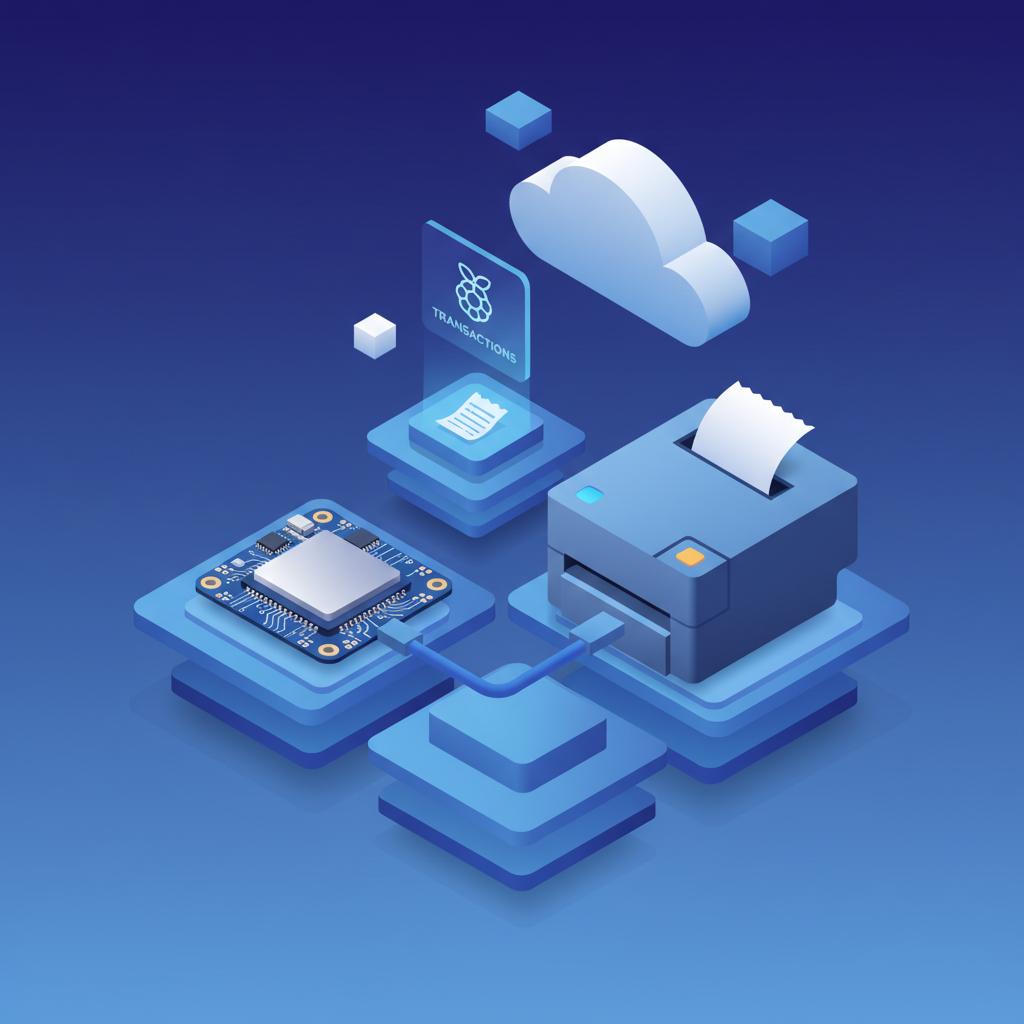
Pour ceux qui sont à l'aise avec un peu de configuration technique, un Raspberry Pi peut reproduire la plupart des fonctionnalités de l'IOT Box à une fraction du coût.
Exigences matérielles
- Raspberry Pi 4 ou 5— Environ 35-55 $
- Carte SD— 16 Go+ recommandé, ~8 $
- Alimentation— Adaptateur USB-C officiel, ~8 $
- Boîtier (optionnel)— ~5-15 $
Coût total : 50-80 $— par rapport à 200 $+ pour une IOT Box officielle.
Configuration logicielle
Étape 1 : Installer Raspberry Pi OS Lite
Utilisez Raspberry Pi Imager pour flasher le système d'exploitation. La version Lite (sans bureau) est suffisante et fonctionne mieux.
Étape 2 : Installer CUPS (Common Unix Printing System)
sudo apt update
sudo apt install cups
sudo usermod -aG lpadmin pi
Étape 3 : Configurer l'impression réseau
CUPS fournit une interface web àhttp://[pi-ip]:631pour la gestion des imprimantes. Ajoutez vos imprimantes et partagez-les sur le réseau.
Étape 4 : Installer le package hw_escpos
Pour les imprimantes de reçus ESC/POS, installez la bibliothèque Python escpos et configurez Odoo pour utiliser l'impression réseau.
Avancé : Répliquer la fonctionnalité de la boîte IoT
La communauté a développé plusieurs projets qui transforment un Raspberry Pi en un remplacement complet de la boîte IoT :
- Image IoT Odoo (Communauté)— Images préconstruites qui imitent le comportement officiel de la boîte IoT
- Scripts de serveur d'impression— Scripts Python qui gèrent les travaux d'impression depuis Odoo
- Support de relais USB— Pour les commandes de tiroir-caisse
Options d'impression dans le cloud
L'impression dans le cloud élimine complètement le matériel local en acheminant les travaux d'impression via des services Internet.
Cloud printing has ongoing per-page costs. Compare it to a local alternative in Ultraprint vs PrintNode.
Comment ça fonctionne
- L'imprimante se connecte au service cloud (via WiFi intégré ou un petit agent)
- Odoo envoie le travail d'impression à l'endpoint cloud
- Le service cloud achemine le travail vers l'imprimante enregistrée
- L'imprimante reçoit et imprime localement
Services disponibles
PrintNode
- Service commercial avec un niveau gratuit (20 impressions/jour)
- Prend en charge les imprimantes de reçus via leur client
- Conception axée sur l'API qui fonctionne bien avec Odoo
ePOS Print (Epson)
- Impression cloud directe pour les imprimantes Epson compatibles
- Aucun matériel ou logiciel supplémentaire nécessaire
- Meilleur pour les imprimantes de reçus de la série Epson TM
Star CloudPRNT
- Solution d'impression cloud de Star Micronics
- Fonctionne avec les imprimantes de reçus modernes de Star
- Basé sur le polling — l'imprimante récupère les travaux depuis le serveur
Avantages
- Aucune infrastructure locale requise
- Fonctionne de n'importe où (scénarios de POS mobile)
- Gestion centralisée des imprimantes
- Inclut souvent la journalisation des travaux d'impression et des analyses
Considérations
- Dépendance à Internet — pas d'internet, pas d'impression
- Latence potentielle (généralement <2 secondes)
- Coûts d'abonnement continus pour certains services
- Confidentialité des données — les données d'impression traversent le cloud
Méthodes de connexion USB directe
L'alternative la plus simple ne nécessite aucun matériel ou service supplémentaire — il suffit de connecter votre imprimante directement à l'ordinateur POS.
Terminaux POS basés sur Linux
Si votre POS fonctionne sous Linux (y compris de nombreux clients légers et PC réaffectés), le support natif des imprimantes USB est simple :
# Installer CUPS et les pilotes d'imprimante
sudo apt install cups printer-driver-escpr

# Ajouter l'utilisateur au groupe d'imprimantes
sudo usermod -aG lp $USER

# Configurer l'imprimante dans CUPS (interface web)
http://localhost:631
Puis configurez Odoo POS pour utiliser l'imprimante CUPS locale.
Terminaux POS Windows ou Linux
Windows nécessite une étape supplémentaire pour exposer l'imprimante à Odoo :
- Installer l'imprimante en utilisant les pilotes du fabricant
- Partager l'imprimante sur le réseau local
- Utiliser une intégration de spooler d'impression (comme QZ Tray) pour accepter les travaux d'impression web
Meilleur pour
- Configurations de vente au détail à station unique
- Opérations à fort volume où la latence du cloud est inacceptable
- Environnements avec une connexion Internet peu fiable
Ultraprint : Impression directe sans matériel
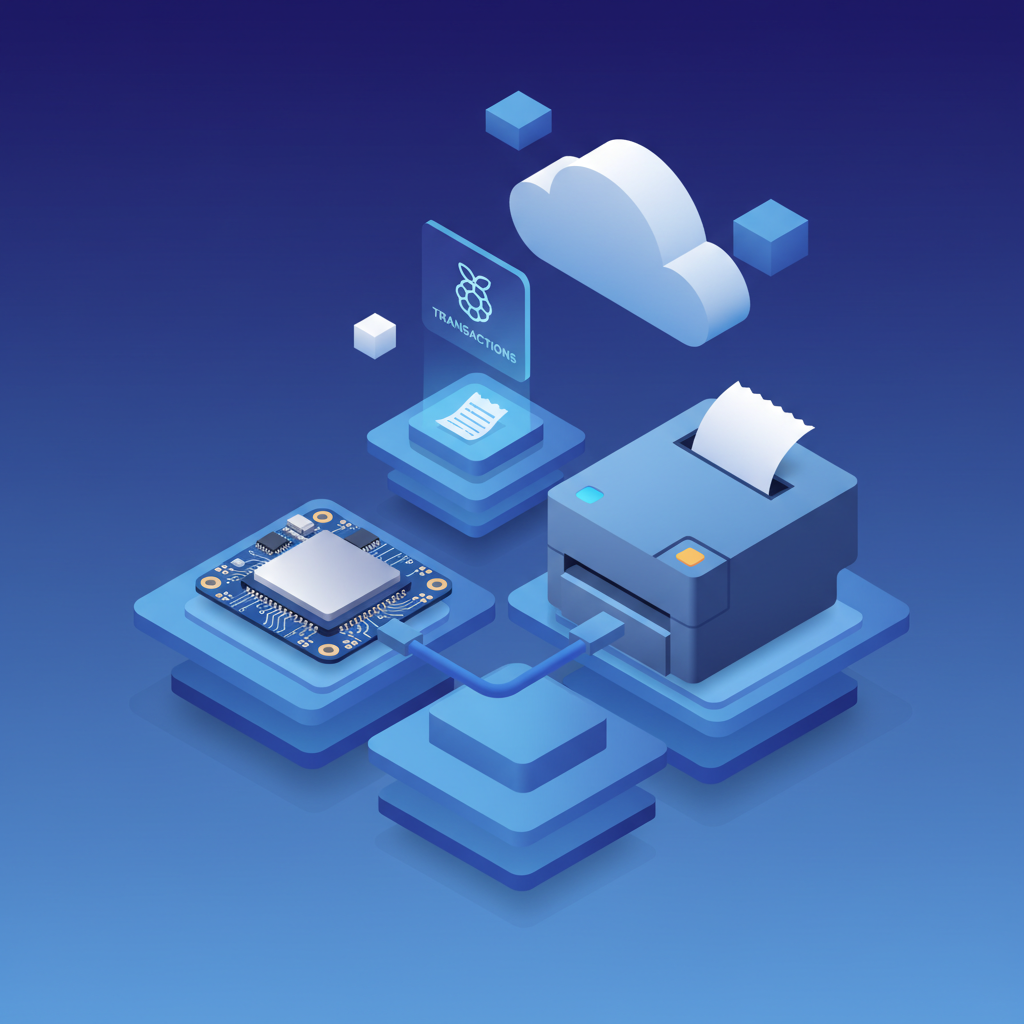
Ultraprintoffre un terrain d'entente entre les services cloud et les solutions matérielles DIY. C'est un module complémentaire Odoo qui permet l'impression directe depuis n'importe quel appareil (tablettes, téléphones, ordinateurs de bureau) vers n'importe quelle imprimante ESC/POS sur votre réseau local — sans nécessiter de boîte IoT, de Raspberry Pi ou de configuration complexe.
Ready to see how Ultraprint fits your setup? Visit the Ultraprint solution page or start a free 1-month trial.
Comment ça fonctionne
Ultraprint utilise votre réseau local existant pour acheminer les travaux d'impression directement d'Odoo vers vos imprimantes. Le module complémentaire s'intègre au service d'abonnement Ultraprint, qui gère l'infrastructure d'impression tandis que le module complémentaire fournit l'intégration Odoo.
Avantages clés
- Aucun matériel requis— Fonctionne avec vos tablettes, téléphones et imprimantes existants
- Configuration rapide— Installez le module complémentaire et configurez les imprimantes en moins de 5 minutes
- Fonctionne hors ligne— L'impression sur le réseau local continue pendant les pannes d'internet
- Support multi-appareils— Imprimez depuis n'importe quel appareil sur votre réseau
- Compatible avec les affichages de cuisine— Acheminez les commandes vers les imprimantes et affichages de cuisine
Structure tarifaire
- Module complémentaire: Achat unique (59 $ pour le module complémentaire Odoo)
- Ultraprint Hub: One-time license per desktop ($99)
- Total first year: $99 (Chrome extension) or $138 (with Odoo add-on)
Ultraprint is a one-time licence: start your free 1-month trial or download the Ultraprint Chrome extension.
Quand choisir Ultraprint
- Vous souhaitez imprimer sans gérer le matériel
- Le déploiement rapide est important (configuration en 5 minutes)
- Vous avez besoin d'impression multi-appareils (tablettes, téléphones, ordinateurs de bureau)
- You prefer a one-time license with optional annual support over recurring subscriptions
Quand NE PAS choisir Ultraprint
- You're using Odoo Online and need scales, cameras, or sensors — Ultraprint Hub is for printing only
- Vous devez connecterdes balances, des caméras ou des capteurs IoT personnalisés— Ultraprint est uniquement pour l'impression
- Vous voulez unesolution complètement gratuite— QZ Tray ou Virtual IoT peuvent être mieux
Bottom line: Ultraprint is ideal for businesses that want reliable direct printing without the complexity of IoT Boxes or technical setup of open-source alternatives. The trade-off is a license cost and add-on deployment constraints.
Comparaison des coûts : IoT Box vs Alternatives
Comparons les coûts pour un déploiement typique de POS à 5 stations :
| Solution | Par station | 5 stations | Remarques |
|---|---|---|---|
| Odoo IoT Box | $360 | 1 000 $ | Solution officielle, support complet |
| Raspberry Pi DIY | 60 $ | 300 $ | Nécessite une configuration technique |
| WebUSB du navigateur | 0 $ | 0 $ | Imprimantes USB uniquement |
| PrintNode Cloud | 10 $/mois | 600 $/an | Coût récurrent, internet requis |
| Ultraprint | 0 $ | $99 one-time | One-time Hub license covers all 5 stations; $138 with Odoo add-on; optional support $19-$79/yr |
| USB direct (Linux) | 0 $ | 0 $ | Terminaux Linux uniquement |
Potentiel d'économies :Une chaîne de 10 emplacements avec 3 stations chacun pourrait économiser plus de 4 200 $ en passant des IoT Boxes aux alternatives Raspberry Pi, 6 000 $ avec des solutions basées sur le navigateur, ou réaliser un déploiement sans tracas avec l'approche uniquement logicielle d'Ultraprint à un coût comparable sur 3 ans mais sans surcharge technique.
Résumé
La boîte IoT d'Odoo reste une solution solide lorsque le budget n'est pas une contrainte et que vous avez besoin d'une simplicité plug-and-play. Mais pour des déploiements soucieux des coûts, les alternatives modernes offrent une fonctionnalité équivalente (ou meilleure) à une fraction du prix. L'impression basée sur le navigateur convient aux configurations à station unique sans coût matériel. Le Raspberry Pi DIY offre une fonctionnalité équivalente à celle de la boîte IoT pour moins de 60 $. L'impression dans le cloud élimine complètement l'infrastructure locale. Évaluez vos besoins spécifiques — fiabilité de l'internet, expertise technique et échelle — pour choisir la bonne approche pour votre déploiement Odoo POS.
Questions Fréquemment Posées
Puis-je utiliser n'importe quelle imprimante de reçus sans une boîte IoT ?
La plupart des imprimantes de reçus compatibles ESC/POS peuvent fonctionner sans une boîte IoT en utilisant des solutions basées sur le navigateur (WebUSB), des connexions USB directes avec CUPS sur Linux, ou des services d'impression dans le cloud. Les modèles populaires d'Epson (série TM), Star Micronics et les imprimantes thermiques génériques sont bien pris en charge.
L'alternative Raspberry Pi est-elle aussi fiable que la boîte IoT officielle ?
Un Raspberry Pi correctement configuré peut être très fiable, bien qu'il nécessite une configuration technique initiale et manque de support officiel d'Odoo. Pour les environnements de vente au détail critiques, envisagez la boîte IoT pour sa fiabilité plug-and-play et son support de garantie. Pour des déploiements sensibles aux coûts, le Raspberry Pi est une alternative éprouvée utilisée par de nombreux intégrateurs Odoo.
Qu'en est-il des scanners de codes-barres et des tiroirs-caisse ?
Les scanners de codes-barres USB fonctionnent généralement comme des dispositifs d'entrée au clavier et ne nécessitent pas de boîte IoT — ils fonctionnent directement avec n'importe quel ordinateur. Les tiroirs-caisses se connectent généralement au port DK de l'imprimante de reçus et sont déclenchés par des commandes d'imprimante, donc ils fonctionnent avec toute solution d'impression qui prend en charge les commandes ESC/POS.
Odoo prendra-t-il en charge ces alternatives ?
Odoo ne prend officiellement en charge que la boîte IoT pour l'intégration matérielle. Cependant, les modules communautaires et les solutions tierces décrites ici sont largement utilisés et bien documentés. Pour les déploiements d'entreprise, envisagez de faire appel à un partenaire Odoo ayant de l'expérience dans les configurations matérielles alternatives.
Puis-je mélanger des boîtes IoT avec des alternatives dans le même déploiement ?
Oui, vous pouvez utiliser différentes solutions à différents emplacements ou stations. Par exemple, utilisez la boîte IoT dans des emplacements principaux à fort volume et un Raspberry Pi ou une impression par navigateur dans des emplacements satellites plus petits. L'architecture multi-POS d'Odoo prend en charge des configurations matérielles hétérogènes.
Évitez les maux de tête matériels avec Ultraprint
Ultraprint élimine la complexité de la boîte IoT avec une solution 100 % logicielle. Imprimez depuis n'importe quel appareil vers n'importe quelle imprimante — pas de matériel à 200 $ par station, pas de configuration réseau, aucune expertise informatique requise. Commencez en 5 minutes.
Références
- Documentation Odoo — Configuration de la boîte IoT et matériel (2025)
- Fondation Raspberry Pi — Guide de démarrage (2026)
- Documentation CUPS — Configuration de l'impression réseau (2025)
- PrintNode — Documentation API (2025)
- Réseau des développeurs Epson — SDK d'impression ePOS (2025)