
TL;DR: Quick Comparison
Ultraprint
IoT Box
Bottom line: Ultraprint saves 84-93% for printing. The free Ultraprint Chrome extension also works on Odoo Online. Choose IoT Box only if you need scales, sensors, or cameras.
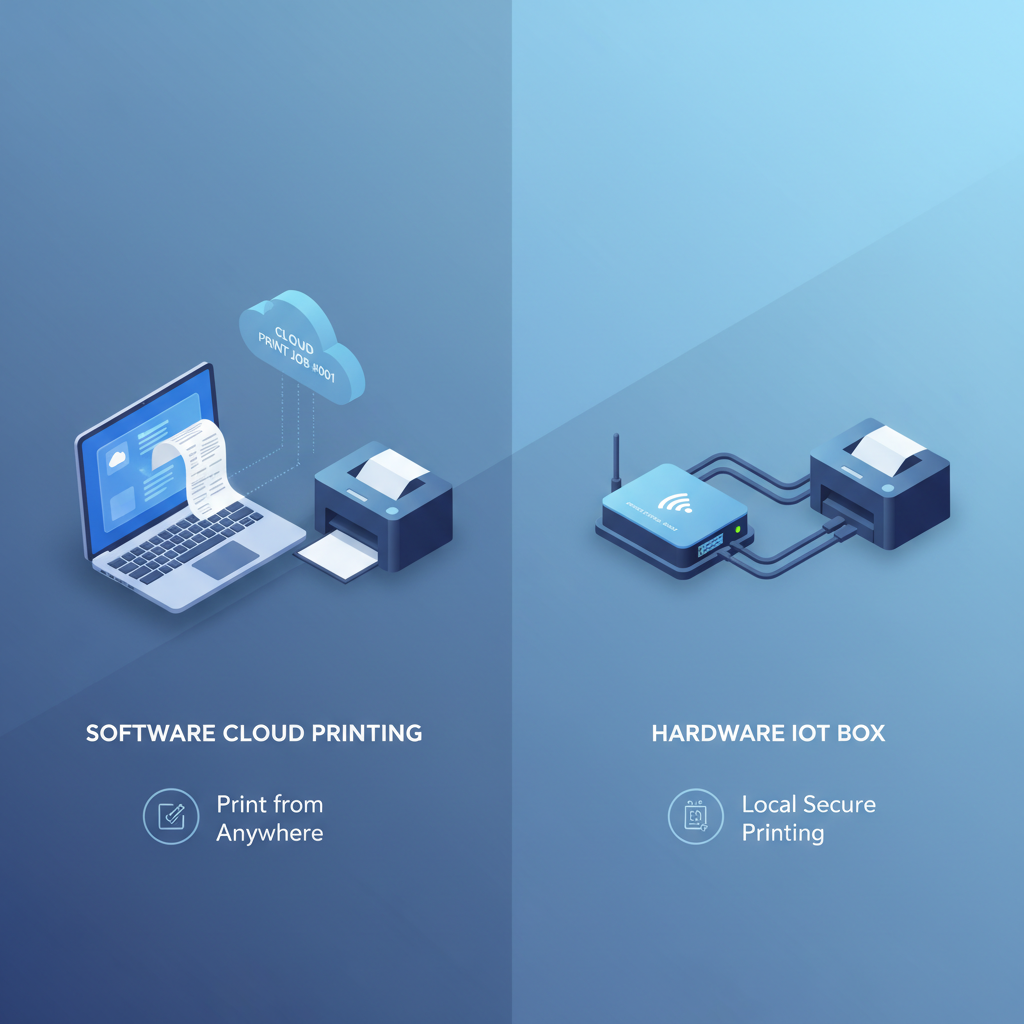
Skip the IoT Box. Print receipts, labels, and kitchen orders from Odoo POS in minutes.
Explore Ultraprint — Free Trial →The Odoo POS Printing Dilemma
Every Odoo POS implementation eventually hits the same question: How do we print receipts reliably?
Browser-based printing has limitations. Network printers need configuration. And direct USB access from a web app? That's not happening. The solution comes down to two main options:
- Ultraprint — A software-based printing service that works with your existing hardware
- Odoo IoT Box — A hardware device that bridges your POS peripherals to Odoo Online
Both solve the printing problem, but they serve different use cases. This guide breaks down exactly when to choose each, with honest pros and cons for both.
Quick Comparison: Ultraprint vs IoT Box
| Feature | Ultraprint | IoT Box |
|---|---|---|
| Initial Cost | $99 one-time | $360+ hardware |
| Monthly Cost | $0 (optional support $19-$79/yr) | $29-30/month |
| Setup Time | 5 minutes | 30-60 minutes |
| Hardware Required | None (software only) | Raspberry Pi or IoT Box device |
| Odoo Online Support | ✅ Chrome extension | ✅ Required for Online |
| Scales & Sensors | ❌ Not supported | ✅ Full support |
| Multi-Device Printing | ✅ Any device | Limited by hardware |
| Printer Compatibility | Any ESC/POS printer | Specific models only |
| Official Odoo Support | Community/vendor | Official Odoo |

✅ Choose Ultraprint If:
Ultraprint is the cost-effective choice for businesses that need reliable receipt printing without the complexity of hardware management.
- You need simple receipt printing — POS receipts, kitchen tickets, order confirmations
- Budget matters — Save 55% over 3 years compared to IoT Box
- You're on Odoo.sh, self-hosted, or Odoo Online (via Ultraprint Hub browser extension) — Full compatibility without restrictions
- Multi-device printing is needed — Print from tablets, phones, laptops, desktops
- Quick setup is valued — Running in under 5 minutes
- You have existing printers — Works with any ESC/POS compatible printer
Ultraprint Strengths
- No hardware investment — Software solution uses your existing equipment
- Universal compatibility — Works with virtually any thermal receipt printer
- Simple troubleshooting — No physical device to diagnose
- Instant deployment — Download, configure, print
⚠️ Choose IoT Box If:
The IoT Box is essential for specific scenarios where Ultraprint simply cannot work.
- You're using Odoo Online (critical!) — IoT Box is the ONLY option for Odoo Online users
- You need scales, cameras, or sensors — IoT Box supports full peripheral ecosystems
- Hardware reliability matters — Dedicated device means fewer software conflicts
- Official Odoo support required (IoT Box) — For IoT Box issues and hardware troubleshooting
- Complex peripheral setup — Multiple printers, barcode scanners, payment terminals
IoT Box Strengths
- Official Odoo product — Backed by Odoo's development and support team
- Peripheral hub — One device manages printers, scales, cameras, scanners
- Local network operation — Works even if internet goes down
- Enterprise-grade — Designed for high-volume retail environments
Ultraprint Pricing (2026)
Ultraprint is a one-time $99 Hub license per desktop. It includes unlimited printers and unlimited devices (POS stations, tablets, phones, and kitchen displays) that route through that desktop. Add the free Odoo add-on if you need kitchen routing, product-category printing, and native Odoo POS integration. Use the free Chrome extension for any web-based POS with no add-on required.
Trial: 1-month free Hub trial, no credit card. Start your trial. Optional support plans are $19-$79/year.
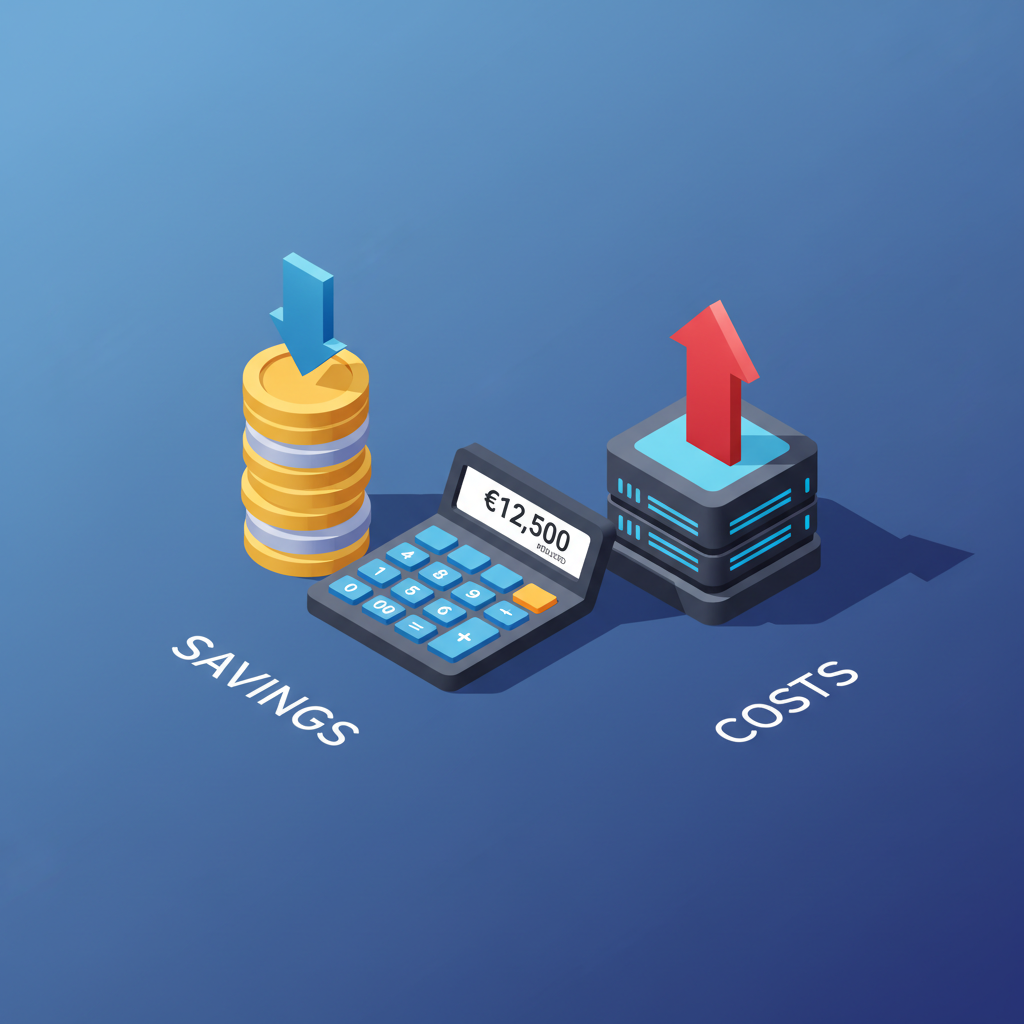
12-Month Cost Comparison: Ultraprint vs IoT Box
One Ultraprint Hub covers unlimited printers and devices on a single desktop. Compare that to IoT Box's recurring hardware subscription.
| Scenario | Ultraprint Year 1 | IoT Box Year 1 | You Save |
|---|---|---|---|
| Small store (2 printers) | $99 (extension or add-on) | $610 ($360 IoT + $250 printer) |
$511 (84%) |
| Multi-station (7 printers) | $99 (extension or add-on) | ~$1,500+ (multiple IoT boxes) |
$1,400+ (93%+) |
Bottom line: Ultraprint saves 84-93% compared to IoT Box setups in year one, and the gap widens over time because the Hub license is perpetual.
The Critical Decision: Odoo Online vs Self-Hosted
Here's the deciding factor that makes this choice simple:
⚠️ Odoo Online Users
If you're on Odoo Online, use the free Ultraprint Chrome extension for direct receipt and kitchen printing without installing any module. The IoT Box is still the right choice if you also need scales, cameras, or other non-printing peripherals.
✅ Odoo.sh or Self-Hosted Users
If you're on Odoo.sh or self-hosted Odoo, you have full flexibility. Ultraprint works seamlessly and offers significant cost savings. Unless you need scales, cameras, or sensors, Ultraprint is the smarter choice.
Setup Comparison
Ultraprint Setup (5 minutes)
- Purchase and download Ultraprint module
- Install on your Odoo instance (Odoo.sh or self-hosted)
- Install the Ultraprint service on your print server or POS device
- Configure printer connection in Odoo POS settings
- Test print — done!
IoT Box Setup (30-60 minutes)
- Purchase IoT Box or compatible Raspberry Pi
- Flash the IoT Box image to SD card
- Connect IoT Box to network and power
- Connect printers to IoT Box via USB
- Pair IoT Box with your Odoo database
- Configure IoT subscription in Odoo
- Configure printers in Odoo POS settings
- Test print and troubleshoot any connection issues
Our Verdict
Both solutions are legitimate and well-supported. The right choice depends entirely on your deployment:
- Odoo Online? → Ultraprint Hub browser extension (no hardware needed)
- Odoo.sh or self-hosted + printing only? → Ultraprint (saves money)
- Need scales, sensors, or cameras? → IoT Box (full peripheral support)
- Multi-location with mixed devices? → Ultraprint (device-agnostic)
We sell Ultraprint, but we're honest: if you're on Odoo Online or need IoT peripherals, the IoT Box is your answer. No software solution can replace hardware capabilities you actually need.
Summary
Ultraprint saves 84-93% over IoT Box for receipt printing in year one. The free Ultraprint Hub browser extension works on Odoo Online, Odoo.sh, and self-hosted deployments. The free Odoo add-on is only needed for native POS integration (kitchen routing, product-category printing, etc.) on Odoo.sh or self-hosted. Choose IoT Box only if you need scales, cameras, or sensor integration.
Frequently Asked Questions
Can I use Ultraprint with Odoo Online?
Yes. Odoo Online users can use the free Ultraprint Hub browser extension to print directly from any web page, including the Odoo POS frontend, without installing any module. The free Odoo add-on still cannot be installed on Odoo Online; it is only for Odoo.sh or self-hosted deployments. If you need scales, cameras, or other non-printing peripherals, IoT Box is the right choice.
Does Ultraprint work with any receipt printer?
Ultraprint works with any ESC/POS compatible thermal printer, which covers the vast majority of receipt printers on the market including Epson, Star, Bixolon, and other major brands.
Can IoT Box work without internet?
Yes, the IoT Box operates on your local network. Once paired with your Odoo database, printing works even if your internet connection drops temporarily — a key advantage for retail environments.
What peripherals does IoT Box support besides printers?
IoT Box supports scales, barcode scanners, payment terminals, cameras for product scanning, and customer display screens. It's a full peripheral hub, not just a print server.
Is Ultraprint Hub license required or optional?
The Ultraprint Hub license ($99 one-time) is the desktop printing license. It is always required. The free Odoo add-on is only required if you want native Odoo POS integration (kitchen routing, product-category printing, etc.) on Odoo.sh or self-hosted. The free Chrome extension does not require the add-on.
Ready to Simplify Your POS Printing?
If you're on Odoo.sh, self-hosted, or Odoo Online and need reliable receipt printing, Ultraprint delivers at a fraction of the IoT Box cost. 5-minute setup, universal printer support.
References
- Odoo IoT Box Documentation — Official Odoo IoT integration guide. https://www.odoo.com/documentation/17.0/applications/general/iot.html
- Ultraprint Product Page — Odoo Skillz. https://www.odooskillz.com/ultraprint-solution
- Odoo POS Hardware Compatibility — Odoo Community. https://www.odoo.com/documentation/17.0/applications/sales/point_of_sale/configuration.html
- ESC/POS Command Reference — Epson Developer Portal. https://reference.epson-biz.com/modules/ref_escpos/index.php
- Odoo.sh Documentation — Odoo Platform Guide. https://www.odoo.com/documentation/17.0/administration/odoo_sh.html
Related Comparisons
Ready to switch? Get full details and pricing for Ultraprint—the Odoo POS printing solution built for speed and simplicity. Get Started →
\nUpdated October 21, 2026: the Ultraprint Odoo add-on is now free. Only the Ultraprint Hub keeps its one-time $99 license (1-month free trial); optional support plans start at $19/year. Which Ultraprint should you use? The Ultraprint browser extension (free) prints from any web page without installing a module — ideal for quick setup and Odoo Online. The Odoo add-on (now free too) adds native POS/Inventory printing with kitchen routing, product-category printing, and device management. Both work with the same Hub license.