
How to Configure HS Codes for Import Duties in Odoo: A Step-by-Step Guide for 2026
TL;DR
HS codes are 6-10 digit classification numbers that determine import duty rates. In Odoo, you configure them on products, link them to tariff schedules, and automate duty calculations. Getting HS codes wrong means overpaying duties, customs delays, or compliance penalties. This guide shows the exact setup for 2026.
Lead #619 reached out specifically about HS Code configuration. Lead #628 (David Reuben) asked for a "customs duties and tariff rates module for Odoo." Lead #615 (Ernesto), a Canada-wide distributor, needs customs plus stock tracking for livestock farming equipment imports. These are not casual inquiries. They represent businesses whose profitability depends on getting HS codes right.
If you import goods, HS codes are not optional paperwork. They determine how much duty you pay, whether your shipment gets held at customs, and whether you face penalties for misclassification. This guide walks through configuring HS codes in Odoo step by step, with 2026 updates you need to know.
What Are HS Codes and Why Do They Matter?
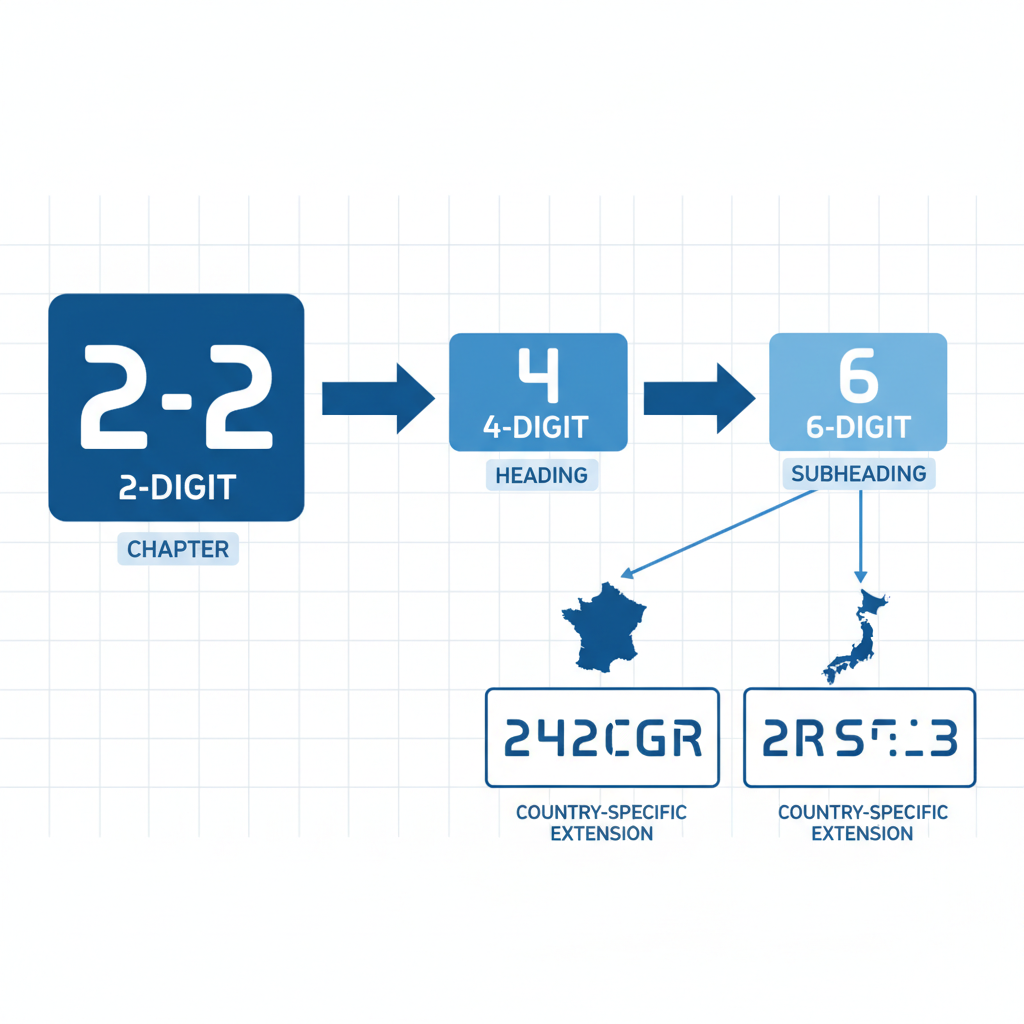
The Harmonized System (HS) is an international product classification standard maintained by the World Customs Organization. Every product that crosses a border gets an HS code.
Structure:
- First 2 digits: Chapter (broad category, e.g., 84 = machinery)
- First 4 digits: Heading (more specific, e.g., 8471 = computers)
- First 6 digits: Subheading (internationally standardized)
- Digits 7-10: Country-specific extensions (tariff line items)
Why accuracy matters:
- Wrong code = wrong duty rate. You might overpay by thousands or underpay and face penalties.
- Customs authorities use HS codes to flag shipments for inspection. Inconsistent classification triggers audits.
- Trade agreements (USMCA, EU free trade) offer reduced rates for correctly classified goods.
2026 HS Code Updates You Need to Know
The 2022 HS edition is now fully implemented globally. Key changes affecting importers:
- Environmental products: New subheadings for solar panels, electric vehicle components, and sustainable materials.
- E-cigarettes and vaping devices: Reclassified under Chapter 24 (tobacco products) in many jurisdictions.
- Drones: Unmanned aerial vehicles now have dedicated codes under 8806.
- 3D printers: Separated from general machinery into specific 8477 subheadings.
Always verify your codes against your country's 2026 tariff schedule. The U.S. uses the HTS (Harmonized Tariff Schedule), Canada uses the Customs Tariff, and the EU uses the TARIC database.
Step-by-Step: Configuring HS Codes in Odoo
Step 1: Enable Multi-Currency and Landed Costs
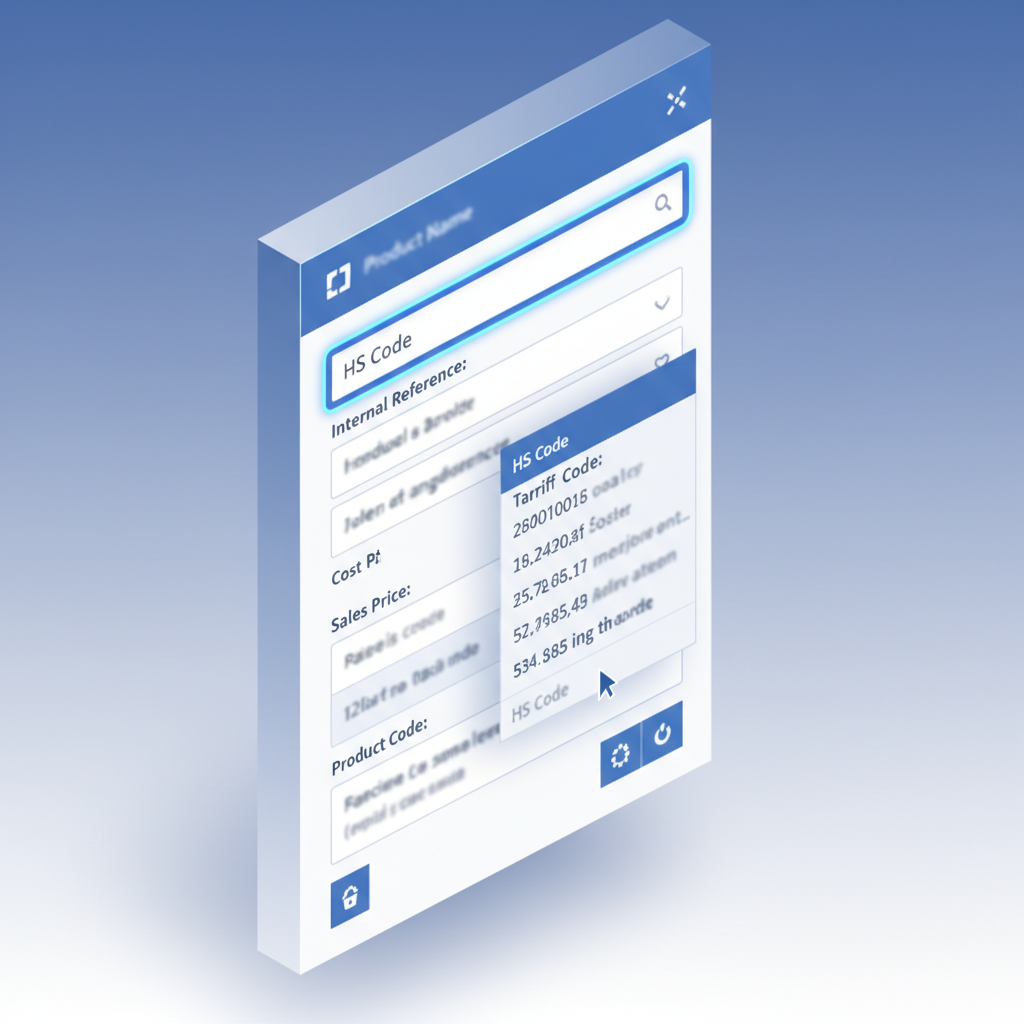
Before configuring HS codes, ensure your Odoo instance has the right modules:
- Purchase: For managing vendor orders and receipts
- Inventory: For stock valuation and landed costs
- Accounting: For duty expense tracking
- Customs Duties Add-on: Our module extends Odoo with HS code management, tariff lookup, and automated duty calculation
Navigate to Settings > Purchase and enable "Landed Costs." This allows you to distribute freight, insurance, and duties across your inventory valuation.
Step 2: Create HS Code Records
With the Customs Duties Add-on installed, go to Inventory > Configuration > HS Codes.
Create a new HS code record for each product category you import:
- Code: Enter the full HS code (6-10 digits)
- Description: Official WCO description
- Country of Origin: The country whose tariff schedule applies
- Duty Rate: The percentage or specific rate (e.g., 6.5% or $0.12/kg)
- Effective Date: When this rate takes effect (tariffs change)
Example: For imported laptop computers from China to the United States:
- HS Code: 8471.30.01
- Description: Portable automatic data processing machines, weighing not more than 10 kg
- Country: United States
- Duty Rate: 0% (under most-favored-nation status)
Step 3: Link HS Codes to Products
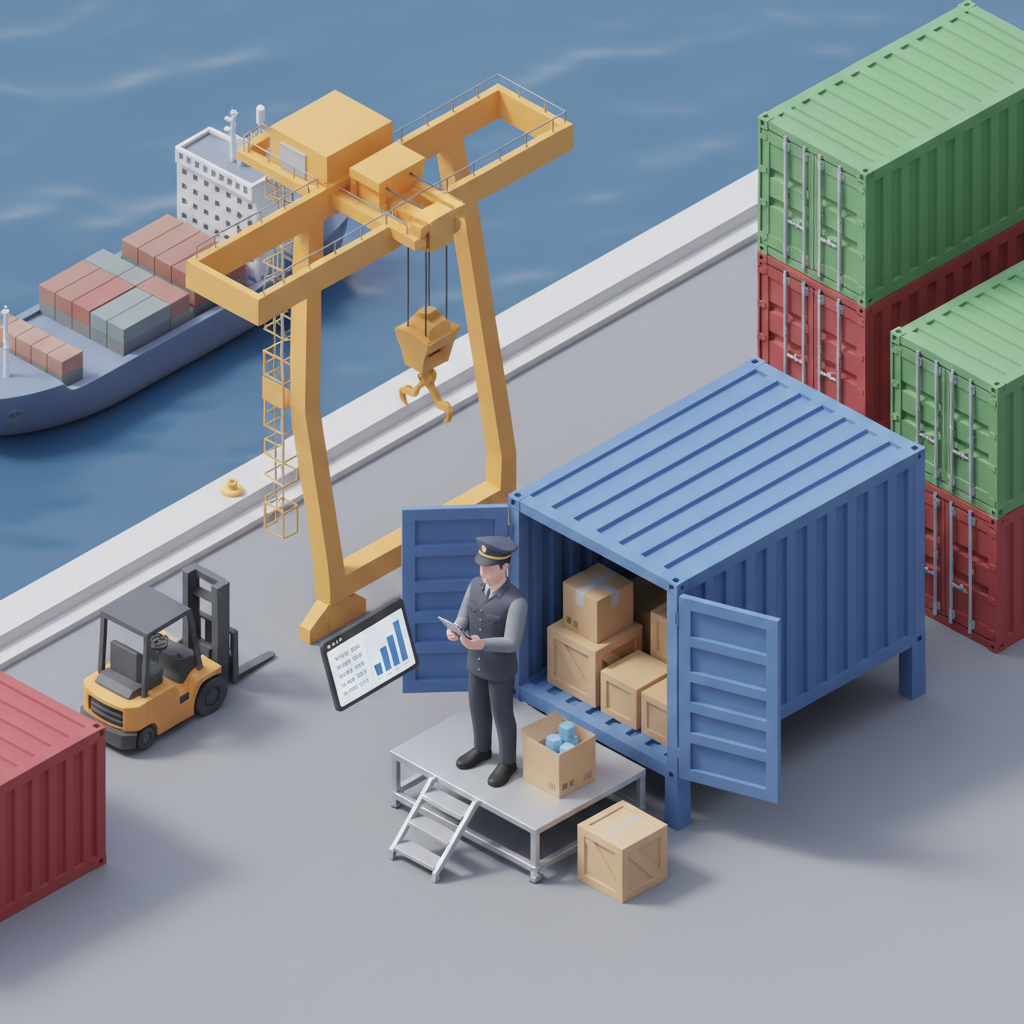
Open each imported product in Inventory > Products. In the "Purchase" tab, find the "HS Code" field and select the appropriate code from your configured list.
Important: One product can have multiple HS codes if you import the same item from different countries with different tariff treatments. The add-on supports country-specific code mapping.
Step 4: Configure Vendor-Specific Tariffs
Different vendors may ship from different countries, affecting duty rates. In the Purchase > Vendors section of the product form, specify:
- Vendor name and delivery lead time
- Country of origin for that vendor's shipments
- Applicable HS code variant (if different from default)
Step 5: Automate Duty Calculation on Receipt

When a shipment arrives, create a receipt in Inventory > Operations > Receipts. The Customs Duties Add-on automatically:
- Looks up the HS code on each product
- Applies the correct duty rate based on country of origin
- Calculates total duties: (product value + freight + insurance) x duty rate
- Creates a landed cost distribution linking duties to inventory valuation
Manual override: If customs assesses a different rate than expected, you can manually adjust the duty amount before posting the landed cost.
Common HS Code Mistakes (and How to Avoid Them)

Mistake 1: Using the Supplier's Code
Your Chinese supplier may classify a product under a code that benefits them (lower export duties). That code may not match the import classification in your country. Always verify against your national tariff schedule.
Mistake 2: Ignoring Country-Specific Extensions
The first 6 digits are global, but digits 7-10 vary by country. A code that works for EU imports may be wrong for U.S. imports of the same product. Check your local customs authority's database.
Mistake 3: Set-and-Forget
Tariff rates change. Trade agreements expire. New regulations take effect. Schedule a quarterly review of your HS codes against updated tariff schedules. The 2022 HS revision introduced 351 new sets of amendments, and more are coming.
Mistake 4: Wrong Product Description
Customs classifies based on material composition and function, not marketing names. A "smart fitness tracker" might be classified as a watch (9102) or a data processing device (8471) depending on its primary function. Get a binding ruling from customs if unsure.
How the Customs Duties Add-on Helps
Our Customs Duties Add-on extends Odoo's native capabilities with features built specifically for importers:
- HS code database: Pre-loaded with 2026 tariff schedules for U.S., Canada, EU, UK, and Australia
- Automatic duty calculation: No more spreadsheets or manual lookups
- Landed cost integration: Duties flow directly into inventory valuation
- Compliance alerts: Get notified when tariff rates change for your products
- Multi-country support: Manage imports from multiple origins with different duty structures
Lead #628 (David Reuben) asked for exactly this: a module that handles customs duties and tariff rates inside Odoo. The Customs Duties Add-on is that solution.
FAQ
What is the difference between HS codes and HTS codes?
HS codes are the 6-digit international standard maintained by the WCO. HTS codes are country-specific extensions used by the United States, typically 8-10 digits. The first 6 digits of an HTS code match the HS code, but digits 7-10 are U.S.-specific. Canada uses the Customs Tariff, and the EU uses TARIC. All start with the same 6-digit HS base.
Can I use the same HS code for all countries?
The first 6 digits are universal, but country-specific extensions (digits 7-10) vary. You should configure separate HS code records for each destination country where you import goods. Our Customs Duties Add-on supports multi-country mapping so one product can have different codes for different markets.
How often do HS codes change?
The WCO updates the HS system every 5 years. The 2022 edition is currently in effect. National tariff schedules may update annually or when trade agreements change. We recommend reviewing your HS codes quarterly and subscribing to your customs authority's update notifications.
What happens if I use the wrong HS code?
Consequences range from minor to severe. You may overpay duties, face customs delays, or trigger an audit. In cases of intentional misclassification, penalties can include fines and seizure of goods. If you are unsure about a classification, request a binding ruling from your customs authority before importing.
Does Odoo support HS codes out of the box?
Odoo Community and Enterprise editions do not include native HS code management or automated duty calculation. You can add custom fields manually, but tariff lookup, landed cost integration, and compliance alerts require additional functionality. Our Customs Duties Add-on provides these features as a native Odoo module.
Automate Your Import Duty Calculations
The Customs Duties Add-on brings HS code management, tariff lookup, and automated landed costs directly into Odoo. Stop guessing duty rates.
Explore the Add-on Talk to an Expert