
TL;DR
- The problem: Most businesses only record the product invoice price, missing shipping, insurance, duties, and brokerage fees. This leads to inventory undervaluation and underpriced products.
- The impact: Studies show importers typically underestimate true costs by 15-30%, eroding margins on every sale.
- The solution: Odoo 17's Landed Costs feature lets you allocate freight, insurance, and duties to product costs automatically.
- The upgrade: The Customs Duties Add-on automates HS code validation and real-time duty lookups so you never guess again.
- Bottom line: Accurate landed costs mean accurate inventory valuation, correct pricing, and protected margins.
When Ernesto, a Canada-wide distributor, reached out to our team, his problem was painfully familiar. He was importing goods from Asia, selling across provinces, and watching his margins shrink every quarter. His accounting system tracked the product invoice just fine. But the shipping, customs duties, brokerage fees, and currency conversion losses? Those were scattered across spreadsheets, emails, and gut estimates.
He is not alone. Lead #605 searched our demo environment for "import fee" and "landed cost" in the same session. Lead #628 explicitly asked for a "Customs Duties and Tariff Rates Module." These are not casual searches. They are signals of a broken workflow that costs importers real money.
This guide shows you how to calculate landed costs accurately inside Odoo 17, why most businesses get it wrong, and how to fix it before your next shipment arrives.
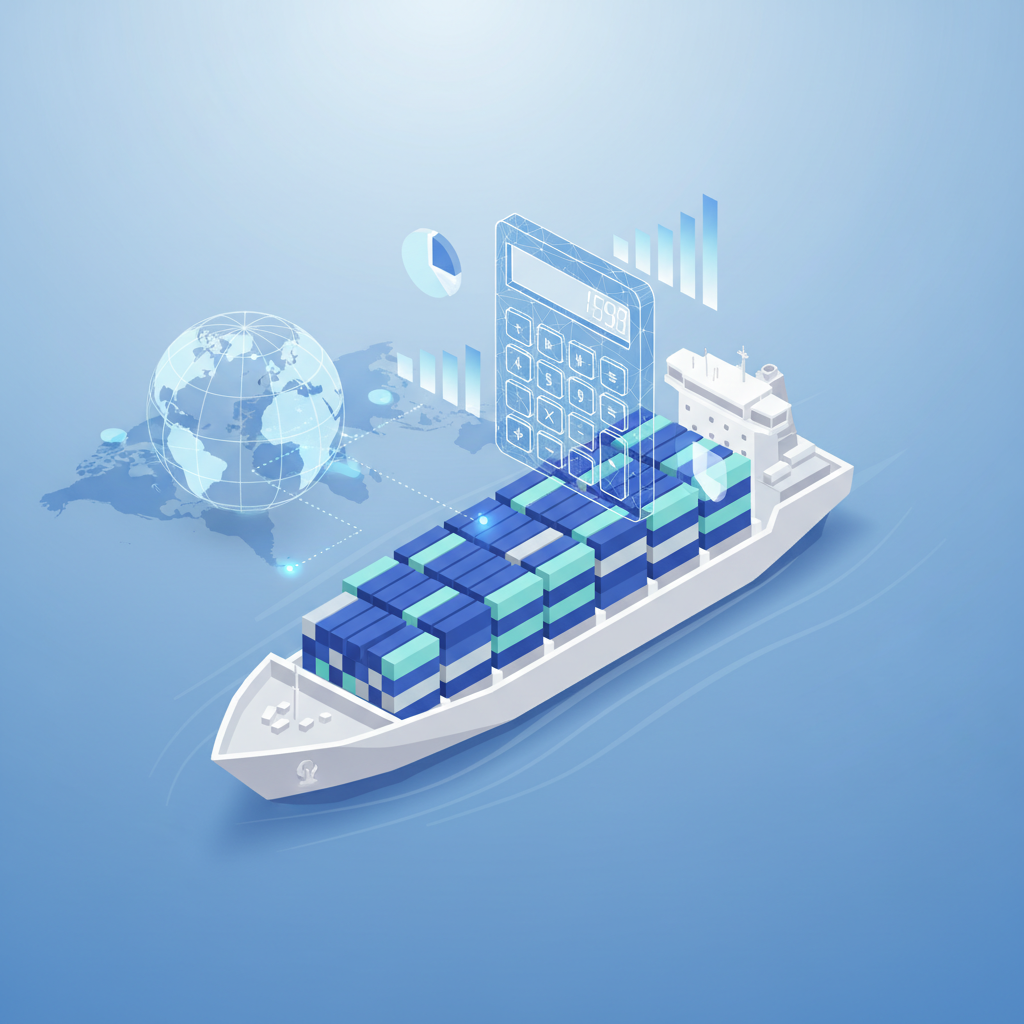
What Are Landed Costs?
Landed cost is the total price of a product once it has arrived at your warehouse door. It includes far more than the supplier invoice. Every fee, charge, and tax incurred from the factory floor to your shelf must be captured if you want accurate inventory valuation and pricing.
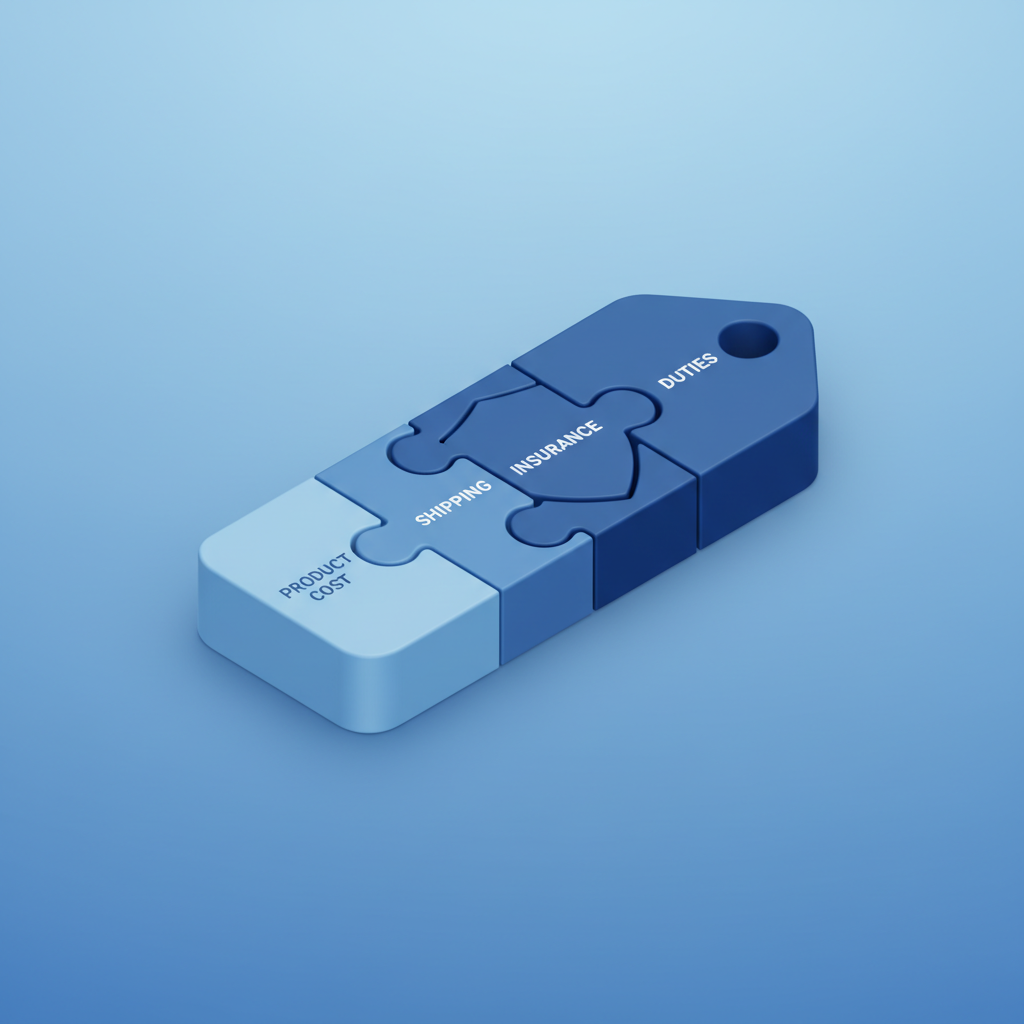
The components break down into four categories:
1. Product Cost: The base invoice amount from your supplier. This is what most businesses record, and it is only the beginning.
2. Freight and Logistics: Ocean freight, air cargo, inland trucking, port handling, and container fees. These can represent 5-15% of product value depending on route and volume.
3. Insurance: Marine cargo insurance, inland transit coverage, and sometimes contingent cargo policies. Typically 0.3-0.5% of goods value, but essential for high-value shipments.
4. Duties, Taxes, and Regulatory Fees: Customs duties based on HS codes, import VAT or GST, anti-dumping duties, excise taxes, and brokerage fees. For many importers, this is the largest hidden cost and the hardest to predict.
Understanding each component matters because they compound. A 5% duty on a $10,000 shipment is $500. Add 8% freight, 0.5% insurance, and a $200 brokerage fee, and the total uplift is over $1,800. Spread across 1,000 units, that is $1.80 per unit that never appears on the supplier invoice. If you sell those units for $15 with a perceived cost of $10, your margin looks healthy. The real margin is squeezed by nearly 20%.
Many small importers also overlook ancillary charges: demurrage fees for delayed container pickup, warehousing at the port of entry, fumigation certificates, and origin inspection costs. Each of these is a legitimate landed cost component. Odoo 17's landed cost framework can capture them all if you configure the right cost types.
According to Trade.gov, U.S. importers face average duty rates between 2% and 25% depending on product category and country of origin. In Canada, the Canada Border Services Agency applies similar variability. Without a systematic way to capture these, your cost of goods sold is fiction.

Why Most Businesses Get It Wrong
The mistakes are not technical. They are structural. Here are the five most common ways businesses miscalculate landed costs:
Mistake 1: Recording Only the Supplier Invoice
This is the default behavior in most accounting systems. The purchase order matches the vendor bill, the inventory is received at invoice price, and everyone assumes the job is done. The result: inventory is undervalued by 15-30% on average.
Mistake 2: Treating Freight as an Expense Instead of a Product Cost
When freight is booked as a general operating expense, it never hits inventory valuation. Your balance sheet looks lighter than it should, and your gross margin reports are inflated. At quarter-end, this creates a nasty surprise.
Mistake 3: Ignoring Currency Fluctuation
If you pay suppliers in USD, EUR, or CNY but sell in CAD or USD, exchange rate movements directly affect your true cost. A 3% currency swing on a $100,000 shipment is $3,000 of unrecorded variance. Odoo 17's multi-currency handling helps, but only if you apply it to the full landed cost, not just the invoice.
Mistake 4: Guessing HS Codes and Duty Rates
Lead #628 asked for a "Customs Duties and Tariff Rates Module" for a reason. HS classification determines duty rates, and misclassification leads to underpayment, penalties, or overpayment. Manual lookups on government websites are slow, error-prone, and impossible to audit at scale.
Mistake 4.5: Forgetting About Demurrage and Port Fees
Containers that sit at port beyond free time rack up demurrage charges of $100-$300 per day. These fees are directly attributable to the shipment that caused the delay, yet most businesses book them as general expenses. The same applies to port handling, terminal charges, and customs examination fees. Each should follow the goods into inventory valuation.
Mistake 5: Spreading Costs Evenly Across Products
A $5,000 freight bill divided equally across 100 SKUs ignores weight, volume, and value. Heavy items should carry more freight cost. High-value items should carry more insurance. Without proper allocation, your fast-moving products subsidize your slow movers.
The cumulative effect of these mistakes is devastating. A 2024 study by the National Federation of Independent Business found that 42% of small importers had no formal process for calculating landed costs. Of those that did, 68% admitted their method was inaccurate. The average cost understatement among respondents was 22%. That is not a rounding error. It is a business model risk.
Step-by-Step: Setting Up Landed Costs in Odoo 17
Odoo 17 includes a native Landed Costs module inside the Inventory app. It is powerful but underused. Follow these steps to configure it correctly.
Step 1: Enable Landed Costs
Go to Inventory > Configuration > Settings. Scroll to the Valuation section and enable Landed Costs. This adds the Landed Costs menu under Inventory > Operations.
Step 2: Create Landed Cost Types
Navigate to Inventory > Configuration > Landed Cost Types. Create entries for each cost component you track: ocean freight, air freight, insurance, customs duties, brokerage fees, and inland trucking. For each type, set the split method: equal, by quantity, by current cost, by weight, or by volume. Choose the method that reflects how the cost is actually incurred.
Step 3: Link Landed Costs to a Transfer
When a shipment arrives, go to Inventory > Operations > Landed Costs. Create a new landed cost record and select the incoming transfer (receipt) it applies to. Add lines for each cost type, entering the actual amounts from your freight forwarder, customs broker, and insurer.
Step 4: Validate and Allocate
Click Compute to let Odoo allocate each cost line across the products in the transfer according to the split method. Review the allocation, then click Validate. Odoo creates valuation adjustment entries that update the product costs in your inventory.
Step 5: Verify in Inventory Valuation
Go to Inventory > Reporting > Inventory Valuation. The product costs now reflect the true landed amount. When you sell these products, cost of goods sold will be accurate, and your margin reports will be trustworthy.
One practical tip: create a checklist for every incoming shipment. Before validating the landed cost in Odoo, confirm you have the freight forwarder invoice, the customs broker statement, the insurance certificate, and any ancillary bills. Missing one document means missing one cost component. Over a year, those omissions add up to thousands in phantom margin.
Another best practice is to reconcile landed costs monthly. Run the Inventory Valuation report and compare the average cost of recently received products against your expected landed cost estimate. If variances exceed 5%, investigate before the next shipment arrives. Early detection prevents systematic underpricing.
For a deeper walkthrough, see our complete Odoo Landed Costs implementation guide.

How the Customs Duties Add-on Helps
Odoo 17's native landed cost feature handles allocation well, but it leaves a critical gap: customs duties. You still need to look up HS codes, find duty rates, and enter them manually. For businesses importing regularly, this is unsustainable.
The Customs Duties Add-on closes that gap. It integrates directly into Odoo 17 and provides three capabilities that transform how you manage import costs:
Automated HS Code Validation: Enter a product description or known HS code, and the add-on validates it against official tariff databases. This eliminates the guesswork that leads to misclassification and penalties.
Real-Time Duty Rate Lookups: The add-on pulls current duty rates for your destination country and origin country pair. No more manual lookups on government portals. No more stale spreadsheets.
Integrated Landed Cost Posting: Calculated duties flow directly into Odoo's landed cost records. When you validate a shipment, the duty amount is already there, allocated correctly, and posted to inventory valuation.
For businesses operating across multiple provinces or states, landed cost accuracy has tax implications too. In Canada, provincial sales tax rules vary, and accurate cost basis affects HST input credits. In the United States, state resale certificates and use tax calculations depend on correct inventory valuation. The Customs Duties Add-on captures the data you need for compliance, not just for pricing.
Integration is seamless. The add-on installs as a standard Odoo module. It adds fields to product templates for HS code and origin country. It extends the landed cost screen with a duty calculation panel. It validates rates against current tariff schedules. There is no external API subscription required beyond the add-on license itself.
For a Canada-wide distributor like Ernesto, this means every provincial shipment carries the correct cost basis. For a business importing from multiple countries, it means consistent, auditable duty calculations across every transaction.

Real-World Example: A $50,000 Shipment from China to Canada
Let us walk through a concrete scenario. A Canadian electronics distributor imports 500 units of a consumer gadget from Shenzhen. The supplier invoice is $40,000 USD.
Base Product Cost: $40,000 USD at 1.36 CAD/USD = $54,400 CAD
Ocean Freight: $3,200 CAD (allocated by volume: the gadgets are compact, so they carry a small share of a shared container)
Marine Insurance: $272 CAD (0.5% of goods value)
Customs Duties: $5,440 CAD (10% duty rate based on correct HS classification)
Import GST: $7,957 CAD (5% GST on the total of product + freight + insurance + duty)
Brokerage Fee: $185 CAD flat fee
Total Landed Cost: $71,454 CAD
True Unit Cost: $142.91 per unit
If the distributor had stopped at the supplier invoice, the recorded cost would be $108.80 per unit. That is a 31% understatement. Selling at $159.99 with the wrong cost gives a perceived margin of 47%. The real margin is 11%. Without accurate landed costs, pricing decisions are made in the dark.
This example assumes a single product line. In reality, most shipments contain multiple SKUs. Imagine the same container holds 200 units of a second product with a $20,000 invoice. The freight allocation by volume might assign 60% to the first product and 40% to the second. Insurance scales with value, so the higher-value product carries more. Duties depend on each product's HS code, which may differ. The Customs Duties Add-on handles this complexity automatically, calculating and allocating each component correctly.
Consider also the cash flow impact. The distributor pays the supplier on day zero, the freight forwarder on day 30, the customs broker on day 35, and collects GST on day 40. Without landed cost tracking, these payments appear as disconnected expenses. With Odoo 17, each payment is linked to the original transfer, giving a complete financial picture of every shipment from origin to sale.
Using Odoo 17 with the Customs Duties Add-on, this entire calculation is automatic. The freight forwarder's bill is entered as a landed cost type. The insurance certificate is scanned and linked. The duty rate is pulled in real time. The GST is calculated on the correct base. When the shipment is validated, every unit carries $142.91 in inventory valuation, and every sale reports true margin.

Frequently Asked Questions
What is the difference between landed cost and standard cost in Odoo 17?
Standard cost is a predetermined estimate used for budgeting and variance analysis. Landed cost is the actual total cost incurred to bring goods to your warehouse, including freight, insurance, and duties. In Odoo 17, landed costs update your inventory valuation in real time, while standard costs are used for planning and reporting variances.
Can I apply landed costs to existing inventory in Odoo 17?
Yes. Odoo 17 allows you to create landed cost records and link them to past transfers. When validated, the system posts valuation adjustments that update the cost of the received products. This is useful when freight invoices arrive after the goods have already been received and sold.
How does the Customs Duties Add-on handle changing tariff rates?
The add-on connects to current tariff databases and pulls real-time duty rates based on the HS code, origin country, and destination country. When rates change, new shipments automatically use the updated rate. Historical shipments retain the rate that was current at the time of import, ensuring audit accuracy.
What allocation method should I use for freight costs in Odoo 17?
Use By Weight for heavy goods where shipping cost is driven by mass. Use By Volume for bulky, lightweight items. Use By Current Cost for high-value goods where insurance and security costs scale with value. Use Equal only when all products in a shipment are nearly identical in size, weight, and value.
Does Odoo 17 landed cost support multi-currency shipments?
Yes. Odoo 17's multi-currency framework applies to landed costs. You can record freight and duty bills in their original currency, and Odoo converts them using the exchange rate on the transaction date. This ensures your inventory valuation reflects actual costs even when currencies fluctuate.
Tired of Manual Customs Calculations?
Stop guessing landed costs and chasing HS codes across spreadsheets. The Customs Duties Add-on automates duty calculations, validates HS classifications, and tracks every import cost directly inside Odoo 17.
References
- U.S. Department of Commerce - International Trade Administration
- Canada Border Services Agency - Tariff Information
- Odoo 17 Documentation - Landed Costs
- Investopedia - Landed Cost Definition and Components
- DHL - Understanding Landed Cost for International Shipping
- FedEx - Landed Cost Calculator and Guide