Odoo 18 Inventory Add-on • One Time Purchase
Print Warehouse Labels and Inventory Documents from Odoo 18 Without Leaving Your Screen
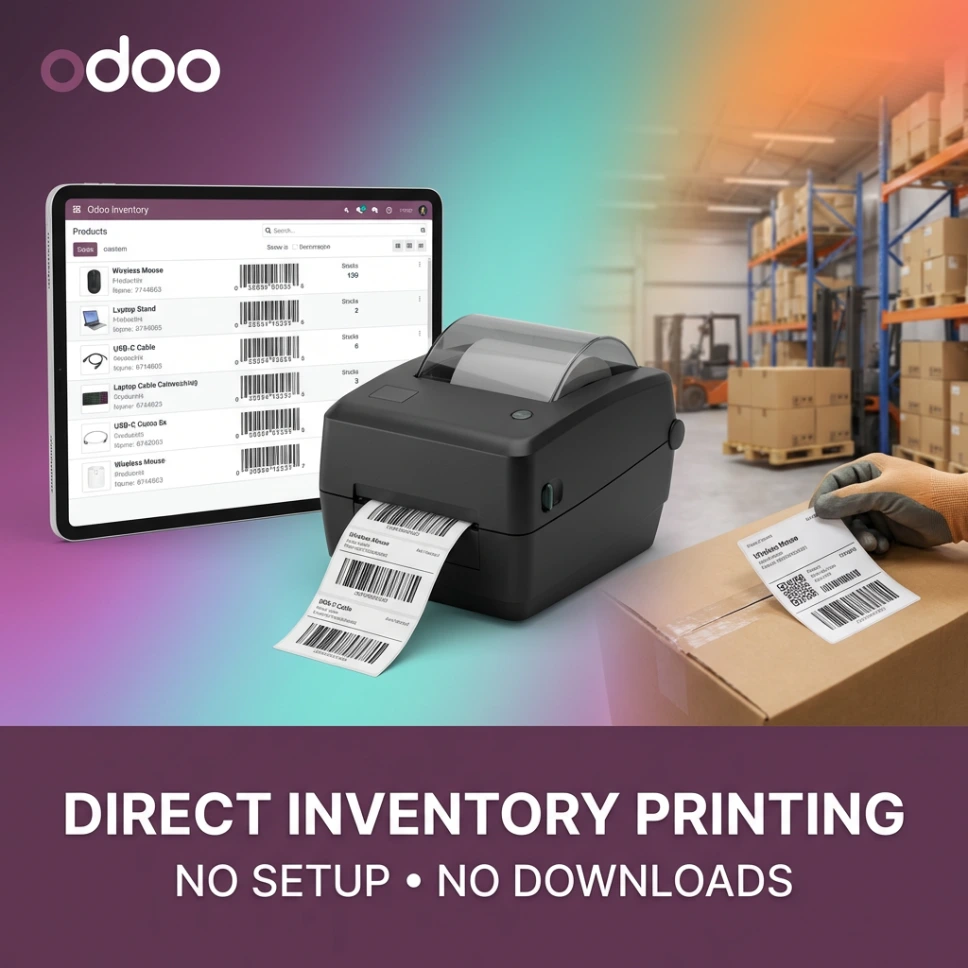
The Ultraprint Inventory add-on brings direct printing into Odoo Inventory. Product labels, barcode tags, picking lists, packing slips. All printed with one click, straight to the right printer, automatically.
Platform Requirement: Ultraprint requires server-side components and is NOT compatible with Odoo Online. This add-on works on Odoo.sh and self hosted Odoo 18 only.
How It Works in 3 Steps
1
Install the Add-on
One click install inside the Odoo 18 Inventory module. No configuration wizards. No IT involvement needed beyond the initial setup session.
2
Assign Printers by Document Type
Connect your warehouse printers through the Ultraprint Hub. Assign the thermal printer for labels and the office printer for documents. Done once, automatic forever.
3
Print From Anywhere in Inventory
On any product, transfer, or receipt, click Print. The job routes to the right printer automatically. Your warehouse team never touches a PDF or a print dialog again.
What You Get With This Add-on
🏷
Product Label Printing
Print barcode labels and product tags directly from the Odoo product view or the inventory transfer screen. Supports PDF and ZPL formats for thermal printers.
📦
Picking and Packing Documents
Picking lists, packing slips, delivery orders, and receipt documents all get a direct Print button. Printed instantly without opening a PDF viewer.
🚀
Smart Printer Routing
Labels go to the thermal printer. Documents go to the office printer. You define the rules once. Ultraprint follows them every time without prompting your team.
📷
Unlimited Printers per Computer
Connect as many printers as you need to the Ultraprint Hub on your warehouse computer. Thermal, inkjet, laser, network printer. All managed from Odoo.
📊
Native Odoo 18 Inventory Integration
Built specifically for the Odoo 18 Inventory module. Printing options appear exactly where you expect them, inside the same views your team already uses every day.
🔒
Requires Ultraprint Subscription
This add-on works together with the Ultraprint Hub desktop software (Windows), which is part of all Ultraprint subscription tiers. Choose a tier based on how many printers you need to manage.
300+Active Users
v18Odoo 18 Inventory
$85One Time Purchase
ZPLThermal Label Support
Platform Compatibility
| Platform | Compatible | Notes |
|---|
| Odoo.sh | ✓ | Fully supported |
| Self Hosted Odoo | ✓ | Fully supported |
| Odoo Online | ✗ | Not compatible. Server side components required. |
Frequently Asked Questions
How is this different from the standard Ultraprint add-on?
The standard Ultraprint add-on covers general Odoo printing across modules like Sales and Accounting. This Inventory edition is purpose-built for warehouse operations and adds specific features for the Inventory module: product label printing in ZPL format for thermal printers, stock transfer documents, picking lists, and packing slips. If your main use case is warehouse label printing, this is the right choice.
Does this work with Odoo Online?
No. Ultraprint requires server side components that Odoo Online does not allow. This add-on works on Odoo.sh and self hosted Odoo 18 only.
Does it support thermal label printers?
Yes. The add-on supports both PDF format (for office printers) and ZPL format (for Zebra and compatible thermal label printers). You assign the format per printer in the Ultraprint settings, and the correct format is sent automatically when you print labels.
Do I also need an Ultraprint subscription?
Yes. This add-on is the Odoo side of the equation. The Ultraprint Hub (a Windows desktop app) handles the connection to your physical printers. The Hub is included in all Ultraprint subscription tiers, starting at $10 per month for the Starter plan.
Can I install both this add-on and the standard Ultraprint add-on?
Yes. They are separate modules that work independently. If your business needs printing across both general Odoo documents and inventory specific documents, you can install both. They share the same Ultraprint Hub connection and printer configuration.