
TL;DR: What You Need to Know
Ultraprint keeps data on your network; PrintNode sends it to the cloud
Data never leaves your local network
Ultraprint works without internet; PrintNode requires connectivity
Ultraprint setup vs 30 min PrintNode configuration
PrintNode is a popular cloud printing API used by many POS solutions. Ultraprint offers the same functionality with local network architecture — no cloud dependency, lower total cost of ownership, and complete data privacy.
Note: This post covers the Ultraprint Chrome Extension (Variant B), which works with any web-based POS. For Odoo-specific features like kitchen routing by product category, see the Ultraprint Add-on (Variant A).
PrintNode is one of the most widely used cloud printing APIs in the point-of-sale industry. It powers printing for dozens of POS systems, including some Odoo modules. But cloud printing has inherent limitations that local network solutions avoid. This guide compares PrintNode and Ultraprint on architecture, cost, reliability, and privacy.
What Is PrintNode?
For a broader comparison of no-IoT-Box solutions, see Best Odoo POS Printing Solutions Without IoT Box — including Ultraprint, VentorTech, Webkul, and QZ Tray.
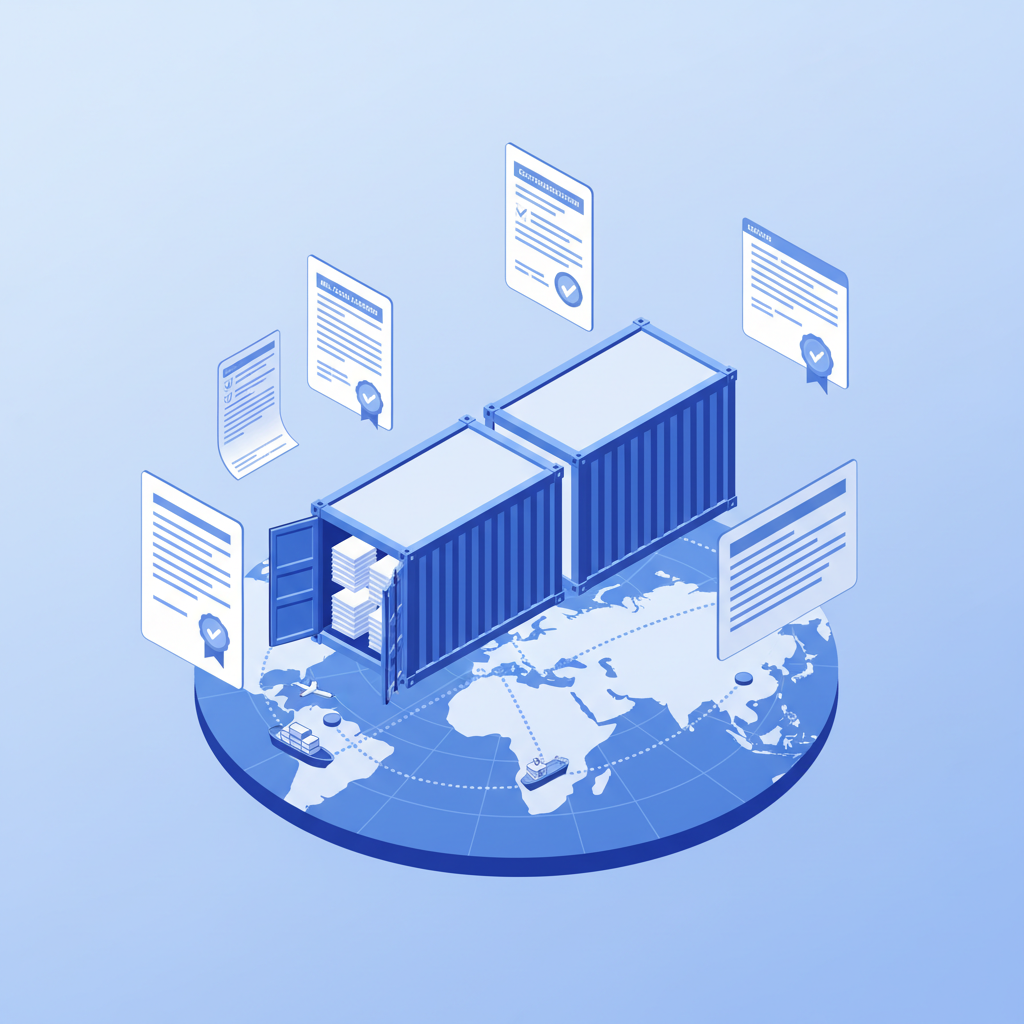
PrintNode is a cloud-based printing API that allows web applications to send print jobs to local printers. When you click Print in your POS application, the print job travels from your browser to PrintNode's servers, then from PrintNode's servers to a small client application running on a computer in your store, and finally to the printer.
This architecture has advantages. Because PrintNode is a generic API, it works with virtually any web application. Developers integrate once with PrintNode's API and gain support for hundreds of printer models without writing printer-specific code. For software vendors, this is efficient. For end users, it means broad compatibility.
PrintNode supports ESC/POS and ZPL protocols, making it suitable for thermal receipt and label printers. It also offers features like print job queuing, status monitoring, and multi-location management. These features appeal to businesses with complex printing requirements or multiple stores.
The Hidden Costs of Cloud Printing APIs
PrintNode's pricing is based on print volume. The free tier allows limited prints per month, and paid tiers scale with usage. For a busy restaurant printing two hundred receipts per day, the monthly cost can exceed twenty dollars. For a retail chain with ten locations, the cost multiplies accordingly.

But the direct subscription cost is only part of the story. Cloud printing creates indirect costs that are easy to overlook. First, internet redundancy. If your printing depends on the cloud, you need backup internet connections. A 4G failover router costs two hundred to four hundred dollars upfront plus thirty to sixty dollars per month. Over three years, that's twelve hundred to twenty-five hundred dollars just to ensure printing works during outages.
Second, downtime revenue loss. A busy restaurant processes one hundred to two hundred orders during Friday dinner. If printing stops for one hour due to an internet outage, you cannot process new orders efficiently. At an average ticket of thirty-five dollars, that's thirty-five hundred to seven thousand dollars in lost revenue for a single outage.
Third, data privacy concerns. Every print job sent through PrintNode passes through their servers. While PrintNode has privacy policies and security measures, some businesses — particularly in healthcare, finance, or government — cannot accept third-party access to their print data. Local printing keeps everything on your network.
Ultraprint: The Local Alternative
See how Ultraprint compares head-to-head with the Odoo IoT Box, or browse the Ultraprint solution page for features and pricing.
Ultraprint replaces the cloud API with a local network hub. The Chrome Extension captures print jobs from your browser and sends them directly to the Hub over your local network. The Hub forwards the job to the appropriate printer. No data leaves your premises.
This architecture eliminates the ongoing subscription cost. Ultraprint costs $99 one-time for the Hub license and $19-$79/year optional support, regardless of print volume. Print two receipts or two thousand — the price is the same. For high-volume businesses, this predictability is valuable.
The local architecture also eliminates internet dependency. Your printers work during outages, during maintenance windows, and in locations with unreliable connectivity. For mobile businesses like food trucks, pop-up stores, or event vendors, this is essential.
Privacy is guaranteed because print data never leaves your network. There are no third-party servers, no API calls to external services, and no data retention policies to review. For businesses with strict privacy requirements, this is non-negotiable.

Head-to-Head Comparison
| Feature | PrintNode | Ultraprint |
|---|---|---|
| Architecture | Cloud API | Local network |
| Pricing model | Volume-based | One-time license |
| Year 1 cost (typical) | $360-$400+ | $99 |
| Works offline | No | Yes |
| Data privacy | Cloud-based | Local only |
| Kitchen routing | No | Add-on only (Extension: URL-based) |
| Setup time | 30 min | 5 min |
| Free trial | Limited free tier | 1-month Hub trial; free extension |
When PrintNode Makes Sense
PrintNode is the right choice for some scenarios. If you are a software developer building a POS system and need a generic printing API that works with any printer, PrintNode's developer-friendly API saves months of integration work. If you need advanced features like print job monitoring, multi-location management, or detailed analytics, PrintNode's dashboard provides visibility that Ultraprint currently does not. If you have reliable internet, low print volumes, and no privacy constraints, the cloud architecture works fine.
When Ultraprint Wins
Ultraprint is ideal for teams that need reliable ZPL barcode and thermal label printing or warehouse/inventory label workflows.
Choose Ultraprint if you operate in environments with unreliable internet, if print volume is high enough that volume-based pricing becomes expensive, if data privacy is a priority, if you need kitchen routing without additional configuration, or if you prefer flat, predictable pricing. The local architecture, offline capability, and all-inclusive feature set make Ultraprint the safer and more cost-effective choice for most retail and hospitality businesses.

The Developer Perspective
From a software development standpoint, PrintNode and Ultraprint serve different integration patterns. PrintNode is an API-first service designed for developers building POS systems. You send HTTP requests to PrintNode's servers, and they handle printer communication. This abstraction saves developers from learning ESC/POS or ZPL protocols directly.
Ultraprint is an end-user solution designed for business owners and IT administrators. You install the Chrome Extension and Hub without writing code. The integration happens at the browser level, not the application level. This means non-technical users can set it up in minutes without developer involvement.
If you are building a custom POS system and need a printing API, PrintNode is the developer-friendly choice. If you are running an existing POS system and need printing to work, Ultraprint is the user-friendly choice. The right tool depends on whether you are building software or running a business.
Reliability in Real-World Conditions
PrintNode's reliability depends on three factors: your internet connection, PrintNode's servers, and the client application on your local computer. If any of these fails, printing stops. PrintNode's servers have excellent uptime, but no cloud service is perfect. Outages happen, and when they do, your business stops printing.
Ultraprint's reliability depends on one factor: your local network. As long as your POS station can reach the Hub, printing works. Network switches and WiFi routers are far more reliable than internet connections. And if the Hub computer fails, you can install it on another machine in two minutes.
For businesses that print during every transaction, the difference between two potential failure points and one is significant. Every additional dependency is a potential point of failure. Ultraprint's simpler architecture means fewer things that can go wrong.
Print Locally, Save Globally
Ultraprint gives you offline thermal printing, flat pricing, and complete data privacy — no cloud dependency required.
PrintNode's Strengths
PrintNode is one of the most popular cloud printing APIs for good reason. It excels in scenarios where Ultraprint doesn't compete:
- Multi-location management: If you have 20 locations and need to push the same promotional label to all of them simultaneously, PrintNode's cloud dashboard is superior. One API call, 20 printers, no VPN.
- Developer ecosystem: PrintNode has SDKs for Python, Ruby, PHP, Node.js, and.NET. Documentation is extensive. If you have a development team building custom integrations, PrintNode's API is polished and predictable.
- Print job archiving: Every job sent through PrintNode is logged in the cloud. If a customer disputes a receipt, you have a cloud record. Ultraprint's job history is local (last 100 jobs in the Hub).
- Remote monitoring: PrintNode shows printer status (online/offline, paper levels if supported) from anywhere. Ultraprint requires physical access to the Hub computer for diagnostics.
The Hidden Costs of Cloud Printing
PrintNode's pricing starts at $0 (20 prints/day) then jumps to ~$10/month for 500 prints/day. For a busy restaurant doing 200 receipts + 150 kitchen tickets daily, you're in the paid tier immediately.
But the subscription cost is only the visible part. The hidden costs include:
- Internet redundancy: If your primary internet fails, printing stops. A 4G backup costs $30-60/month — more than PrintNode itself.
- Data compliance: Receipts contain customer information. If you operate under GDPR, CCPA, or PCI-DSS, sending receipt data through a third-party cloud service requires legal review and potentially a Data Processing Agreement.
- API dependency: Your POS is now dependent on PrintNode's API uptime. If PrintNode has an outage (rare, but documented), your restaurant stops printing until they resolve it.
Total Cost Comparison: 3-Year Reality
Try Ultraprint risk-free with a free 1-month trial. No credit card required.

| Cost Factor | PrintNode | Ultraprint (Extension) |
|---|---|---|
| Year 1 (500 prints/day) | ~$120 | $99 |
| Year 2 | ~$120 | $19-$79/year |
| Year 3 | ~$120 | $19-$79/year |
| Internet backup | $360/yr | $0 |
| 3-Year Total | ~$1,440 | $137 |
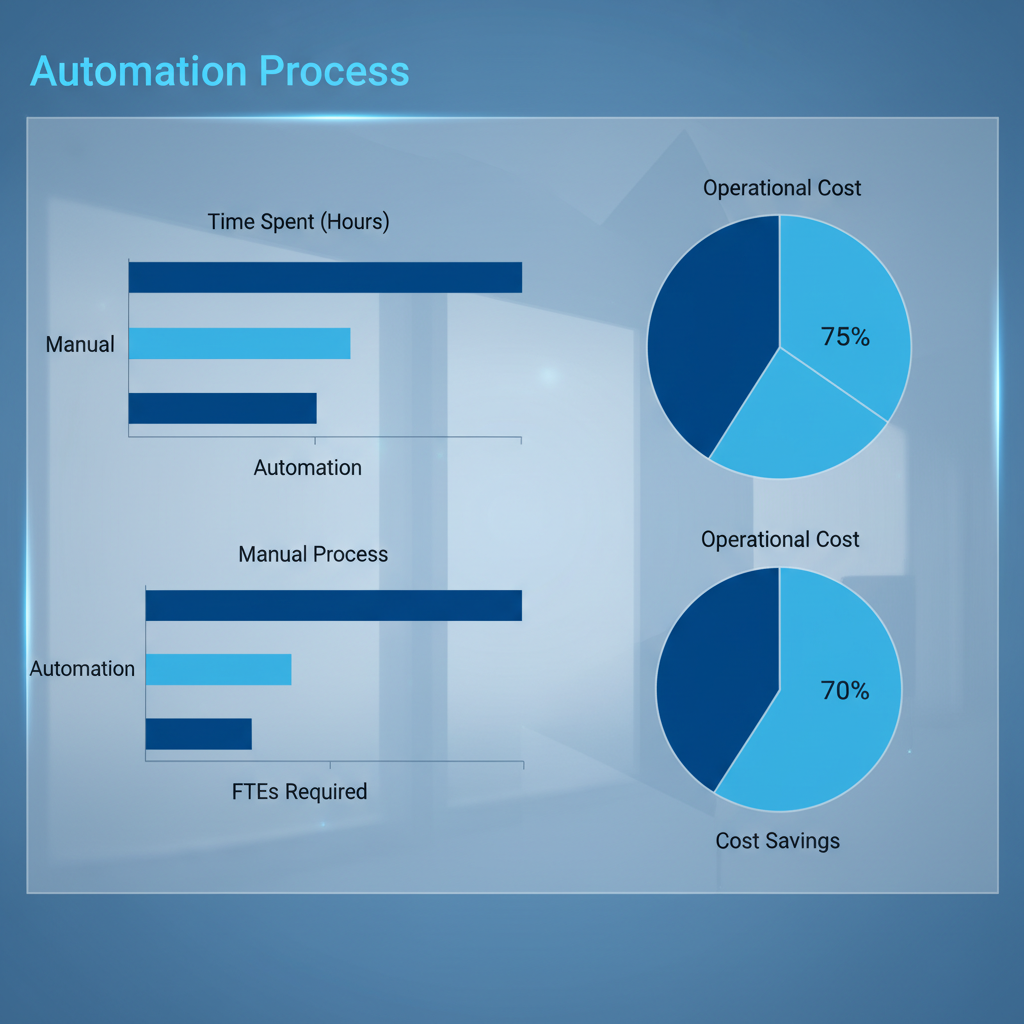
When you include the internet backup that cloud printing realistically requires for business-critical operations, Ultraprint costs 60% less over three years. If you already have redundant internet, PrintNode's cost advantage narrows but doesn't disappear.
Data Privacy: Where Your Print Jobs Actually Go
PrintNode routes print jobs through their servers (hosted on AWS). The data is encrypted in transit and at rest, but it leaves your network. For most retail receipts, this is acceptable. For medical prescriptions, legal documents, or financial records, it's a compliance risk.
Ultraprint's WebSocket connection stays on localhost. The print job flows: Browser → Chrome Extension → Service Worker → Offscreen Document → Hub → Printer. No internet hop. No third-party server. No data retention policy to review.
PrintNode architecture from public API documentation (printnode.com). Ultraprint architecture verified from source code: background.js, offscreen-bridge.js, ultraprint.js.
When PrintNode Is the Right Choice
Choose PrintNode if:
- You have redundant internet and don't worry about outages
- You need multi-location printer management from a single dashboard
- You have developers who can integrate via REST API
- Your receipts don't contain sensitive regulated data
- You value cloud job archiving over local privacy
Choose Ultraprint if:
- You operate in areas with unreliable internet
- You handle sensitive customer data on receipts
- You want receipt/label printing without API development (kitchen routing requires Ultraprint Add-on for Odoo)
- You prefer a one-time license with optional support, not per-print pricing
FAQ
Can I use PrintNode and Ultraprint together?
Not on the same printer, as they would conflict. Choose one architecture for each location.
Does Ultraprint support as many printers as PrintNode?
Ultraprint supports all ESC/POS and ZPL thermal printers, which covers the vast majority of receipt and label printers. Test compatibility with the free Chrome Extension.
Is PrintNode insecure?
PrintNode has security measures, but cloud printing inherently involves sending data to third-party servers. Ultraprint keeps all data on your local network.
Which is cheaper for low volume?
PrintNode's free tier may be cheaper for very low volume. Ultraprint becomes more cost-effective as volume increases.
Can I switch from PrintNode to Ultraprint?
Yes. Both use standard printer protocols. Uninstall the PrintNode client, install Ultraprint Hub, and your printers work immediately.
Support When Things Break: A Realistic Comparison
Both solutions advertise "support," but the experience differs:
PrintNode: Email support with documented response times. Status page shows current uptime. With a large user base, most issues are documented. However, if the issue is on their infrastructure (AWS connectivity, API rate limiting), you're waiting for them — not troubleshooting locally.
Ultraprint: Ticket-based support with 60-day priority for new customers. Because the entire stack runs locally, most issues are within your control: Hub not running (restart it), network connectivity (check cables/WiFi), printer driver (reinstall). The Hub generates detailed logs that speed up diagnosis.
Print Volume: The Pricing Cliff
PrintNode's free tier (20 prints/day) is useless for any real business. The first paid tier ($9/month) covers 500 prints/day. A restaurant doing 100 receipts + 80 kitchen tickets is already at 180/day — leaving 320 for promotional labels, reprints, and error corrections. A retail store with 200 transactions is over the limit.
Ultraprint has no print volume limit. $99 one-time covers unlimited prints. Whether you do 50 prints/day or 5,000, the price is identical. For high-volume businesses, this predictability matters.
Related Guides
- Odoo Barcode Label Printing: ZPL, PDF, and Thermal Printers Explained — configure Zebra and Brother thermal printers for Odoo Inventory.
- Barcode Label Printing from Odoo: A Complete Warehouse Guide — warehouse labeling, bin locations, and picking accuracy.
References
- PrintNode Official Website
- Odoo Documentation: Point of Sale
- QZ Tray Official Website
- Zebra Technologies
- Epson Printers
Related Comparisons
Update (October 2026): the Ultraprint Odoo add-on is now free. Only the Ultraprint Hub keeps its one-time $99 license (1-month free trial); optional support plans start at $19/year. Which Ultraprint should you use? The Ultraprint browser extension (free) prints from any web page without installing a module — ideal for quick setup and Odoo Online. The Odoo add-on (now free too) adds native POS/Inventory printing with kitchen routing, product-category printing, and device management. Both work with the same Hub license.