
TL;DR: What You Need to Know
Category-based routing — no manual assignment
Connect unlimited kitchen printers at no extra cost
Kitchen tickets print even during internet outages
Setup per printer — just assign categories
Ultraprint's built-in kitchen routing automatically sends orders to the right station based on product category. No manual assignment, no missed tickets, no confusion during rush hour.
Note: This post covers the Ultraprint Add-on for Odoo POS (Variant A), which provides kitchen routing by product category. The Ultraprint Chrome Extension (Variant B) does not support kitchen routing — it is a universal web-to-printer bridge for any browser-based POS.
In a busy restaurant, every second counts. When a server enters an order, the kitchen needs to see it immediately — and the right station needs to see the right items. Ultraprint's category-based kitchen routing automates this process, eliminating the chaos of manual ticket distribution and ensuring every dish is prepared on time.
The Kitchen Routing Challenge
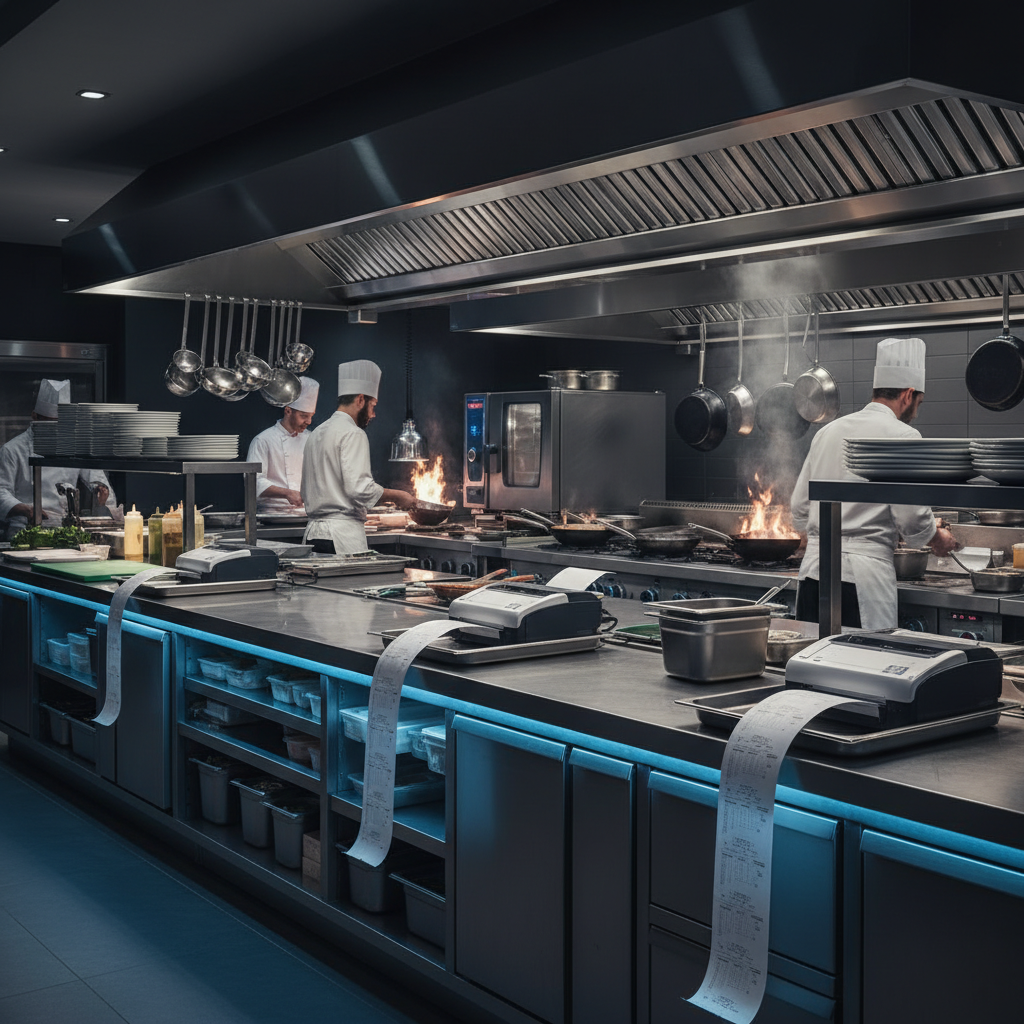
Restaurant kitchens are complex environments with multiple stations: grill, fryer, salad, dessert, bar, and cold prep. When an order comes in, each station needs to see only the items they are responsible for. A grill cook doesn't need to see drink orders. A bartender doesn't need to see steak temperatures. Getting the right information to the right person at the right time is critical for speed and accuracy.
Traditional approaches to this problem include handwritten tickets passed to each station, single tickets that every station shares, and expensive kitchen display systems that require dedicated hardware. Each approach has problems. Handwritten tickets are slow and error-prone. Shared tickets create confusion as cooks search for their items. Kitchen display systems cost thousands and require IT support.
The ideal solution is automatic routing: when an order is placed, the system automatically prints the relevant items at each station. The grill gets the steaks, the bar gets the drinks, the salad station gets the greens — all without human intervention. This is what Ultraprint's kitchen routing provides.
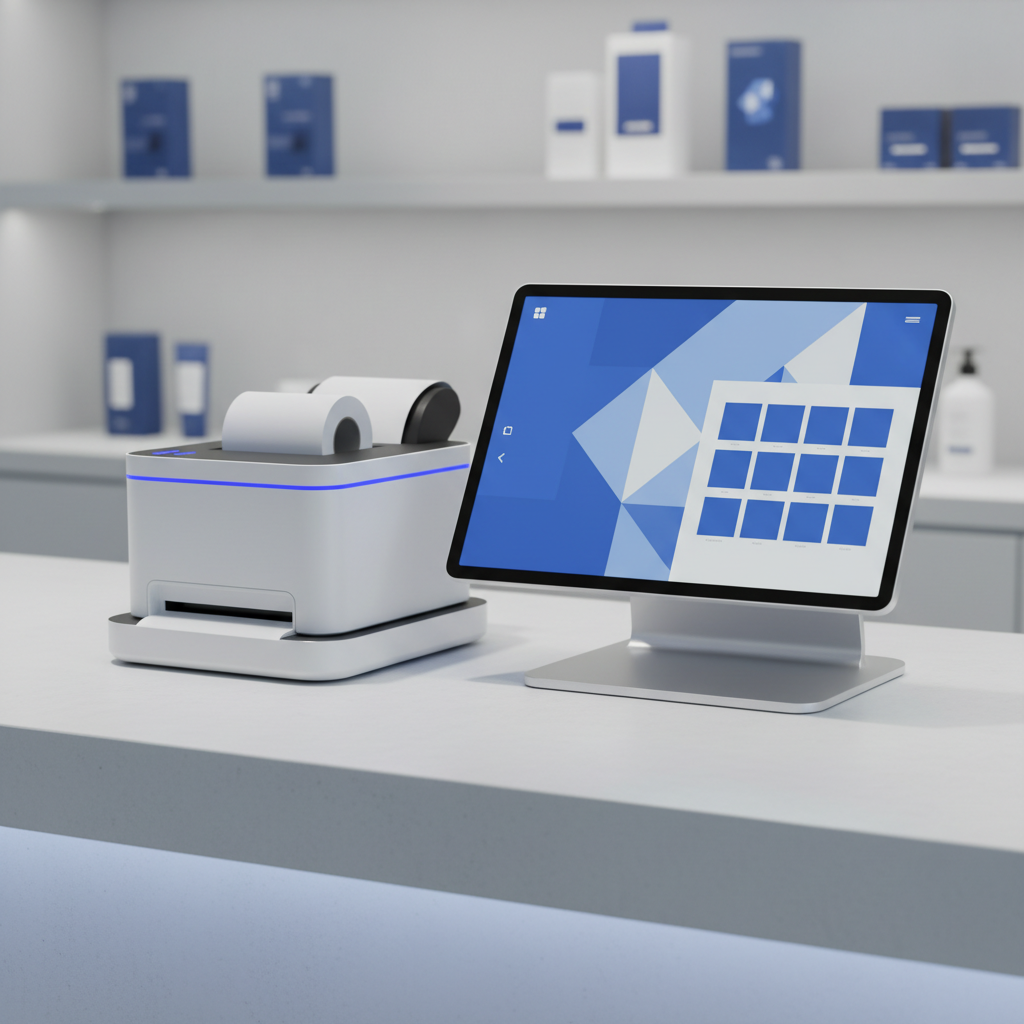
How Ultraprint Kitchen Routing Works
Ultraprint's kitchen routing is based on product categories. In your POS system, you assign each product to a category: Main Course, Appetizer, Drink, Dessert, Salad, or any custom category you define. In the Ultraprint Hub, you assign each category to a specific printer. When an order is placed, the Hub automatically routes each item to the printer associated with its category.
The configuration is simple. Open the Ultraprint Hub interface, navigate to the Routing section, and create rules like: Main Course → Kitchen Printer 1 (Grill), Appetizer → Kitchen Printer 2 (Fryer), Drink → Bar Printer, Dessert → Cold Station Printer. Save the rules, and they take effect immediately.
When a server enters an order for a burger, fries, and a Coke, the Hub automatically sends the burger to the grill printer, the fries to the fryer printer, and the drink to the bar printer. Each station receives only their items, formatted clearly with order details, special instructions, and timing information.
Benefits for Restaurant Operations
Faster Order Preparation
When each station receives only their items, cooks don't waste time scanning shared tickets for relevant lines. The grill cook sees the steak order immediately and starts cooking. The bar sees the drink order and begins pouring. Parallel preparation reduces total order time by thirty to fifty percent compared to sequential ticket passing.
Fewer Errors
Manual ticket distribution creates opportunities for mistakes. A server might forget to give the dessert ticket to the pastry chef. A cook might misread an item on a crowded shared ticket. Automatic routing eliminates these human error points. Every item goes to the right station, every time.
Better Communication
Kitchen tickets printed by Ultraprint include order details, table numbers, special instructions, and timing information. Cooks know exactly what to prepare, how to prepare it, and when it is needed. This clarity reduces questions, callbacks, and remakes.
Offline Reliability
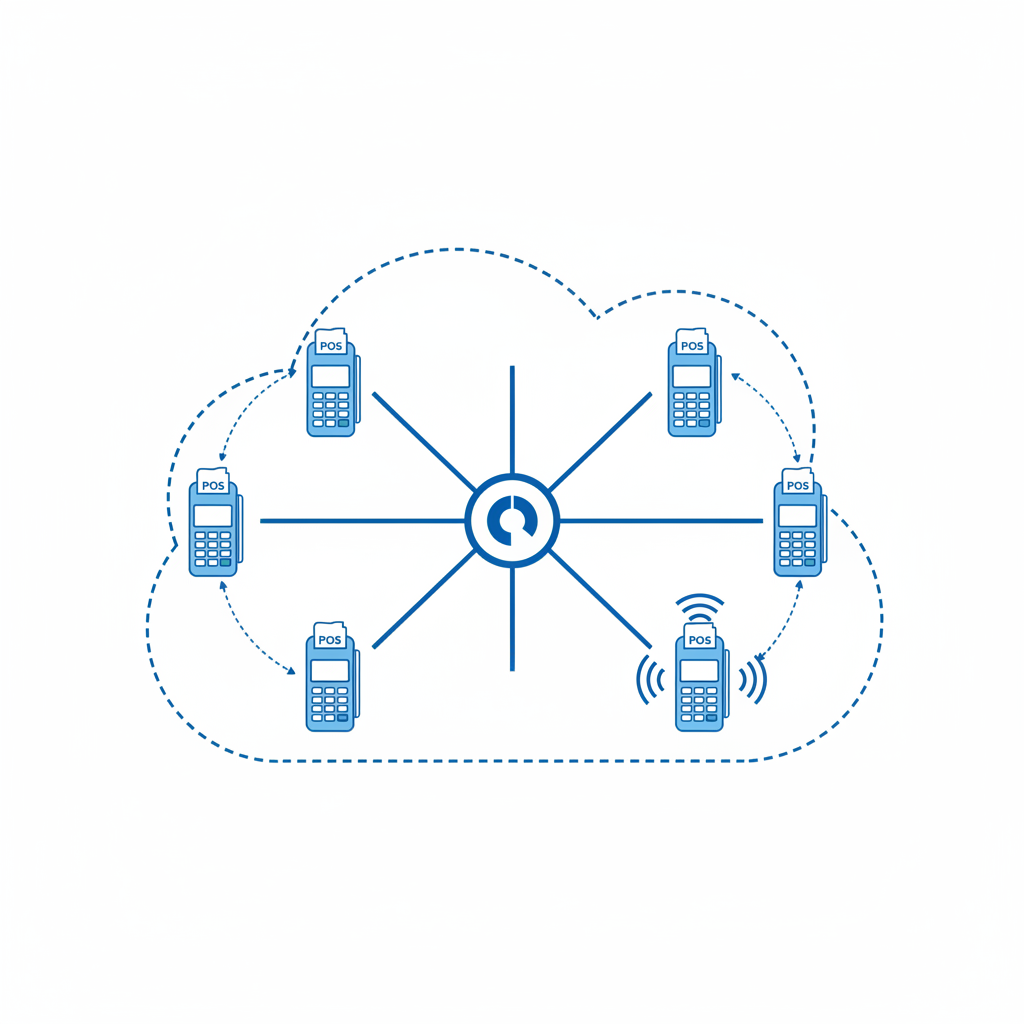
Because Ultraprint operates on your local network, kitchen tickets print even when the internet is down. During peak hours, when connectivity issues are most likely, your kitchen keeps running. This reliability is essential for restaurants that cannot afford downtime during lunch or dinner rushes.
Comparison: Manual vs Automatic Routing
| Factor | Manual Ticket Passing | Ultraprint Auto Routing |
|---|---|---|
| Speed | Slow (sequential) | Fast (parallel) |
| Error rate | High (human handling) | Near zero (automated) |
| Staff training | Extensive | Minimal |
| Scalability | Limited | Unlimited printers |
| Offline support | N/A | Yes |
| Cost | Labor cost | $138 Year 1 |
Setup in Five Minutes
Configuring kitchen routing with Ultraprint takes five minutes. Install the Ultraprint Add-on in Odoo and the Hub on a network computer. Add your kitchen printers in the Hub interface — enter the IP address or select from the USB list. Create routing rules by mapping product categories to printers. Test with a sample order to verify each station receives the correct items. Train your staff on the new workflow — which takes ten minutes because the system is intuitive. That's it. No IT consultants, no weeks of configuration, no expensive hardware.

When Kitchen Routing Matters Most
Kitchen routing is essential for restaurants with multiple stations, high order volumes, or complex menus. If your kitchen has separate grill, fryer, salad, and dessert stations, automatic routing eliminates the bottleneck of manual ticket distribution. If you process fifty or more orders per hour during peak times, the speed improvement from parallel preparation is significant. If your menu has many categories or complex preparation requirements, the error reduction from automatic routing protects your reputation and reduces waste.
Even small restaurants benefit. A cafe with just a coffee station and a food station can use routing to separate drink orders from kitchen orders. A food truck with a grill and a cold prep area can route hot and cold items to different printers. The principle scales from the smallest operation to the largest.
Real-World Impact: A Case Study
Consider a mid-sized restaurant with eighty seats, a grill station, a fryer station, a salad station, and a bar. Before implementing Ultraprint kitchen routing, the server wrote orders on paper tickets and physically delivered copies to each station. During Friday dinner rush, with forty orders per hour, the server spent fifteen minutes per hour walking tickets to stations. Cooks frequently missed items on crowded shared tickets, leading to an average of three remakes per night at $15 each in food cost.
After implementing Ultraprint, the server enters orders in the POS and the tickets print automatically at each station. The fifteen minutes of walking time is eliminated, allowing the server to handle two additional tables per hour. Remakes drop from three per night to zero because each station receives only their items, clearly formatted. Over a month, the time savings and error reduction add up to $800 in labor efficiency and $450 in reduced food waste.
The restaurant manager reports that the kitchen is calmer during rush hours. Cooks focus on cooking instead of searching tickets. Servers focus on service instead of running paper. The entire operation runs smoother with less stress for everyone.
Scaling Kitchen Routing Across Multiple Locations
For restaurant chains or multi-location businesses, Ultraprint's kitchen routing scales effortlessly. Each location installs its own Hub and configures its own printers. The corporate office can standardize category definitions across all locations while allowing each location to customize routing rules for their specific kitchen layout.
This standardization reduces training time for new staff. A server trained at Location A understands the routing system at Location B because the underlying logic is identical. The only difference is which printer handles which category — and that is configured once per location, not per employee.
Route Orders Automatically to Every Station
Ultraprint's category-based kitchen routing sends each order to the right printer automatically. Faster prep, fewer errors, no missed tickets.
Where Kitchen Displays Actually Win
Kitchen Display Systems (KDS) aren't just expensive alternatives — they solve real problems that paper tickets can't:
- Order consolidation: When Table 12 orders 4 dishes across 2 courses, a KDS groups them visually. Paper tickets arrive individually, requiring the expo to mentally consolidate.
- Timing coordination: KDS shows estimated prep times per dish. A steak (18 min) and a salad (3 min) can be fired at different times so they finish simultaneously. Paper tickets require the cook's memory.
- Allergy visibility: Allergen alerts appear prominently on screen. Paper tickets can be lost, soaked, or overlooked in the rush.
- Analytics: KDS data reveals average prep times by dish, station efficiency, and bottleneck identification. Paper tickets provide none of this.
For high-end restaurants where timing and presentation are critical, KDS advantages. For fast-casual and high-volume environments, the cost-benefit math often favors printers.
Real-World Deployment Scenarios
Fast-Casual Burger Chain (3 Locations, 200 orders/day)
Choice: Kitchen printers with category routing.
Why: Speed matters more than timing precision. Burgers, fries, and drinks route to separate stations. Total cost: $138 first year (Ultraprint Add-on + Hub license). KDS would cost $4,500+ upfront with no speed advantage.
Upscale Italian Restaurant (1 Location, 80 covers, 5 kitchen stations)
Choice: KDS at expo + printers at stations.
Why: Timing coordination between antipasti, primi, secondi, and contorni is critical. The expo uses KDS to orchestrate firing times. Each station gets a printer for their specific course. Hybrid approach: $3,000 KDS + $138 one-time (Hub + add-on).
Food Truck (1 Vehicle, 50 orders/day)
Choice: Single thermal printer.
Why: Space and power constraints. One printer, one cook, one window. KDS is physically impossible in most truck layouts.
Ghost Kitchen (5 Brands, 300 orders/day, shared prep)
Choice: Printers with brand-coded tickets.
Why: Each brand needs separate packaging and labeling. Color-coded or brand-header tickets from Ultraprint's routing ensure correct brand fulfillment. KDS would require 5 separate screens.
Total Cost: KDS vs Printers Over 3 Years
| Cost Factor | KDS (2 stations) | Kitchen Printers (2 stations) |
|---|---|---|
| Hardware | $3,000-5,000 | $400-600 (printers only) |
| Software | $1,200-2,400/yr | $138 first-year (one-time) |
| Installation | $500-1,000 | $0 (self-install) |
| Maintenance | $300-500/yr | $50-100/yr (paper) |
| 3-Year Total | $8,600-14,900 | $1,147-1,447 |
KDS costs 6-10x more over three years. The question is whether the timing, analytics, and allergy visibility justify the premium for your specific concept.
What Restaurants Get Wrong About Kitchen Tech
Common mistakes we see in restaurant kitchen deployments:
- Buying KDS for speed: KDS doesn't cook faster. It coordinates timing better. If your problem is slow cooks, technology won't fix it.
- Ignoring paper backup: Even with KDS, have a printer for system failures. A $360 thermal printer is insurance against a $5,000 KDS outage.
- Overcomplicating routing: Start with 2-3 printer categories (hot, cold, bar). Add complexity only after the basic flow works.
- Forgetting the human factor: Cooks who've worked with paper tickets for 10 years will resist screens. Plan for 2-3 weeks of parallel operation during transition.
When to Choose Each (Decision Matrix)
| Factor | Choose KDS | Choose Printers |
|---|---|---|
| Budget under $500/year | ❌ | ✅ |
| Timing-critical cuisine | ✅ | ⚠️ |
| High-volume (200+ orders/day) | ⚠️ | ✅ |
| Multiple courses per table | ✅ | ⚠️ |
| Need prep analytics | ✅ | ❌ |
| Limited technical staff | ⚠️ | ✅ |
| Fast-casual / QSR | ❌ | ✅ |
KDS pricing based on Toast, Kounta, and Square KDS public pricing (2026). Kitchen printer pricing based on Epson TM-T88VI and similar ESC/POS thermal printers. Ultraprint pricing verified from Odoo product.pricelist.items.
FAQ
How many printers can I connect?
Unlimited. The Hub supports as many printers as your network can handle.
Can I route the same item to multiple printers?
Yes. Configure multiple rules for the same category if an item needs to appear at multiple stations.
What if a printer fails during service?
Reassign the category to a backup printer in the Hub interface. Changes take effect immediately.
Does this work with any POS system?
Yes. Any Odoo POS (web-based) can use Ultraprint kitchen routing via the Add-on.
Can I print different ticket formats for different stations?
Yes. Configure ticket templates per printer in the Hub settings.
The Hybrid Approach: KDS + Printers Together
Many successful restaurants use both. The KDS at the expo station coordinates timing and displays order status. Printers at each prep station provide physical tickets that survive grease, water, and the chaos of a busy kitchen.
This isn't overkill — it's redundancy. When the KDS screen is obscured by steam or fails during a rush, the paper ticket keeps the line moving. When the printer jams, the KDS shows the order.
The cost: $3,000-5,000 KDS + $138 one-time printer license (Hub + add-on). For a restaurant doing $1M+ annual revenue, this is 0.3-0.5% of revenue — a reasonable insurance policy against kitchen chaos.