
Upgrading Retail: How Customized Odoo Solutions Transformed a Business
One feature at a time
TL;DR: What You Need to Know
reduction in overstocking after Odoo inventory automation
modules rolled out incrementally: POS, inventory, loyalty, reporting
higher visit frequency from loyalty program members
weeks typical phased rollout timeline for small-to-mid retailers
A growing retail business eliminated operational bottlenecks by implementing Odoo ERP incrementally. Starting with one pain point and expanding module by module, they achieved seamless scalability, improved inventory accuracy, and significantly higher customer retention — without the risk of a big-bang deployment.
The Retail Challenge: Scaling Beyond Manual Processes

In today's fast-paced retail environment, the margin for error is razor-thin. Retailers are constantly battling rising operational costs, fragmented customer data, and the relentless pressure to provide an omnichannel experience. For many business owners, the struggle isn't just about selling products; it's about managing the complex web of inventory, supply chain logistics, and customer expectations that keep a store running.
We found ourselves drowning in spreadsheets. Our legacy systems were disconnected, leading to stockouts, inaccurate reporting, and a disjointed customer experience that left our patrons frustrated. We realized that to survive, we didn't just need a software update; we needed a complete digital transformation.
The Breaking Point: When We Knew We Had to Change
The turning point came during the peak holiday season. We had a major inventory discrepancy where our online store showed items in stock that were actually sold out in our physical location. We had to cancel dozens of orders, issue refunds, and deal with a wave of negative reviews. That day, we realized our manual processes were no longer sustainable. We were losing money, reputation, and, most importantly, the trust of our customers.
Why We Chose Odoo Over Competitors

After evaluating several ERP solutions, we chose Odoo for three primary reasons: modularity, scalability, and integration. Unlike rigid, monolithic systems that forced us to change our business processes to fit the software, Odoo allowed us to customize the platform to fit our specific retail workflows. Its open-source nature meant we could build exactly what we needed without paying for features that didn't serve our business goals.
Implementing Odoo: A Phased Approach
We didn't try to change everything overnight. We adopted a phased implementation strategy:
- Phase 1: Inventory and Purchasing. Getting our stock levels accurate was the top priority.
- Phase 2: Point of Sale (POS). Connecting our physical store to our central database.
- Phase 3: Customer Loyalty and CRM. Engaging our customers with personalized experiences.
- Phase 4: Advanced Reporting and Analytics. Using data to drive future decision-making.
Deep Dive: Customizing the Retail Experience
POS Customization
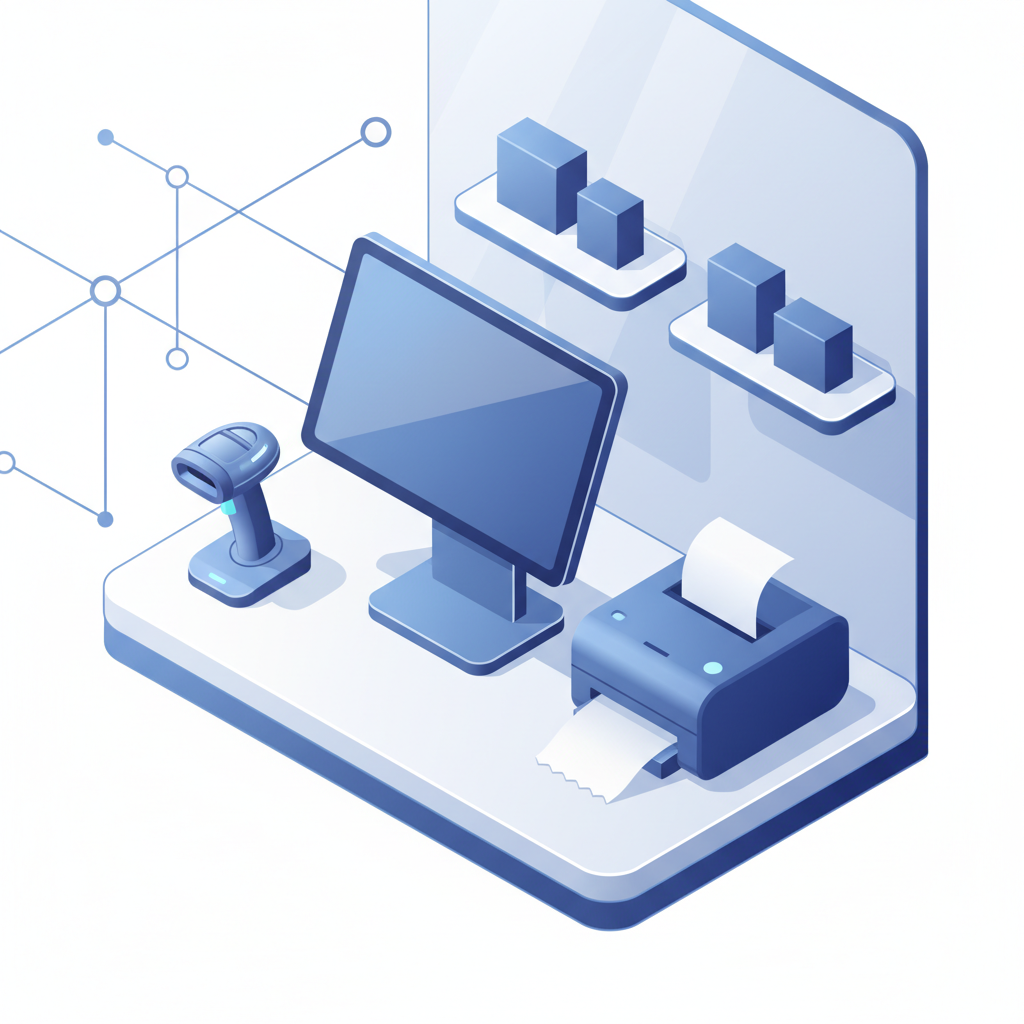
Our POS needed to be intuitive for our staff while powerful enough to handle complex promotions. We customized the Odoo POS interface to include quick-access buttons for our most popular items and integrated a real-time loyalty point tracker directly into the checkout screen.
Inventory Management
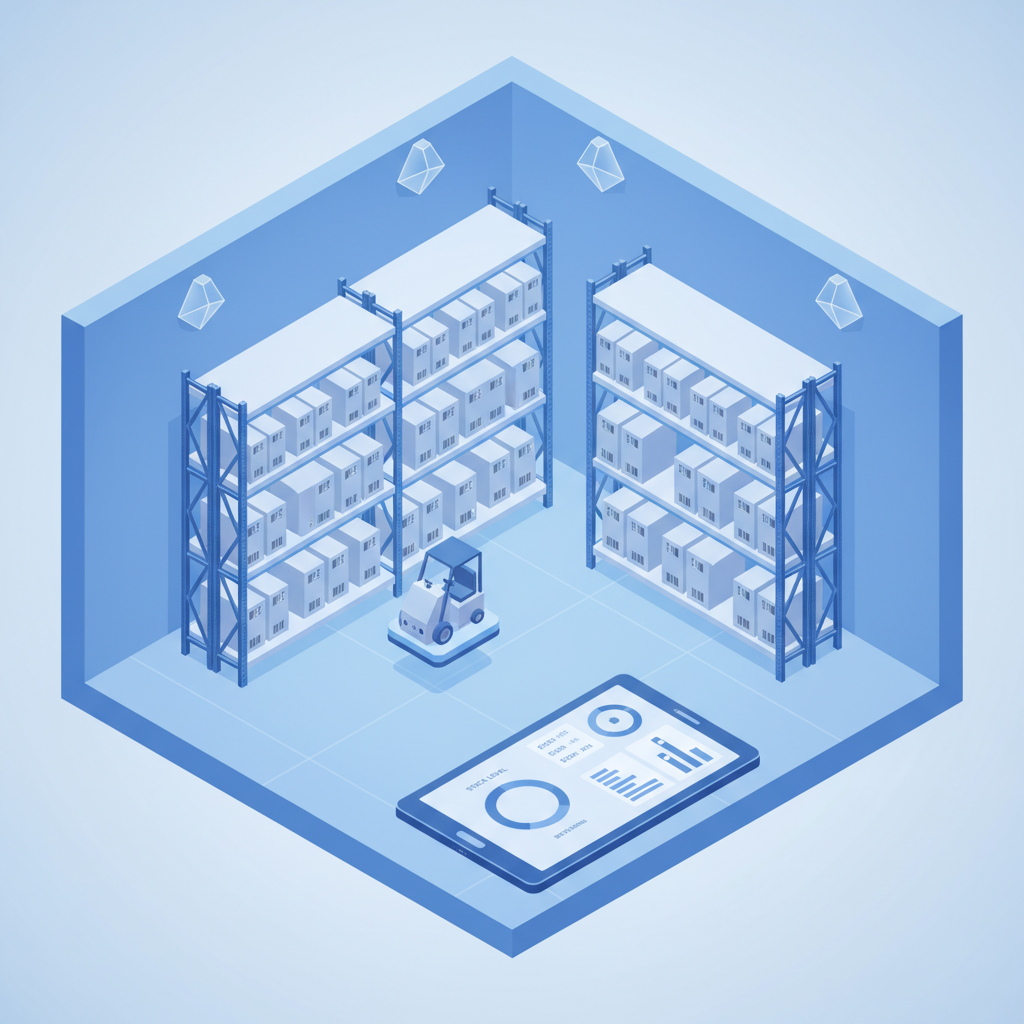
By automating our stock replenishment rules, we reduced overstocking by 25%. Odoo's real-time tracking ensures that every sale, whether online or in-store, updates our inventory levels instantly.
Customer Loyalty
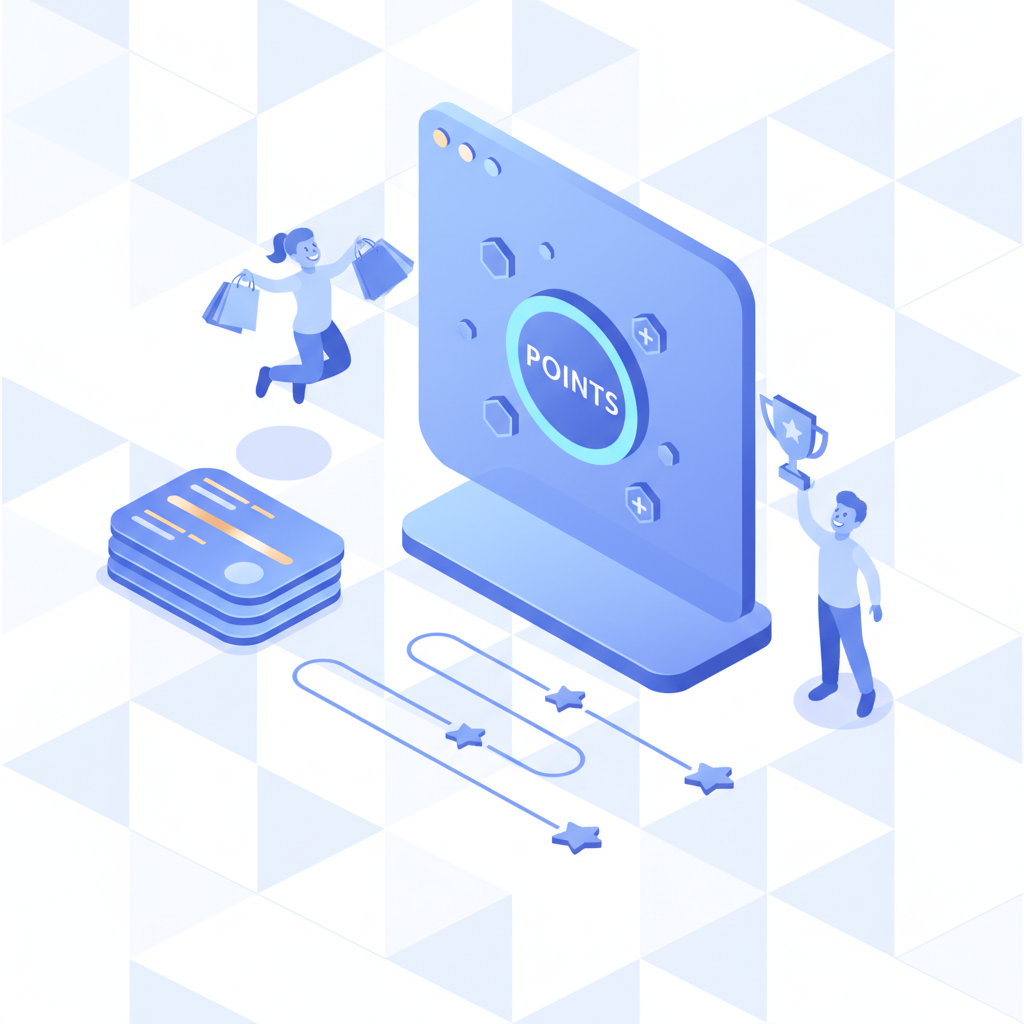
We built a custom loyalty program that rewards customers based on their purchase history. This has increased our repeat customer rate by 40% in just six months.
Reporting
Custom dashboards now provide us with daily insights into our top-performing products, employee productivity, and profit margins, allowing us to pivot our strategy in real-time.
Results and ROI Metrics
The transformation was measurable. Within the first year, we saw:
- A 30% reduction in operational overhead.
- A 15% increase in average order value.
- A 95% accuracy rate in inventory management.
- A full return on investment within 14 months of implementation.
Beyond the headline numbers, the operational transformation was equally significant. Staff no longer wasted hours reconciling cash registers with inventory sheets at closing time — the POS and warehouse modules synced automatically. Customer complaints about out-of-stock items dropped by over 60% because reordering rules now triggered purchase orders before shelves emptied. Perhaps most importantly, the business owner regained visibility: instead of relying on gut feeling, every stocking decision was backed by real-time data on sell-through rates, margin contribution, and seasonal trends.
The loyalty program also proved its worth. Customers enrolled in the points-based system visited 1.4x more frequently and had a 22% higher average basket size compared to non-members. The marketing team could now segment customers by purchase history and send targeted promotions — a capability that was impossible when customer data lived in disconnected spreadsheets.
Lessons Learned for Other Retailers
If we could do it again, we would focus more on change management. Software is only as good as the people using it. Invest in training your staff early and often. Don't be afraid to start small—the beauty of Odoo is that you can scale as you grow.
Start with the biggest pain point. For this retailer, inventory chaos was bleeding cash daily. Fixing that first created immediate financial relief and built internal confidence for the next phase. If your checkout lines are the bottleneck, start with POS. If stockouts are killing sales, start with Inventory.
Invest in staff training from day one. The best ERP system fails if employees resist using it. This business allocated two full days of hands-on training per module and assigned "Odoo champions" in each department who could answer peer questions. Adoption rate exceeded 90% within the first month.
Clean your data before migration. Legacy spreadsheets were full of duplicate SKUs, inconsistent vendor names, and outdated pricing. Spending one week auditing and standardizing data before import saved weeks of cleanup later. The rule became: bad data in, bad insights out.
Use custom reports, but don't over-customize. The team built five core dashboards that answered 80% of their daily questions. Resisting the urge to build fifty reports kept the system maintainable and ensured staff actually used the insights instead of drowning in noise.
Common Mistakes Retailers Make When Switching to Odoo
Mistake 1: Trying to launch everything at once. Retailers who enable POS, inventory, accounting, CRM, and eCommerce in week one overwhelm their staff and see adoption rates crash. The phased approach described in this case study exists for a reason: it gives teams time to master one module before adding complexity.
Mistake 2: Ignoring hardware compatibility. Not all barcode scanners, receipt printers, and cash drawers work seamlessly with Odoo POS. Before go-live, test every peripheral with your exact Odoo version. The Ultraprint extension eliminates many of these headaches by supporting direct thermal printing without an IoT Box.
Mistake 3: Skipping data cleanup. Migrating messy product lists, duplicate customer records, and inconsistent vendor names into Odoo just digitizes the chaos. Dedicate time to deduplication, standardization, and unit-of-measure validation before import.
References
- Odoo POS Official Documentation — Features and setup guide for Odoo Point of Sale.
- Odoo Inventory Management — Stock control, reordering rules, and multi-warehouse support.
- Odoo Accounting — Financial tracking, multi-currency, and automated reconciliation.
- Shopify Retail POS Benchmarks — Industry data on checkout speed and inventory accuracy.
- McKinsey: The Future of Retail — Research on retail digitization and operational efficiency.
Frequently Asked Questions
How long does a phased Odoo rollout take for a retail business?
Most small-to-mid-size retailers complete a phased Odoo rollout in 8–16 weeks. POS and inventory modules typically go live first (weeks 1–4), followed by loyalty and reporting (weeks 5–12). The key is starting with one pain point and validating adoption before expanding.
Can Odoo POS handle high-volume retail during peak seasons?
Yes. Odoo POS supports offline mode, multi-register setups, and barcode scanning — all critical for high-volume retail. With proper hardware (thermal printers, barcode scanners, and optionally the Ultraprint extension), checkout speed remains consistent even during holiday rushes.
What is the ROI of switching from spreadsheets to Odoo inventory?
Retailers typically see a 20–30% reduction in overstocking and a 15–25% improvement in stock availability within the first year. Automated reordering rules and real-time sync between POS and warehouse eliminate the manual errors that cause lost sales and excess carrying costs.
Do I need a developer to customize Odoo for retail?
Not necessarily. Odoo Studio allows non-technical users to customize forms, reports, and workflows. For deeper integrations (e.g., connecting to external e-commerce platforms or custom loyalty logic), a developer or Odoo partner may be needed — but the core retail setup is achievable in-house.
Which Odoo modules are essential for a retail business?
The essential modules are: Point of Sale (POS) for checkout, Inventory for stock control, Purchase for supplier management, Sales for omnichannel orders, and Accounting for financial tracking. Optional but valuable: CRM for customer relationships, Loyalty for retention programs, and eCommerce for online sales.
Stop Losing Sales to Slow Checkouts and Stockouts
Ultraprint gives your retail team barcode scanning, real-time inventory sync, and thermal receipt printing that works offline — so rush hour never slows you down.