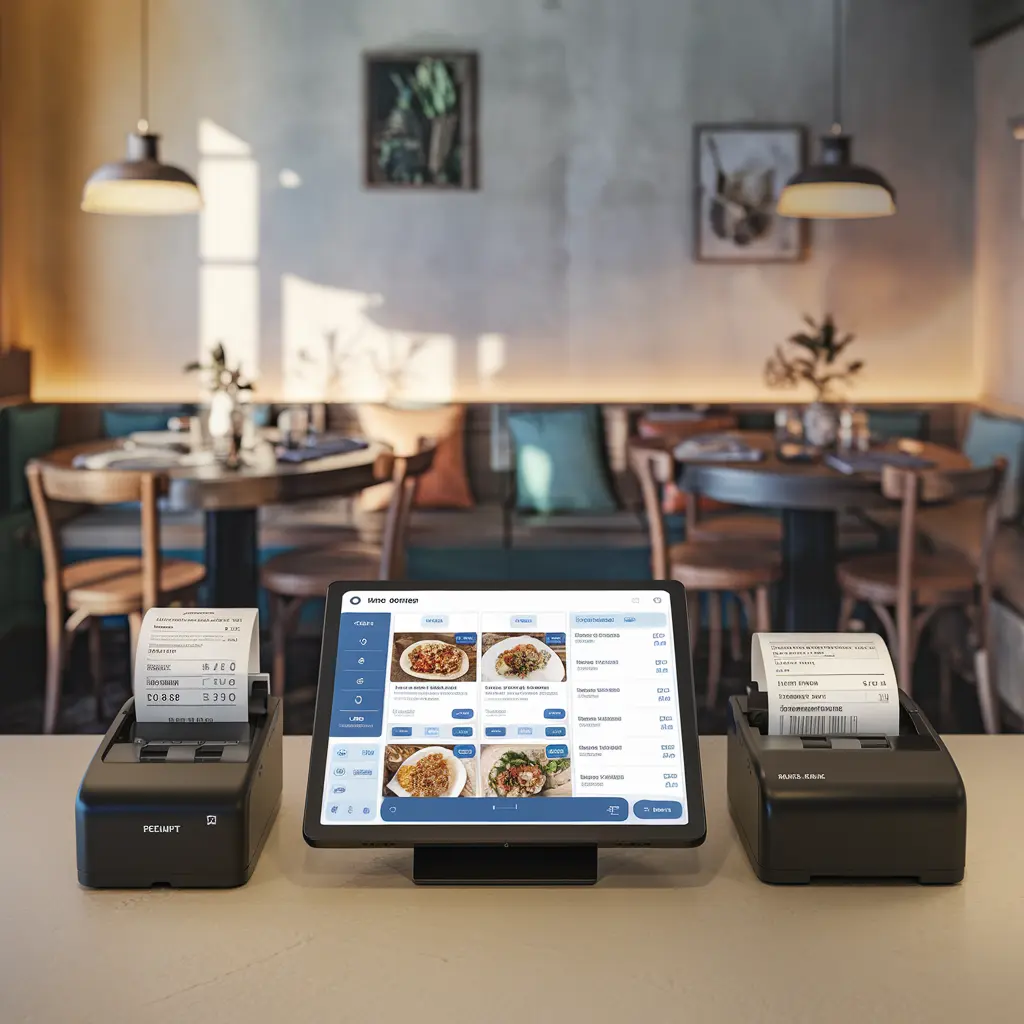
The Ultraprint Starter subscription gives you the Ultraprint Hub for Windows and Linux, cloud management, and support for one printer connected to Odoo. Perfect for small offices and single workstations getting started with direct Odoo printing.
How It Works in 3 Steps
After subscribing, you receive access to the Ultraprint Hub installer for Windows and Linux. Install it on the computer connected to your printer.
Install the matching Ultraprint Odoo add-on (v17, v18, or v19) on your Odoo instance. It connects automatically to your Hub using your account credentials.
Click Print on any Odoo document. The job goes directly to your printer. No PDF. No popup. Just printed.
What Is Included
The Hub runs quietly in the background on your Windows or Linux computer. It listens for print jobs from Odoo and sends them to the right printer instantly.
The Starter plan covers one printer connected to your Hub computer. That covers most single office setups and standalone workstations perfectly.
Manage your printer settings and job history from the Ultraprint cloud dashboard. Accessible from any browser on any device.
Your subscription keeps the Hub software up to date automatically. New Odoo version support and printer compatibility improvements are included.
Works with Ultraprint v17, v18, v19, and the Inventory add-on. Buy the Odoo add-on that matches your version and connect it to this subscription.
Need more printers later? Upgrade to Pro (3 printers) or Business (unlimited) without losing your settings or starting over.
Este contenido se compartirá a través de todas las páginas de productos.
Usamos cookies para brindarte una mejor experiencia de usuario en este sitio web.Política de cookies